

Understanding Latency Problems with Satellite Internet

Latency problems with satellite internet are a significant hurdle for many Australians in regional areas. These delays are caused by several factors, including the immense distance signals must travel to geostationary satellites and physical interference from trees or buildings. While modern Low Earth Orbit systems have improved this, maintaining a stable connection still requires high-quality hardware. Using a Starlink Gen 3 wall mount from SpaceTek ensures your equipment remains secure, reducing the risk of jitter and packet loss caused by wind or poor installation.
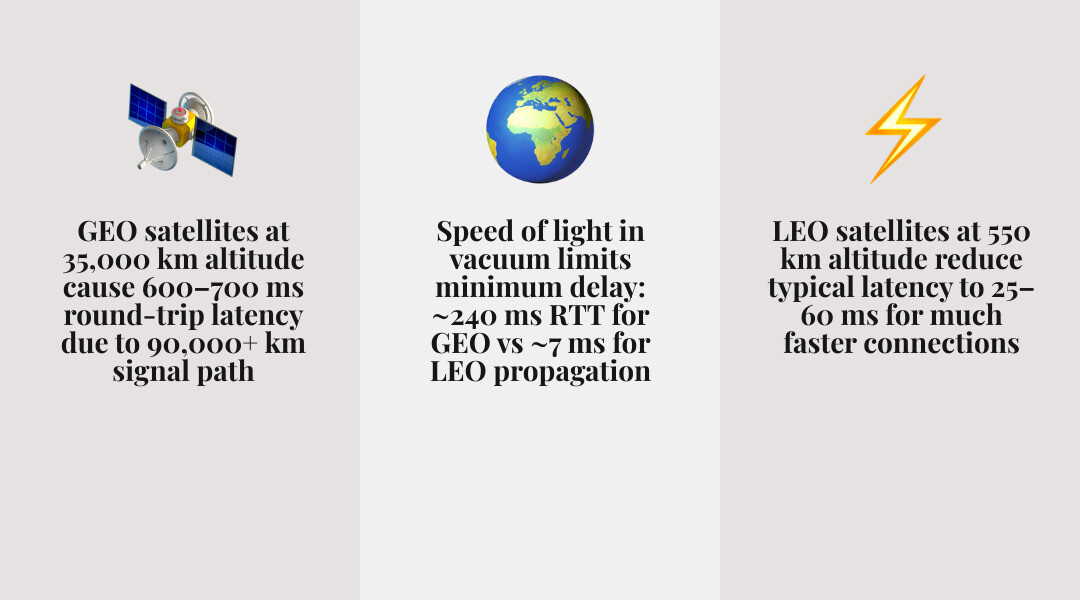
Traditional satellite services often experience high ping times due to the 90,000 km round trip to geostationary orbit. In contrast, Starlink operates much closer to Earth, offering significantly lower latency. However, even with advanced technology, local factors such as network congestion during peak hours and inadequate mounting can impact performance. SpaceTek provides precision-machined solutions to help users achieve the most reliable connection possible.
What Is Starlink Gen 3 and Who Is It Actually For?
The Starlink Gen 3 (V4) hardware represents a significant advancement for fixed internet installations, featuring a static, flat-panel design. This model offers a wider field of view to connect with more satellites, which is vital for minimizing latency problems with satellite internet. Because this dish does not use internal motors, its performance depends entirely on precise manual positioning. A stable and secure Starlink Gen 3 wall mount from SpaceTek is essential to maintain this alignment. Our mounts are designed to support the Gen 3's Wi-Fi 6 router and its integrated Ethernet ports, ensuring a robust home network.
How to Get the Most Out of Your Starlink Gen 3 Dish
To maximize the performance of your Gen 3 equipment, focus on maintaining a clear line of sight and ensuring the dish is mounted on a stable surface. Using the Starlink App to identify potential obstructions is a vital first step. Because the Gen 3 dish has a large surface area, it is susceptible to wind, making a high-quality mount essential to prevent jitter. Additionally, protecting your cables from environmental wear will ensure long-term reliability.
Technical Causes and Hardware Fixes for Satellite Lag
Optimizing your hardware is a key step in troubleshooting your Starlink internet problems easily. While the speed of light is constant, the distance it travels depends on the satellite's orbit. Geostationary systems face significant propagation delays due to their high altitude, whereas Starlink’s Low Earth Orbit satellites provide a much shorter path. To protect this advantage, SpaceTek offers Starlink Gen 3 wall mount solutions that are precision-machined from aluminium, not 3D printed, ensuring they remain stable in all conditions.
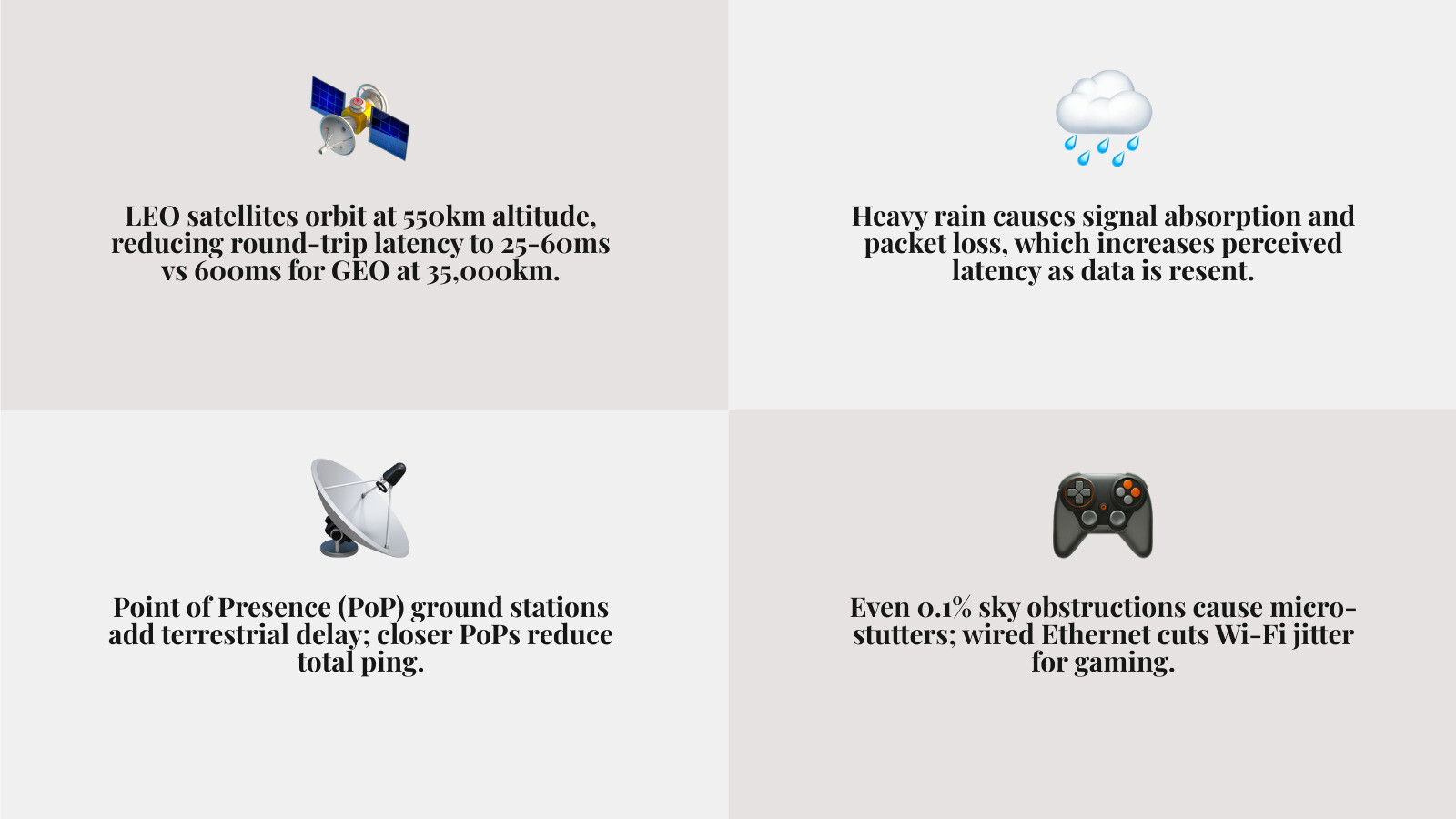
Environmental factors like rain fade can also impact signal quality. While moisture in the air can scatter high-frequency signals, a stable mount helps maintain the best possible signal-to-noise ratio. You can read more about how Starlink SNR affects your speed and reliability to understand these technical aspects. SpaceTek hardware is specifically designed to support the Gen 3 system and its 57V PSU, providing the stability needed to prevent lag. For a comprehensive look at optimization, see our Starlink performance complete guide.
Choosing the Best Mount Setup for Your Property
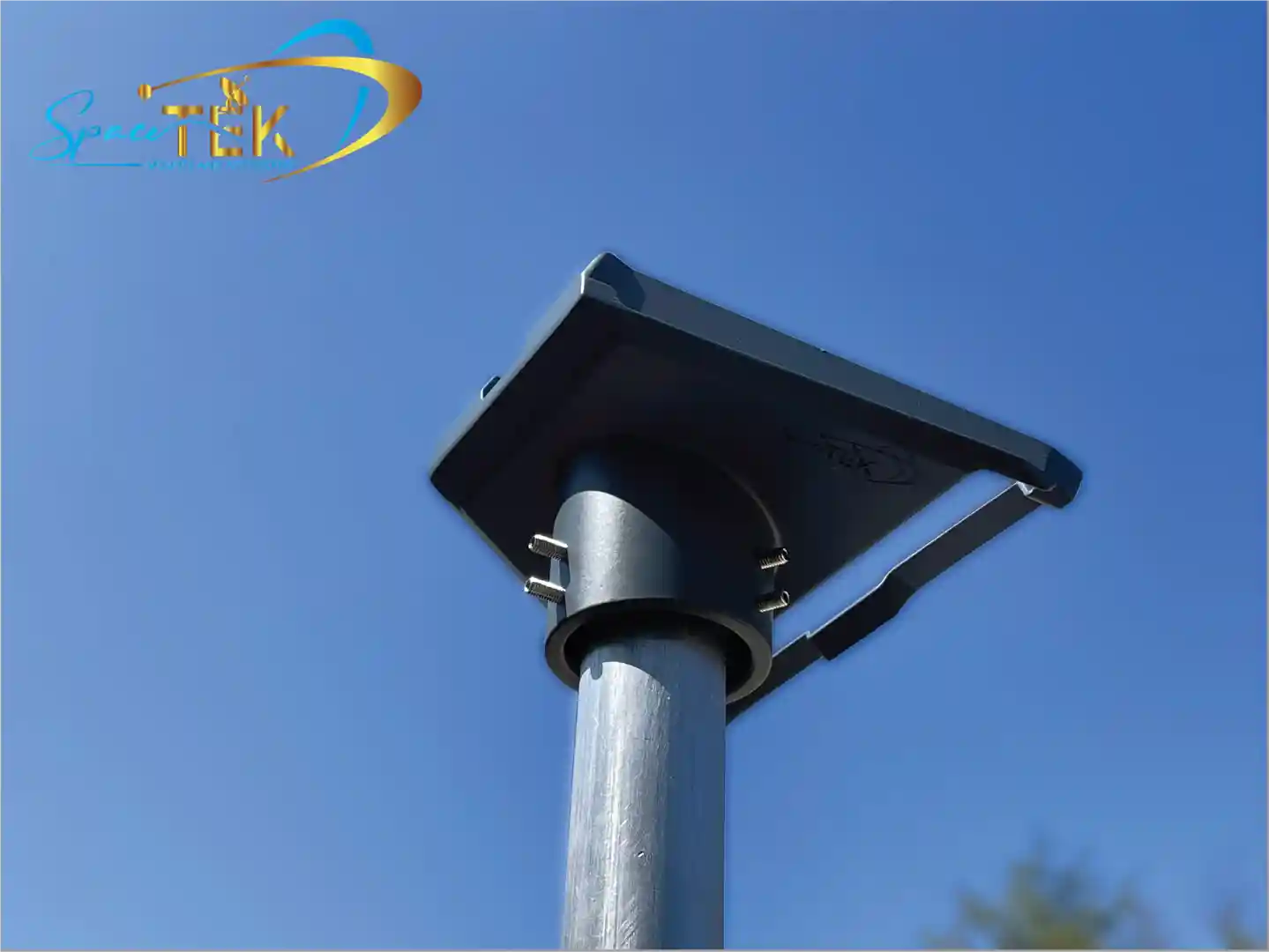
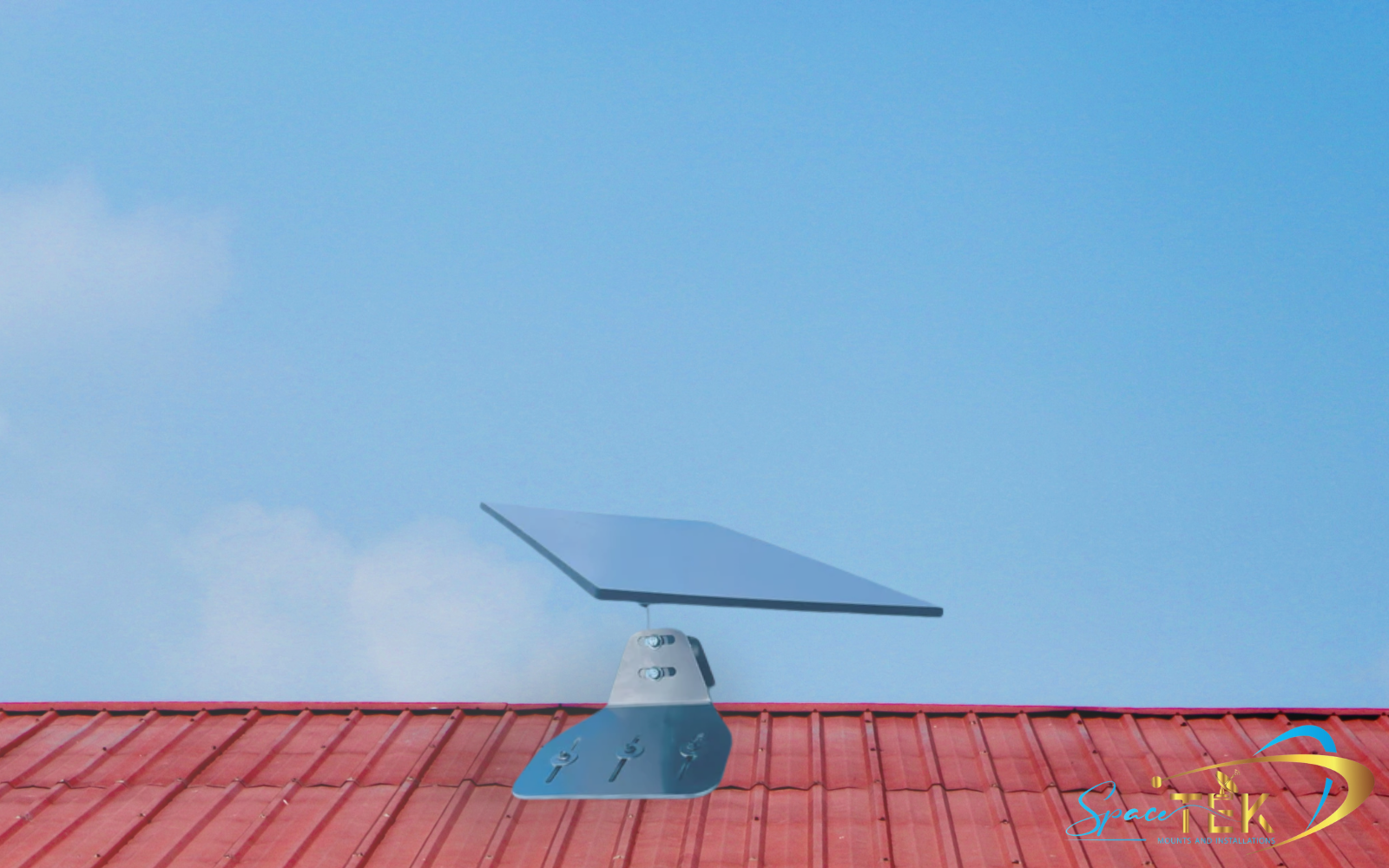
Choosing the right mounting location is critical for a high-performance connection. Roof mounts, such as our tin roof Starlink mount kits, are excellent for achieving 360-degree visibility. Wall mounts offer easier access and avoid roof penetrations, while eave mounts provide a balanced solution that clears the gutter line without requiring drilling into the roof itself.
Starlink Gen 3 Wall Mount: Why It Makes Sense
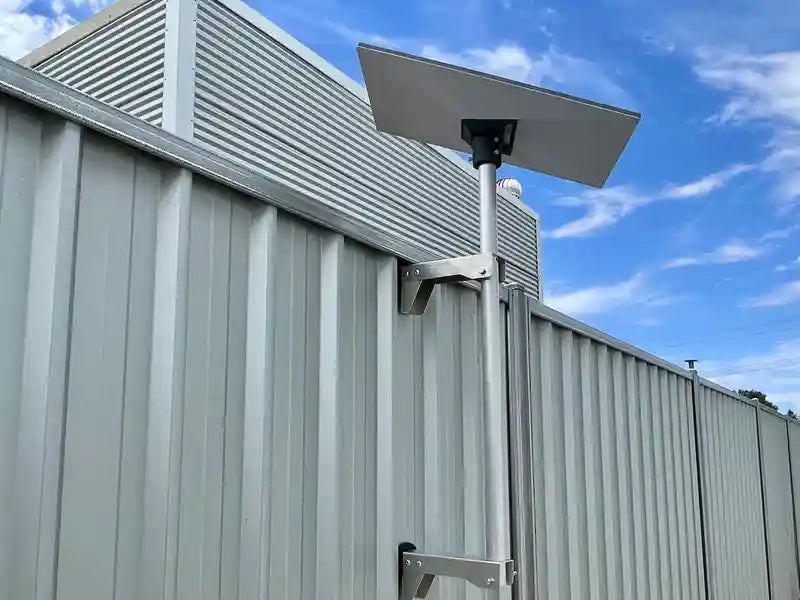
The Starlink Gen 3 wall mount is an increasingly popular choice for Australian installations due to its practical benefits. By mounting to a vertical surface, you can avoid the risks associated with roof penetrations, such as potential leaks. These mounts also offer easier access for maintenance and a cleaner aesthetic that blends well with the home's design.

When a Wall Mount Is NOT the Best Option
While wall mounts are highly effective, they may not be suitable for every property. Avoid this option if your home has very deep eaves that might block the dish's view or if the available wall faces away from the satellite path. Additionally, mounting too low on a wall near obstructions like tall fences can lead to frequent signal dropouts.
SpaceTek Starlink Gen 3 Wall Mount Solutions
SpaceTek has engineered Gen 3 Starlink mount kits and fixed mounts that set the standard for durability. Our hardware is constructed from custom aluminium plates that are precision-machined rather than 3D printed, ensuring they do not degrade in the sun. These Australian-made components are designed for a perfect fit, providing the stability required for a high-speed connection.
Installation Tips for Starlink Gen 3 Wall Mounts
When installing a Starlink Gen 3 wall mount, prioritize height to clear any nearby obstacles. Ensure the mounting arm provides enough clearance for the dish to tilt without hitting the gutter. It is also important to secure the mount to a solid structure, such as a wall stud or masonry, and to include a drip loop in the cable to prevent water from entering your home. For further assistance, refer to our Starlink troubleshooting guide.
Why SpaceTek for Starlink Mounts and Accessories in Australia
SpaceTek Australia provides specialized hardware designed to survive extreme heat, high winds, and salt air. Our Starlink Gen 3 wall mount options are made from industrial-grade aluminium and steel, offering superior longevity compared to 3D-printed plastic. We test our designs locally to ensure they meet the specific needs of Australian users, whether they are using the Starlink Standard Gen 3 or the Mini.

Frequently Asked Questions and Performance Tips
Can LEO Satellites Beat Fibre Optic Latency?
In some cases, satellite signals can be faster than fibre optics because light travels more quickly through the vacuum of space than through glass cables. Additionally, satellite paths are often more direct than terrestrial fibre routes, which must navigate geographic obstacles.
How to Fix Latency Problems with Satellite Internet for Gaming?
For the best gaming experience, use a wired Ethernet connection to avoid the jitter associated with Wi-Fi. It is also crucial to ensure your dish has a completely clear view of the sky and is secured with a stable Starlink Gen 3 wall mount. Keeping your hardware updated with the latest firmware will also help maintain a consistent ping.
Why is my Starlink ping spiking every 15 seconds?
Periodic ping spikes can occur during the handover between satellites as they move across the sky. While the network is constantly improving, a rock-solid mount from SpaceTek helps the dish maintain a better connection during these transitions. You can find more information on conquering Starlink connection glitches on our blog.
Does weather really affect my ping?
Extreme weather can cause packet loss, which may appear as increased latency. If you experience issues during clear weather, it is likely due to an obstruction or a mounting problem rather than atmospheric conditions. For more tips, see our guide on troubleshooting Starlink in storms.
What is a Point of Presence (PoP)?
A Point of Presence is the location where your satellite signal connects to the broader internet. The distance between your home, the satellite, and the nearest PoP can influence your overall latency. Starlink continues to expand its network of PoPs to reduce these delays.
Conclusion
Resolving latency problems with satellite internet is achievable by combining Starlink’s advanced LEO technology with high-quality installation practices. Ensuring a clear sky view and a stable local network are essential steps in this process. SpaceTek Australia is dedicated to providing the rugged, precision-machined hardware needed to keep your connection reliable in any environment.
Our Australian-made solutions, including the Starlink Gen 3 wall mount designed for the 57V PSU, are built to withstand the toughest conditions. Explore our full range of Starlink mounting solutions to optimize your setup. Whether you need a Starlink Gen 3 wall mount or specialized accessories for the Starlink Mini, we are here to help. Contact us today or use our installer finder to ensure your system is installed correctly.

Leave a comment
This site is protected by hCaptcha and the hCaptcha Privacy Policy and Terms of Service apply.