
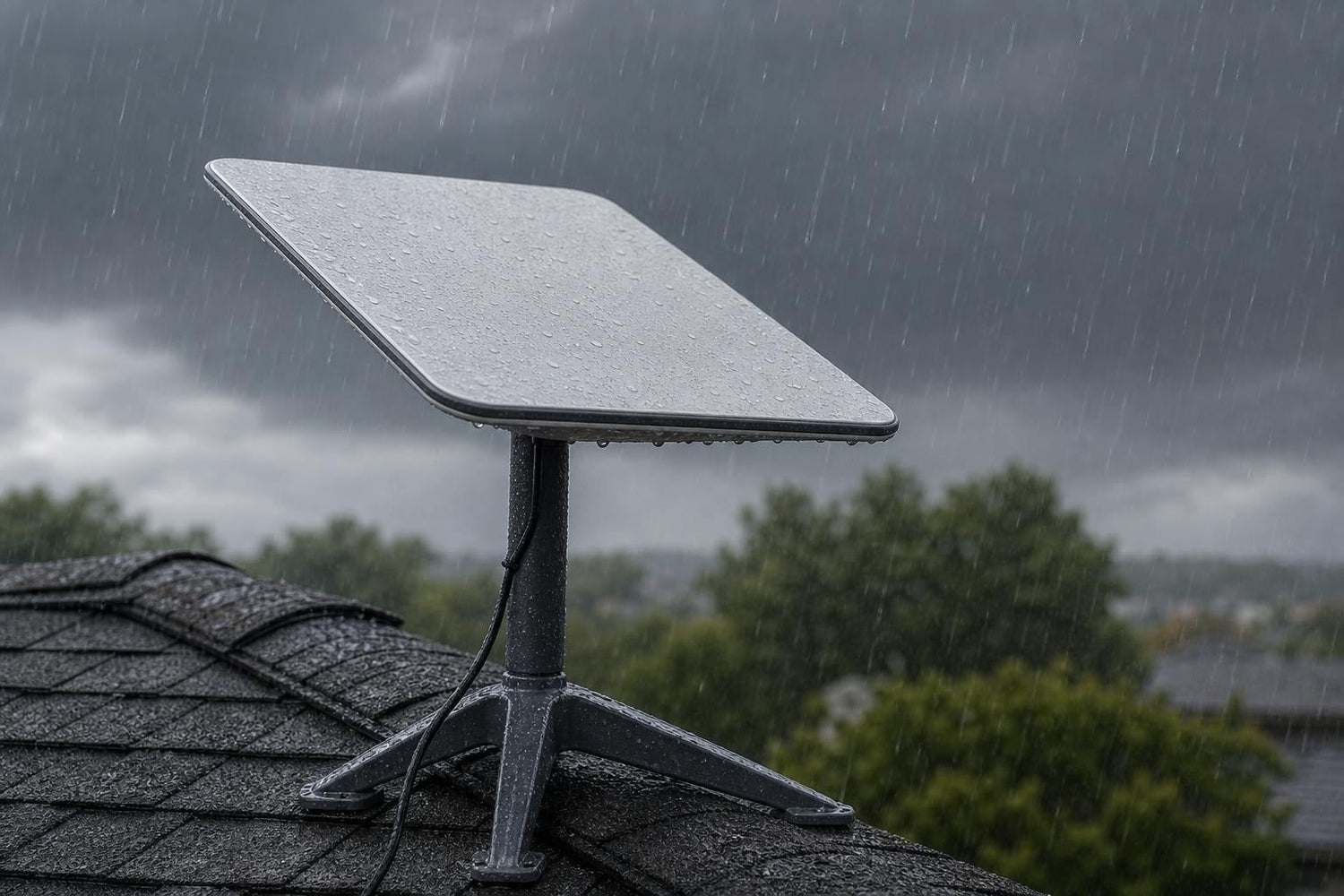
Does Starlink Work in the Rain? Here's What Australian Users Need to Know
Does Starlink work in rain? Yes, and it holds up better than most people expect.
Here's the quick answer:
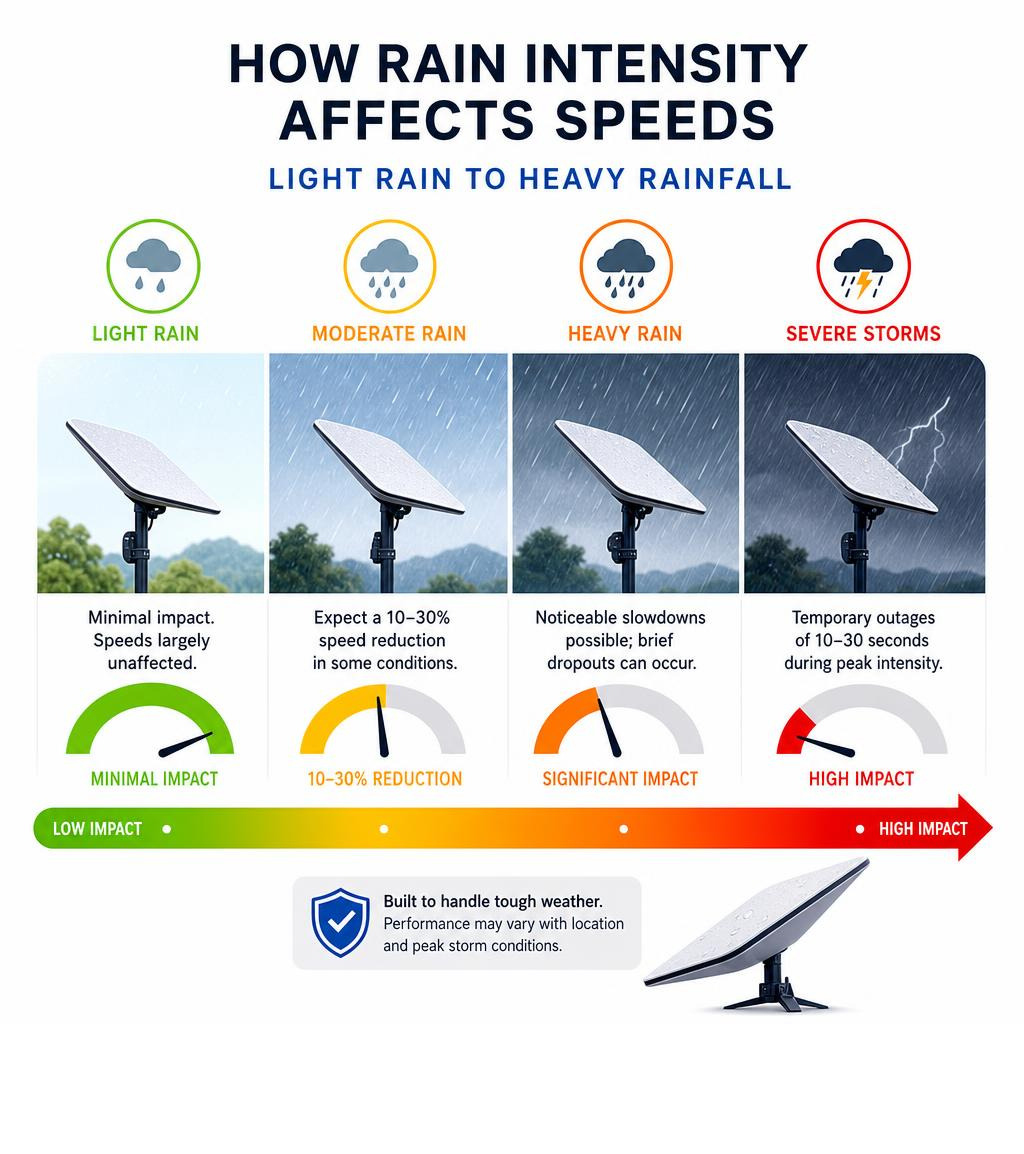
- Light rain: Minimal impact. Speeds are largely unaffected.
- Moderate rain: Expect minor speed reductions in some conditions.
- Heavy rain: Noticeable slowdowns possible; brief dropouts can occur at peak intensity.
- Severe storms: Temporary brief outages during the worst of it, but service typically recovers quickly.
- Snow and ice: Built-in dish heating manages most accumulation automatically.
- Wind: The signal itself isn't the risk — an unstable dish mount is.
For most users, Starlink keeps running through everyday Australian weather. The bigger risk isn't the rain — it's how your dish is installed.
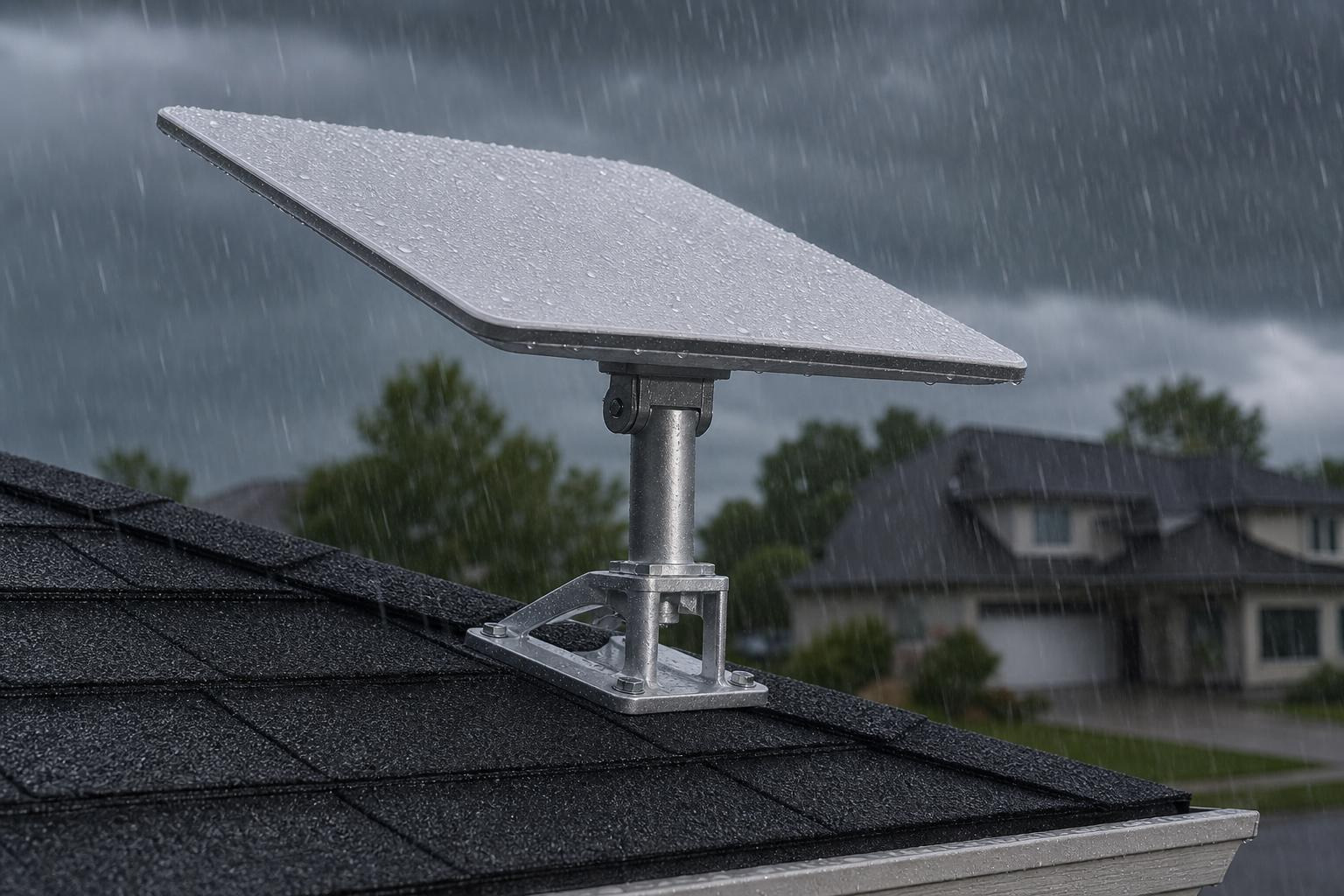
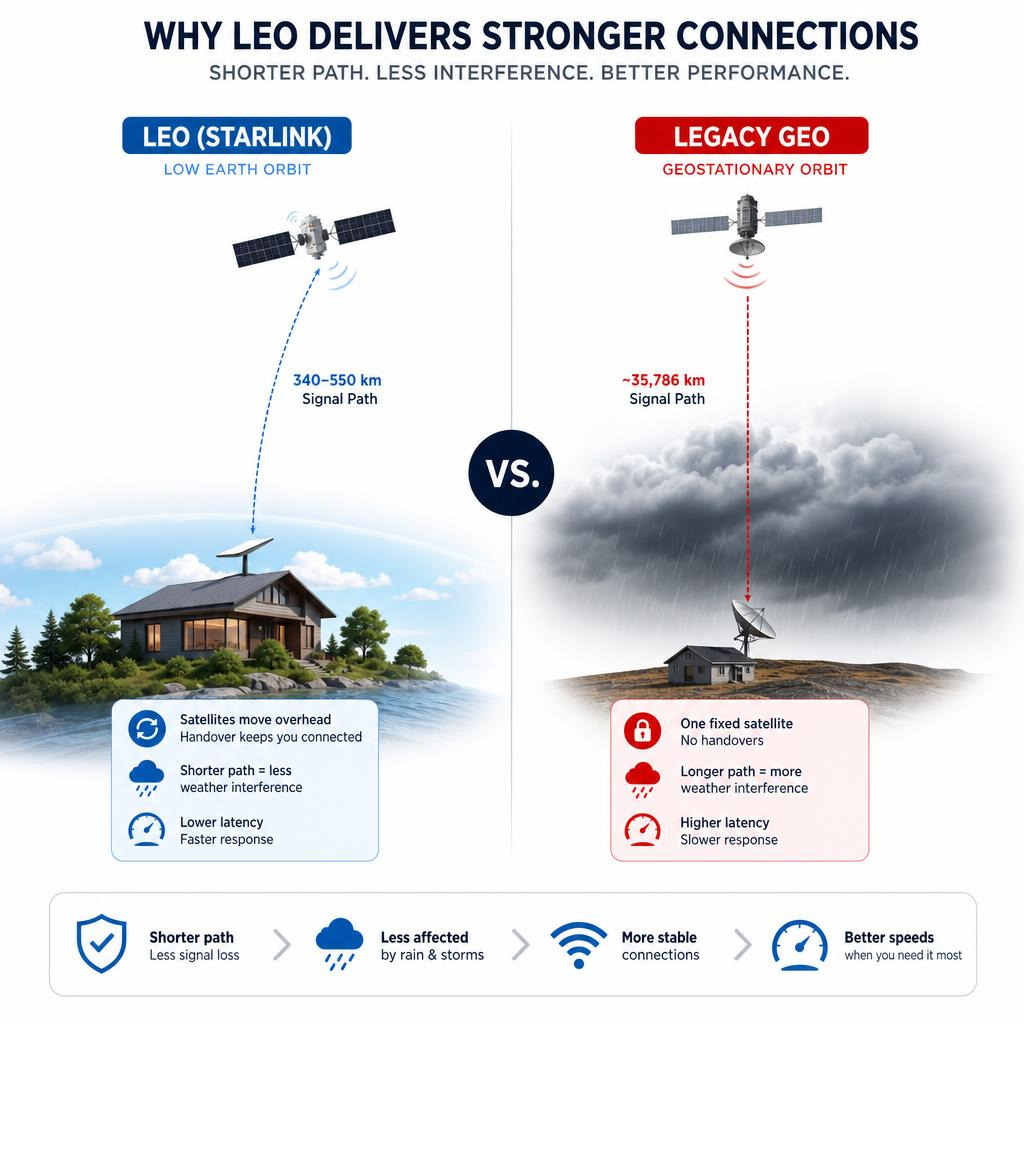
Starlink uses a network of low-Earth orbit (LEO) satellites sitting close to Earth. That's a fraction of the distance traditional satellite internet travels. When a storm rolls in, the dish can hand off to a neighbouring satellite passing through clearer sky above the cell. That's a structural advantage most people don't realise they have.
That said, heavy rainfall does cause rain fade, a real phenomenon where moisture absorbs and scatters the microwave signals travelling between your dish and the satellite. The effect is temporary, but it's real, and it's more pronounced in tropical and coastal Australian climates.
The other factor that rarely gets talked about? Your dish mount. A dish that wobbles even slightly in wind will lose satellite alignment and your Starlink app will report it as a weather issue when it's actually a stability issue.
This guide breaks down exactly what to expect from Starlink in rain, storms, snow, and wind — and what you can do to make sure your setup handles whatever Australian weather throws at it.
Does Starlink Work Rain Performance and Reliability
Starlink works reliably during rainy weather, though heavy precipitation causes temporary speed reductions due to signal attenuation. Light to moderate rain has almost no visible impact, while torrential downpours can reduce download speeds and cause brief connection dropouts.
When evaluating how does starlink work rain conditions, the primary scientific factor is signal attenuation, commonly known as rain fade. Starlink operates using high-frequency Ku-band and Ka-band radio frequencies. These bands feature incredibly short wavelengths. Because these wavelengths are similar in size to falling raindrops, water droplets in the atmosphere actively absorb and scatter the electromagnetic energy.
This interference is directly tied to the liquid water path in the atmosphere. When a dense wall of water sits between your dish and the sky, the signal weakens. During dry conditions, the system delivers optimal download speeds, but during heavy rainfall, the download speed typically drops. If you experience a severe tropical deluge, speeds can drop further, and latency may temporarily spike. However, total outages are rare and usually last only a very brief moment during the absolute peak of the storm.
For a deeper dive into how moisture impacts daily operations, you can read our guide on Does Starlink Work on Rainy Days.
How Weather and Dish Type Affect Starlink Performance
Starlink delivers strong performance across most extreme weather conditions, including thunderstorms, snow, and high winds, though performance varies slightly depending on the dish model you use. The system is designed with built-in environmental protections, but extreme events like lightning strikes or severe heat can trigger temporary safety shutdowns.
Thunderstorms introduce thick clouds and intense localised downpours, which can cause brief signal dropouts. While the Starlink network automatically routes traffic around severe storm cells by handing off to neighbouring satellites, a direct lightning strike will damage any outdoor electronics. Starlink dishes feature basic built-in surge protection, but physical grounding of your mounting system is essential to safeguard your hardware.
Wind itself does not block or degrade the radio signals. The actual risk during high-wind events is mechanical movement. If your dish mount flexes or wobbles in the wind, the dish loses its precise alignment with the satellite constellation, leading to instant packet loss and dropouts.
Extreme heat is another factor in the harsh Australian climate. Standard dishes operate safely in high temperatures, but if a dish is mounted flat against a dark metal or asphalt roof, the radiated heat can trigger a thermal shutdown to protect the internal circuitry.
To learn more about managing these environmental challenges, check out our article on Does Starlink Work During Bad Weather or Bushfire Season.
Does Starlink work rain and snow conditions?
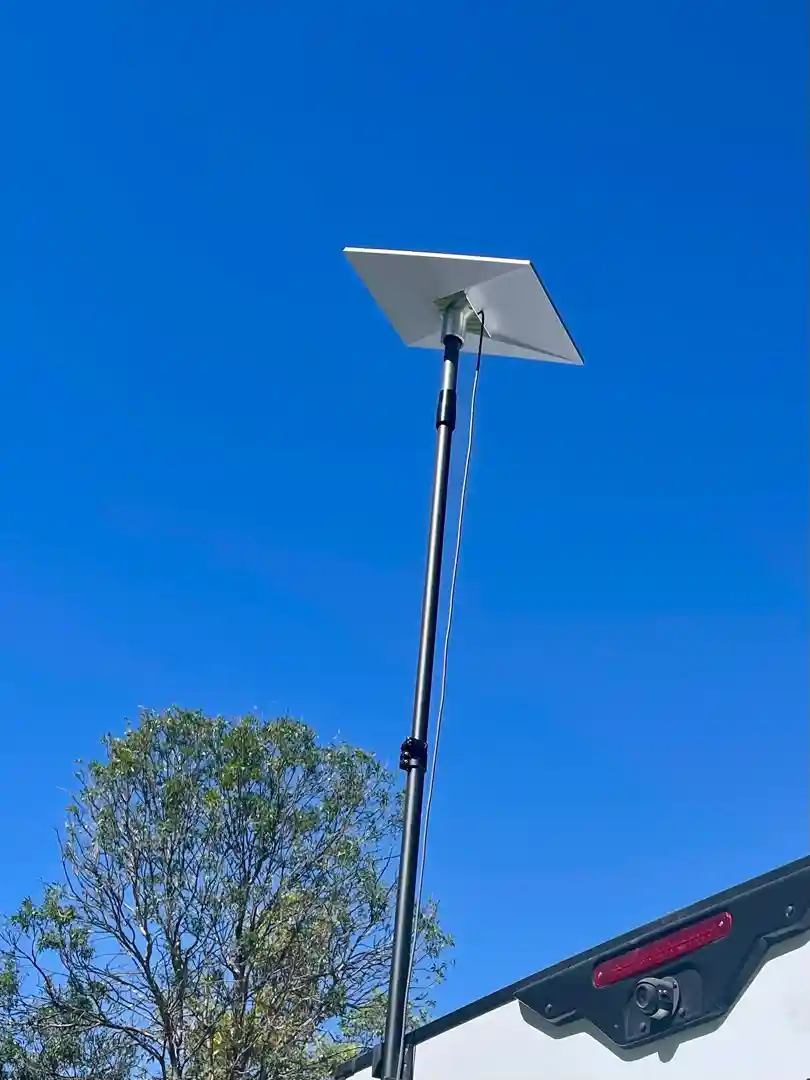
While snow is less common in most of Australia, alpine regions and cold southern climates present unique challenges for satellite hardware. Starlink dishes feature an automatic snow-melting heater that activates when the dish detects moisture at or near freezing temperatures.
- Standard Gen 3 Dish: Clears snow automatically to prevent physical buildup.
- Performance Gen 3 Dish: Clears snow at an increased rate to handle heavier accumulation.
This self-heating feature prevents physical snow buildup from blocking the face of the phased-array antenna. However, this convenience comes at a power cost. When the heater activates, power draw increases significantly. For off-grid users relying on solar arrays and battery storage during winter storms, this extra power consumption must be factored into your daily energy budget.
Does Starlink work rain and high wind events?
High winds pose a physical threat to your installation rather than a direct threat to the satellite signal. The operational wind ratings for the hardware are highly robust, with both standard and performance models rated to withstand severe gale-force winds.
Despite these impressive ratings, the dish is only as secure as the mount holding it. A poorly secured setup will vibrate or shift, causing the Starlink app to report obstruction or signal loss errors. Ensuring you use highly rigid, heavy-duty SpaceTek mounts is the only way to maintain a stable connection during severe windstorms.
For comprehensive tips on securing your system, read our Starlink Bad Weather Performance Guide.
Dish Categorisation and Weather Resilience
Different Starlink models are engineered for specific use cases, and choosing the right hardware—and pairing it with the correct mount—is essential for surviving Australian weather conditions.
- Starlink Mini: The ultimate portable solution for light touring and quick setups. It requires a stable regulated DC input and is highly efficient, making it perfect for off-grid travel. Keep it secure on the go with our dedicated Starlink Mini Mounts.
- Starlink Gen 3 (V4): The current standard for residential and fixed business setups. It offers an improved field of view and excellent rain resilience, but requires a rock-solid installation. Explore our range of heavy-duty Gen 3 Mounts.
- Starlink Gen 2: The classic actuated dish used by millions globally. While highly reliable, its moving parts make secure mounting critical in high winds. We supply tough, compatible Gen 2 Mounts.
- Caravan & RV Setups: Designed for those who live on the road. Mobile installations face constant vibration, wind resistance, and changing weather. Protect your mobile internet with our specialised Caravan & RV Mounts.
Why Mounting Quality Matters More Than the Weather
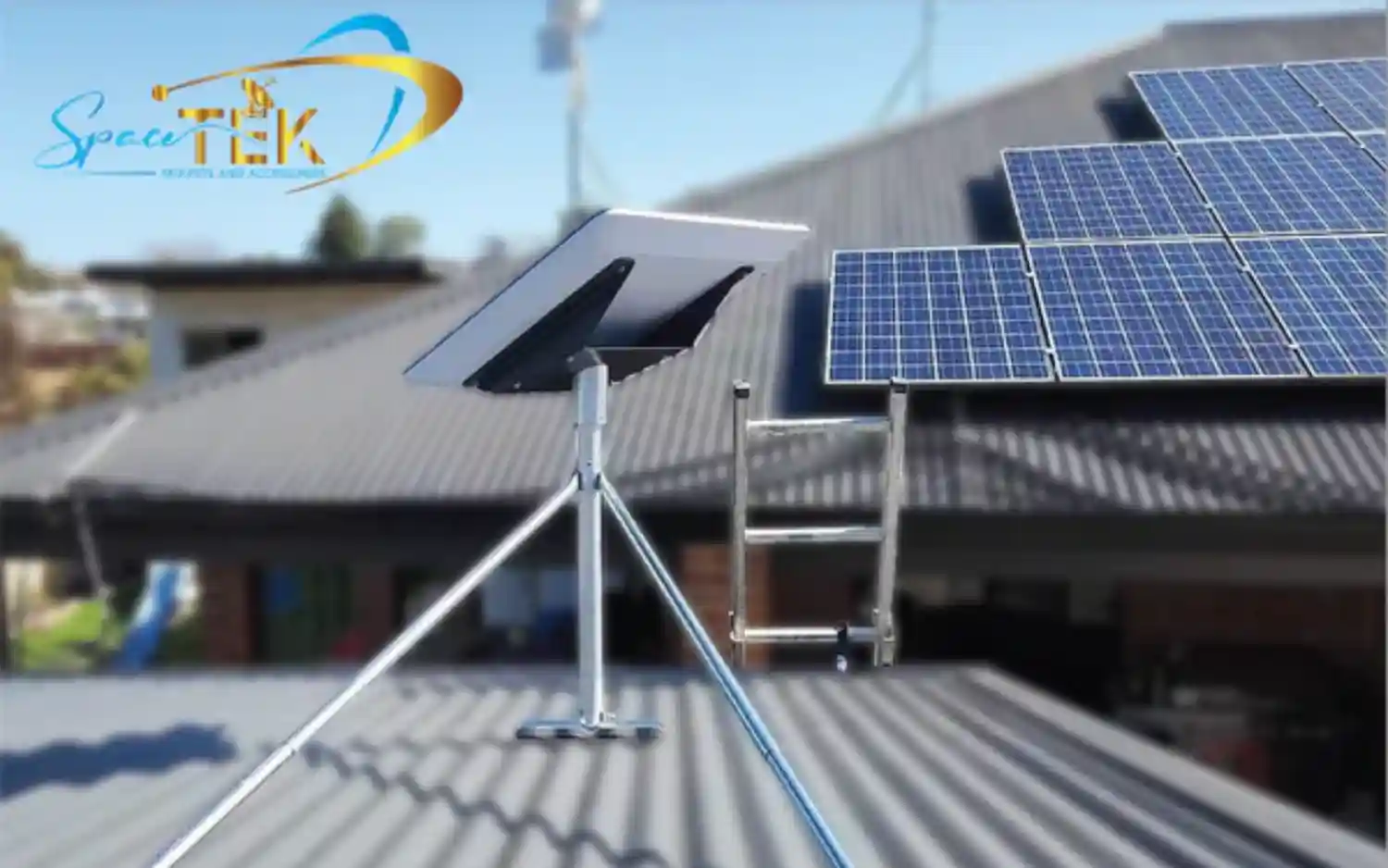
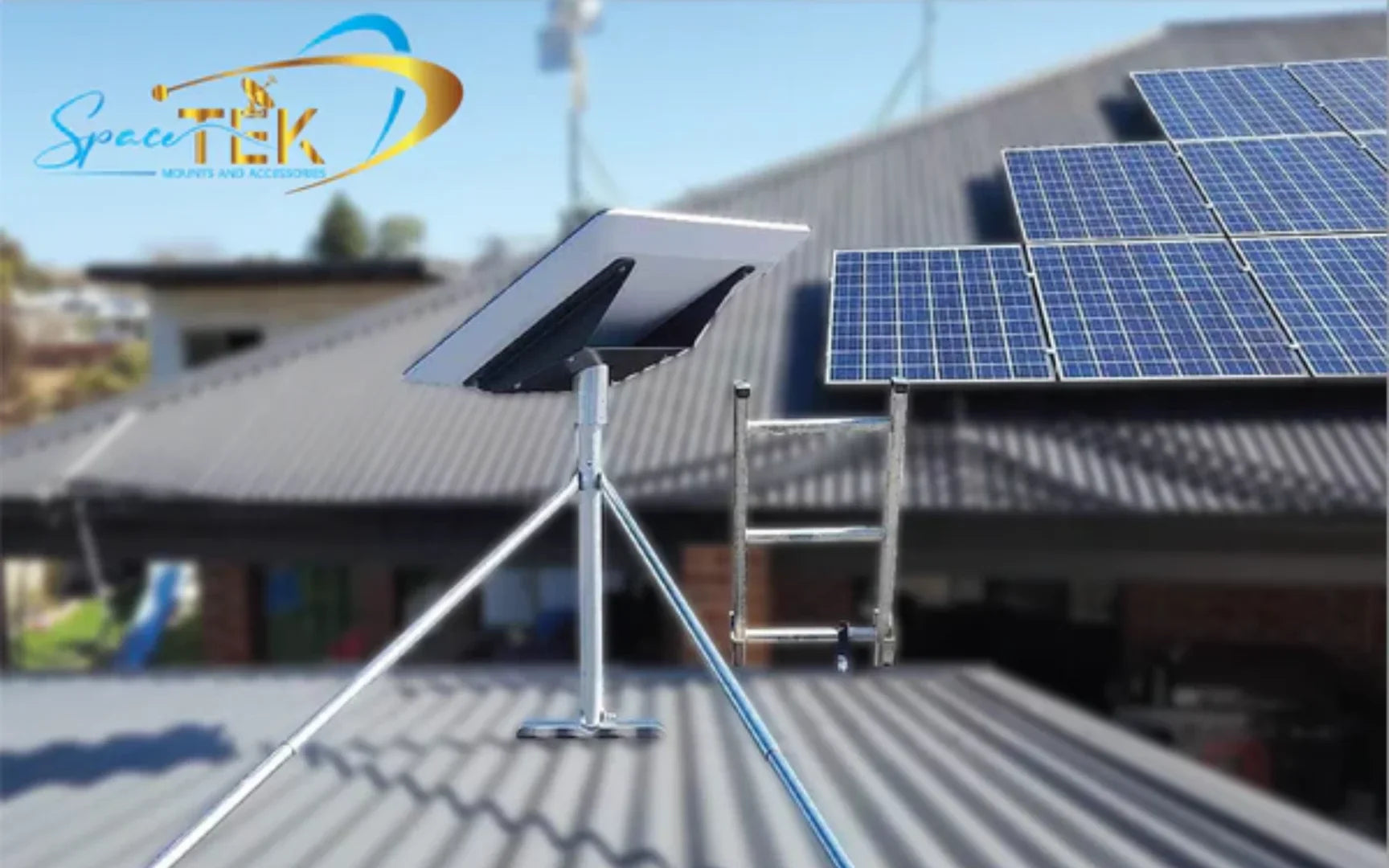
Mounting quality is the single most critical factor in determining whether your Starlink system maintains a stable connection during bad weather. While you cannot control the rain or the wind, you can control the physical stability of your dish, which directly prevents signal misalignment and mechanical damage.
When a storm hits, wind gusts exert significant physical force on the flat surface of the Starlink dish. If your mount allows even a few millimetres of flex or wobble, the high-frequency beam loses its precise alignment with the satellite overhead. The Starlink app often misinterprets these micro-movements as "rain fade" or "obstruction" when the real issue is simply a moving dish.
At SpaceTek, we design and manufacture our Starlink mounts specifically to withstand the harshest Australian environments. We believe in the philosophy: Do it properly the first time.
Our dish mounts are constructed from precision-machined or folded aluminium, never cheap 3D-printed plastics or thin-gauge metals that degrade under the harsh Australian sun. This ensures absolute rigidity, preventing the micro-movements that ruin your internet speeds during high winds. Furthermore, proper mounting ensures your dish is elevated away from hot roof surfaces, preventing thermal throttling during extreme summer heatwaves.
To ensure your cables and mounts are positioned perfectly for maximum signal strength, read our guide on Starlink Performance Tips Positioning Cables Mounts for Best Signal.
Frequently Asked Questions About Starlink Weather Performance
Starlink performs exceptionally well in bad weather compared to older satellite technologies, but users still have common questions about troubleshooting and maintaining connectivity during severe storms.
Most weather-related connection issues can be resolved or prevented by ensuring a completely clear line of sight and using high-quality hardware. If your connection drops during a storm, the Starlink app's built-in diagnostics tool is the best place to start. It will show you if the dish is struggling with physical obstructions, signal loss, or power fluctuations.
Does Starlink work in heavy rain and thunderstorms?
Yes, Starlink works during heavy rain and thunderstorms, though you may experience a temporary reduction in download speeds. During severe electrical storms, the primary risk is not signal loss but power surges from nearby lightning strikes. To protect your system, ensure your mounting pole is physically grounded to your home's earth system.
For step-by-step recovery advice, see our Troubleshooting Tips When Starlink Drops Out in Stormy Weather.
Does Starlink work without electricity during a storm?
No, Starlink hardware requires a continuous power supply to operate. If a storm knocks out your local mains power, both your Starlink dish and your Wi-Fi router will shut down immediately. To maintain connectivity during a power outage, you must integrate a backup power solution, such as a portable power station or an uninterrupted power supply.
How does Starlink compare to legacy satellite internet in bad weather?
Starlink performs significantly better than legacy satellite internet services during bad weather due to its advanced low-Earth orbit architecture. Traditional geostationary satellites orbit much further away, resulting in a massive signal path that is highly vulnerable to atmospheric interference. In contrast, Starlink satellites orbit much closer to Earth, and the system constantly tracks and hands off connections to new satellites passing overhead to actively route around localised storm cells.
Conclusion
Does Starlink work in rain? Yes, Starlink is engineered to deliver highly reliable, high-speed internet through rain, storms, and extreme temperatures. While heavy downpours can cause minor, temporary speed reductions, the system rarely suffers complete outages.
However, the ultimate bottleneck to your storm connectivity isn't the weather—it's the stability of your physical installation. A weak, unstable mount will flex in the wind, causing signal misalignment that interrupts your service when you need it most.
At SpaceTek Australia, we build high-quality, rust-resistant dish mounts designed to keep your Starlink dish rock-solid through the worst Australian weather. Whether you are setting up a permanent home connection or heading off-grid, doing it properly the first time is the key to uninterrupted high-speed internet.
Explore our range of professional mounting solutions to secure your connection:
- Starlink Mini Mounts — Perfect for portable, off-grid, and light touring setups.
- Gen 3 Mounts — Heavy-duty mounts engineered for the latest Starlink hardware.
- Gen 2 Mounts — Rigid, durable mounts compatible with actuated systems.
- Caravan & RV Mounts — Built to withstand the vibrations and winds of the open road.
If you need advice on the best setup for your location, Contact SpaceTek today, or Find an Installer near you to get your system professionally secured before the next storm rolls in.

Leave a comment
This site is protected by hCaptcha and the hCaptcha Privacy Policy and Terms of Service apply.