
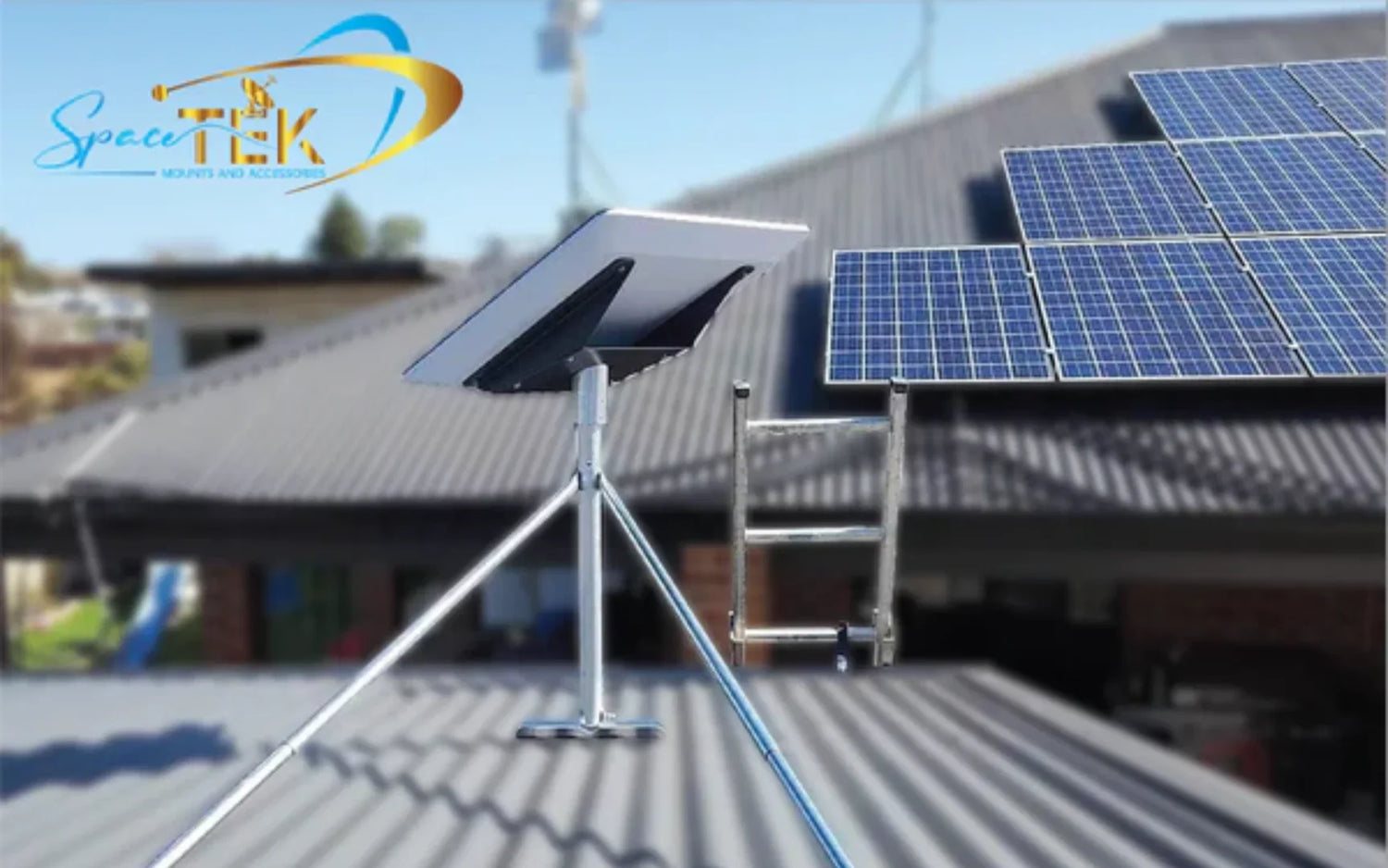
What Is a Dish WiFi Antenna and Why Does It Matter for Long-Range Connectivity?
A dish WiFi antenna is a high-gain, directional antenna that focusses wireless signals into a narrow beam — allowing you to send or receive WiFi over distances that would be completely impossible with a standard router or omnidirectional antenna.
Quick Answer: What is a dish WiFi antenna?
- A parabolic or grid-shaped reflector that concentrates radio signals in one direction
- Designed for long-range, point-to-point wireless links — reaching anywhere from 3 to 13+ miles with clear line-of-sight
- Common gain ratings range from 15 dBi up to 34 dBi, compared to 2–5 dBi on a typical home router antenna
- Works on 2.4 GHz or 5 GHz WiFi bands depending on the model
- Requires no signal subscription — it extends an existing WiFi or network connection over distance
- Used in rural broadband links, remote farms, outdoor bridges, and off-grid setups across Australia
For anyone living outside town — where fibre doesn't reach and mobile coverage is patchy — a high-gain dish antenna can be the difference between a usable connection and none at all.
Standard home routers broadcast in every direction at once, which wastes most of their signal energy. A dish antenna works differently. It reflects and focusses that energy into a tight, powerful beam aimed precisely where you need it. The result is dramatically longer range and much better signal quality at the other end.
In Australia's vast outback and regional areas, that kind of focussed connectivity isn't a luxury — it's essential. Whether you're trying to reach a neighbour's access point across a paddock, bridge two buildings on a rural property, or pull in a weak signal from several kilometres away, a dish WiFi antenna gives you tools that no standard antenna can match.
Understanding the Power of a Dish WiFi Antenna
To understand why a dish wifi antenna is such a game-changer, it helps to look at how different antennas handle radio waves. Most home routers use omnidirectional antennas. Think of these like a standard lightbulb hanging in the middle of a room — they throw light in a 360-degree circle. This is great for indoor coverage, but the signal becomes incredibly weak over longer distances because it is spread so thin.
A directional dish antenna works like a high-powered spotlight. By using a curved reflector, it takes that same radio energy and focusses it into a tight, concentrated beam. This process is called directional signal boosting, and it allows the signal to travel kilometres instead of metres.
To get the most out of this setup, you need a clear line-of-sight. High-frequency wireless signals (like 2.4 GHz and 5 GHz) do not travel well through solid objects. Trees, metal sheds, hills, and even thick foliage will absorb or scatter the signal. If you want a reliable connection across a distance of several kilometres, both antennas must be able to "see" each other without any physical obstructions in the way.
How a Dish WiFi Antenna Differs from Standard Antennas
The main difference between a dish wifi antenna and standard antennas comes down to gain and beamwidth.
- Signal Gain: Measured in decibels relative to isotropic (dBi), gain tells you how much the antenna concentrates the signal. A standard router antenna has a gain of about 2 to 5 dBi. A point-to-point parabolic WiFi antenna can easily offer 15 to 30+ dBi. Because gain is logarithmic, even a small increase in dBi represents a significant boost in signal power.
- Beamwidth: Standard antennas have a wide beamwidth, meaning they receive signals from everywhere. A high-gain dish, like the G2424 24 dBi Parabolic Grid WiFi Antenna, has an ultra-narrow beamwidth. This means it only listens to a very specific slice of the sky.
- Interference Reduction: Because the dish has such a narrow focus, it ignores wireless noise coming from other directions. In crowded areas or on busy properties, this focus is key to maintaining a stable, high-speed connection.
If you are looking to extend your primary internet connection — like a satellite setup — out to a workshop or secondary dwelling, choosing the right directional antenna is a crucial step. For some handy pointers on getting your primary signal sorted first, check out our guide on Boosting Starlink Wi-Fi.
Key Specifications to Look For
When shopping for a dish wifi antenna, you will run into a few technical terms. Here is what they mean in plain English:
- Frequency Bands: Antennas are designed for specific frequencies. The 2.4 GHz band is excellent for raw distance and handles minor obstructions slightly better, but it is highly crowded. The 5 GHz band offers much faster speeds and less interference, making it the go-to choice for modern high-speed point-to-point links.
- Wind Resistance and Survivability: Because solid dishes act like sails, they experience massive wind loading. In windy coastal or flat outback regions of Australia, wind resistance is critical. Compact options like the UISP Dish Mini are designed with high wind survivability to ensure your link stays aligned during a heavy storm.
- Voltage Standing Wave Ratio (VSWR): This measures how efficiently radio frequency power is transmitted from the cabling into the antenna. A lower VSWR means less signal is wasted as heat.
- Polarisation: Modern dishes use dual-linear polarisation (both vertical and horizontal). This allows for MIMO (Multiple Input Multiple Output) technology, which sends two streams of data at the same time to double your throughput.
Main Types of Directional and Dish Antennas
Not all high-gain antennas look the same. Depending on your environment, wind levels, and distance requirements, you will want to choose the right style of reflector.
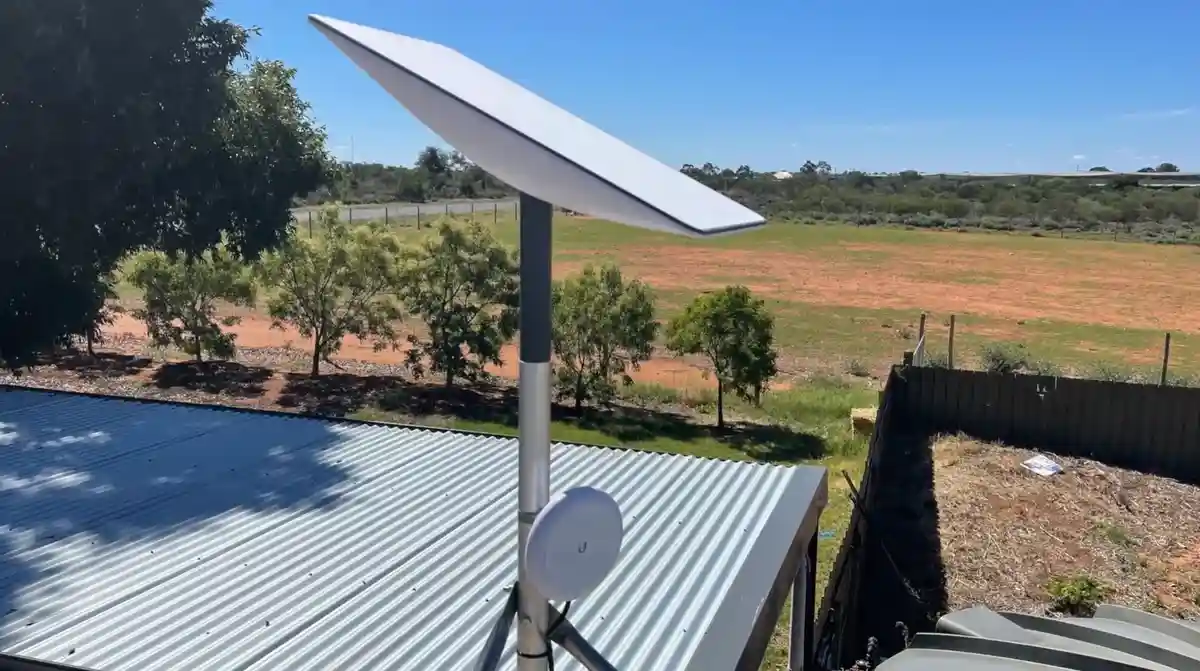
Parabolic Grid Antennas
If you are mounting an antenna high up on a mast where wind is a constant issue, a parabolic grid antenna is often the best choice. Instead of a solid metal dish, the reflector is made of a lightweight aluminium grid.
- Wind Loading Reduction: The gaps in the grid allow wind to pass right through, massively reducing the physical strain on your mounting pole and roof.
- Ultra-Long Range: A 24 dBi grid antenna is engineered for high-performance, long-range point-to-point wireless applications.
- Focus: With an ultra-narrow 7 to 8 degree beamwidth, these antennas can support wireless links up to 6 to 8 miles (roughly 10 to 13 kilometres) when paired with a matching antenna on the other end and a clear line-of-sight.
Solid Dish Antennas and Feedhorns
Solid dish antennas use a continuous metal surface to reflect signals. They are highly efficient and offer the ultimate level of performance in high-interference environments.
- MIMO Feedhorns: High-performance solid dishes use dual-polarity feedhorns to handle both vertical and horizontal signals simultaneously. For example, a 4950-5850MHz 2 x 25dBi MIMO dish antenna feedhorn is designed to squeeze maximum speed out of the 5 GHz band.
- Noise Isolation: The deep dish design naturally shields the feedhorn from side-lobe interference, making them perfect for clean, high-speed backhaul links.
- Carrier-Grade Backhaul: If you want to see how these heavy-duty systems are deployed for enterprise networks, you can read more in the RocketDish Datasheet.
Step-by-Step Guide to Installing and Aiming Your Antenna
Setting up a long-range wireless link requires precision. A tiny misalignment of just a few degrees can cause your signal to drop off completely over long distances.
Choosing the Right Dish WiFi Antenna for Your Setup
Before you start drilling holes, you need to assess your property:
- Measure the Distance: For shorter runs under 5 kilometres, a compact solid dish or panel antenna is usually plenty. For long-distance links spanning up to 10 or 15 kilometres, you will need a high-gain parabolic grid or large solid dish.
- Check for Interference: If you live in an area with lots of overlapping WiFi networks, stick to the 5 GHz band for a cleaner connection.
- Choose a Rock-Solid Mount: High-gain dishes cannot tolerate wobble. If your mount flexes in the wind, your connection will drop out. If you are integrating your wireless bridge with a Starlink setup, using heavy-duty, Australian-designed Starlink mounts will ensure your outdoor gear stays perfectly aligned.
- Match the Mount to Your Starlink Kit: SpaceTek Australia carries purpose-built options for different Starlink generations, including Starlink Gen 2 mounts and accessories, Starlink Gen 3 mounts and accessories, and Starlink Mini mounting accessories. Matching the bracket, pipe adapter, or roof mount to your exact dish helps prevent movement, cable strain, and alignment drift.
- Plan for Mobile or Caravan Use: If your setup is for touring, camping, or a semi-permanent site, browse SpaceTek’s RV and caravan Starlink accessories for portable mounting, DC power, and mobility-friendly hardware designed for off-grid internet setups.
Step-by-Step Alignment and Mounting
- Secure the Mast: Install a sturdy, vertical pole in a location that has a completely clear line-of-sight to the target location. Ensure the mast is perfectly level.
- Assemble the Dish: Mount the feedhorn to the dish reflector according to the manufacturer's instructions. Ensure all bolts are snug but not completely locked down yet.
- Rough Alignment: Use a compass, GPS, or landmark to point the dish directly at the remote antenna. If you are using an offset-feed dish (like a repurposed pay-TV dish), the actual signal beam projects higher than the physical face of the dish. You may need to tilt the dish down slightly to aim the beam horizontally.
- Connect the Cabling: Run high-quality, low-loss coaxial cable from the antenna feedhorn to your wireless bridge or router. Keep cable runs as short as possible to minimise signal loss.
- Fine-Tune the Signal: Have a helper monitor the signal strength indicator on your router or bridge software. Slowly pan the dish horizontally (azimuth) in tiny increments, waiting a few seconds after each adjustment for the signal reading to update. Once you find the strongest signal, lock the horizontal bolts.
- Adjust the Elevation: Tilt the dish slowly up and down to find the peak signal strength.
- Lock It Down: Tighten all mounting hardware securely.
- Weatherproof the Connectors: Wrap all outdoor coaxial connections tightly with self-amalgamating tape, followed by a layer of electrical tape, to protect them from rain and dust.
Off-Grid Power and Starlink Integration
Many regional Australians are combining long-range WiFi antennas with Starlink satellite internet to share high-speed data across expansive rural properties. If you have Starlink installed on your main house, you can easily use a point-to-point dish setup to beam that connection out to a machinery shed, a granny flat, or off-grid caravan.
For fixed rural installs, SpaceTek’s Starlink Gen 2 and Starlink Gen 3 mounting ranges help secure the main dish on roofs, poles, sheds, and outbuildings where wind movement can disrupt both the Starlink connection and any linked dish WiFi antenna. For compact or mobile installs, the Starlink Mini range is ideal for portable internet, temporary remote work sites, and lightweight caravan setups.
When running off-grid setups on solar and batteries, power efficiency is everything. Traditional setups require you to run an AC inverter to power the standard Starlink router and your wireless bridge. This is highly inefficient, wasting a significant portion of your battery's energy just in heat conversion.
To bypass this waste, you can run your system directly on DC power. SpaceTek Australia specialises in premium, Australian-designed DC power solutions for off-grid setups:
- StarPower DC Power Supplies: Our StarPower V2 and V3 DC power supplies offer significant DC-to-DC efficiency advantages over traditional AC inverters, allowing you to run your Starlink system directly off a battery bank without unnecessary power conversion loss.
- Starlink Mini Portable Gear: If you are on the move, our Starlink Mini accessories — including custom mobility mounts, suction mounts, and DC-to-DC boosters — let you run your satellite setup directly from your caravan's DC system without an inverter.
- Gen 2 and Gen 3 Mounting Hardware: For permanent rural homes, sheds, and workshops, SpaceTek’s Gen 2 and Gen 3 mounting solutions provide stable, Starlink-specific installation options for roofs, poles, and exposed rural structures.
- RV and Caravan Setups: For travellers and off-grid touring, SpaceTek’s RV and caravan Starlink accessories make it easier to build a removable or semi-permanent Starlink system for campsites, station work, remote job sites, and long-haul touring.
- Rugged Quality: All SpaceTek mounts and accessories are precision-machined or folded from high-grade aluminium and reinforced composites. They are designed specifically to withstand harsh Australian outback dust, intense UV sunlight, and heavy rain — and they are never 3D printed.
Frequently Asked Questions
How far can a dish WiFi antenna extend a signal?
With a clear line-of-sight and high-quality hardware, a dish wifi antenna can extend a wireless link incredibly far:
- A standard 24 dBi grid antenna can easily support links up to 6 to 8 miles (10 to 13 kilometres).
- Specialised 2.4 GHz systems with integrated high-gain radios can push signals up to 13 miles (over 20 kilometres) in ideal conditions.
- Actual range depends on physical obstacles, atmospheric conditions, local wireless interference, and the output power of your wireless transmitter.
Can I repurpose an old satellite TV dish for WiFi?
Yes, you can repurpose a discarded satellite TV dish into a high-gain WiFi antenna. Because satellite TV dishes are designed to reflect high-frequency signals to a central point, they make excellent reflectors for WiFi.
To do this, you can mount a USB WiFi dongle or a small directional antenna right where the original satellite feedhorn (LNB) used to sit. Most modern small home dishes use an "offset feed" design. This means the dish is shaped to reflect signals from an angle. To aim an offset dish horizontally, you will typically need to tilt the face of the dish down by about 20 degrees, or even mount it upside down, so the feedhorn sits above the reflector.
Are there legal limits on high-gain WiFi antennas?
Yes. In Australia, the Australian Communications and Media Authority (ACMA) regulates wireless transmissions. The legal limit is based on Equivalent Isotropically Radiated Power (EIRP), which is the combination of your transmitter's output power and the gain of your antenna, minus any cable loss.
If you connect an ultra-high-gain 30 dBi dish to a wireless transmitter set to maximum power, you may exceed the legal EIRP limit for the unlicensed 2.4 GHz or 5 GHz bands. Most modern outdoor wireless bridges allow you to input your antenna's gain into the software, which automatically scales down the transmitter power to keep your system fully compliant with local regulations.
Conclusion
A dish wifi antenna is the ultimate tool for overcoming distance and interference in regional Australia. Whether you are setting up a multi-kilometre link across a dry paddock or bridging a connection to a remote shed, focusing your signal is the key to unlocking reliable, high-speed wireless speeds.
At SpaceTek Australia, we build the rugged, high-quality gear you need to keep your communications hardware secure. Our premium custom Starlink mounts, folded aluminium structures, and highly efficient StarPower DC-to-DC power supplies are built specifically for tough Australian conditions. Whether you use Starlink Mini, Starlink Gen 2, Starlink Gen 3, or a mobile RV and caravan Starlink setup, the right mounting and power hardware helps keep your system stable, efficient, and ready for rural use.
If you are ready to customise your off-grid internet setup or need advice on the best mounting solutions for your property, head over to our Contact Us page to get in touch with our team of experts.

Leave a comment
This site is protected by hCaptcha and the hCaptcha Privacy Policy and Terms of Service apply.