


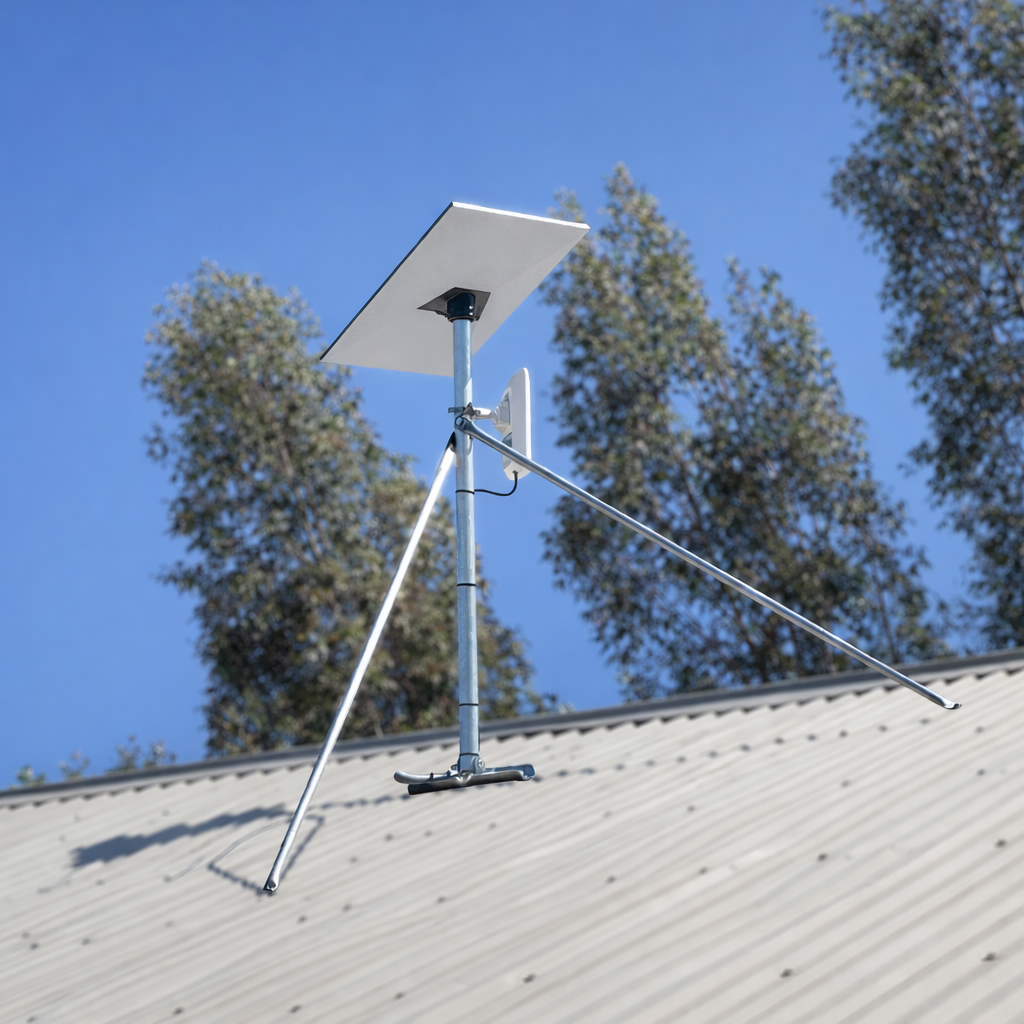
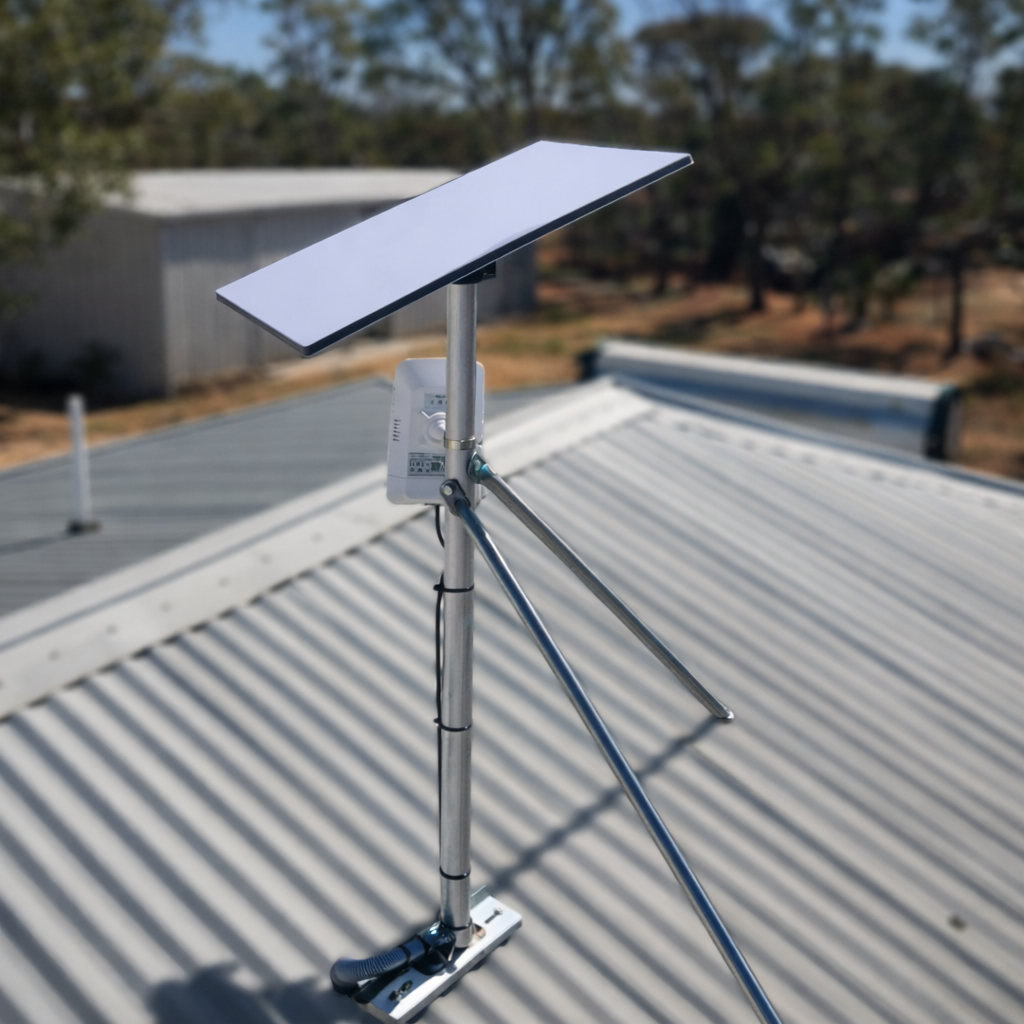
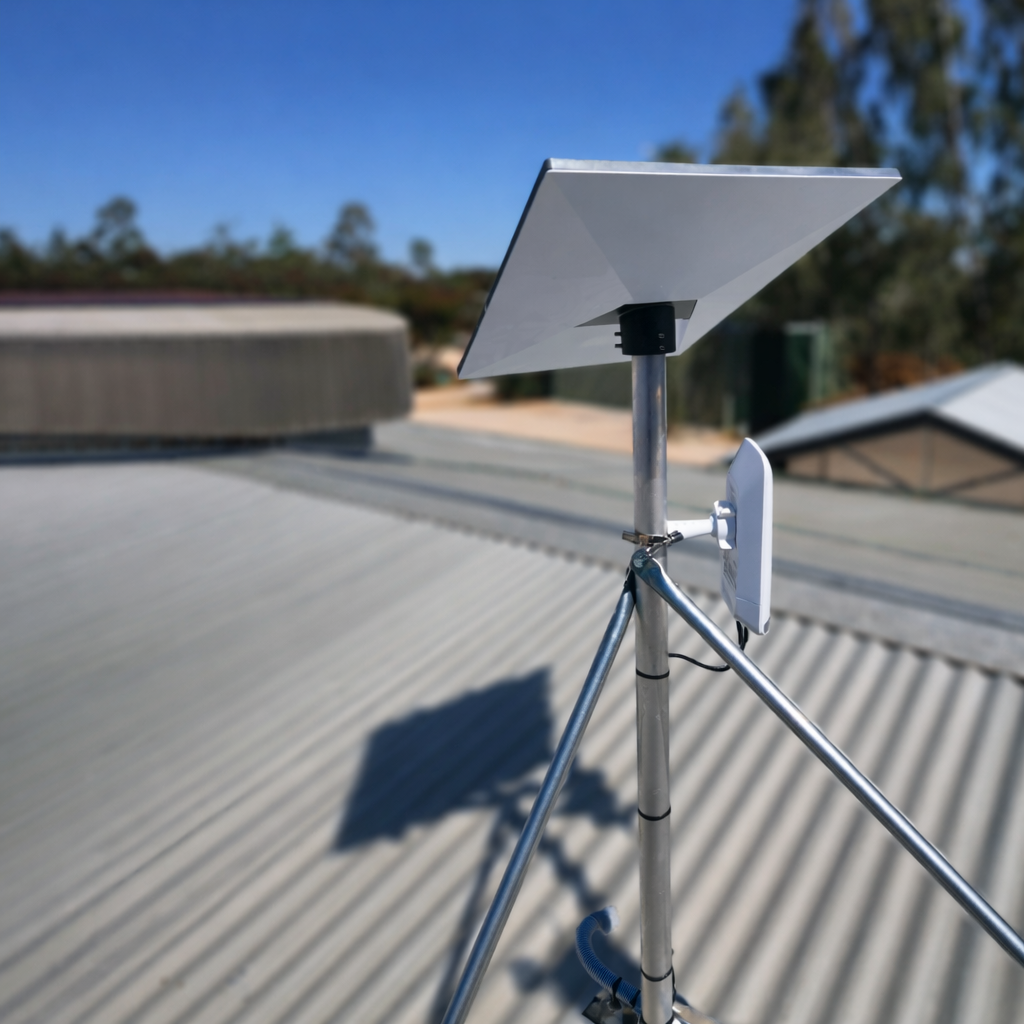



Tin/Metal Roof - Starlink Mount Roof Kit for Gen 3 (Standard 4)
Description
Starlink Gen 3 (Standard 4) Tin Roof Mount Kit Aluminium Pole Adapter Included
These are to suit the Stanlink Gen 3 (aka Standard 4 , 4x) receiver model is UTA-232
Kit Inclusions:
- 1 x Gen 3 (Standard 4, 4X) Aluminium Pole Adator & Grub Screws
- 2 x Structural Telescopic Stay Bars (Galvanized Steel)
- 1 x Aluminium Base Plate (270mm x 75mm)
- 1 x Aluminium Pole Mast (choice of length)
- Generic Fixings Pack (please check suitability for your specific install)
Note 💡 : Our mounting kits do not come with a Starlink Dish, which can be purchased from Starlink.com or major retailers.
About the Stay Bars:
Our stay bars come in male / female pairs and can be extended or shortened depending on the mounting angle for the supporting roof structure. Our 1.5m pole kit has our standard size support bars and the 0.6m have shorter overall length. Our standard size (for the 1m and 1.5m kits) are 950mm pairs so they can extend out to aprox 1.5 meters each side. The 0.6m kit has stay bars that extend to roughly 1m each side.
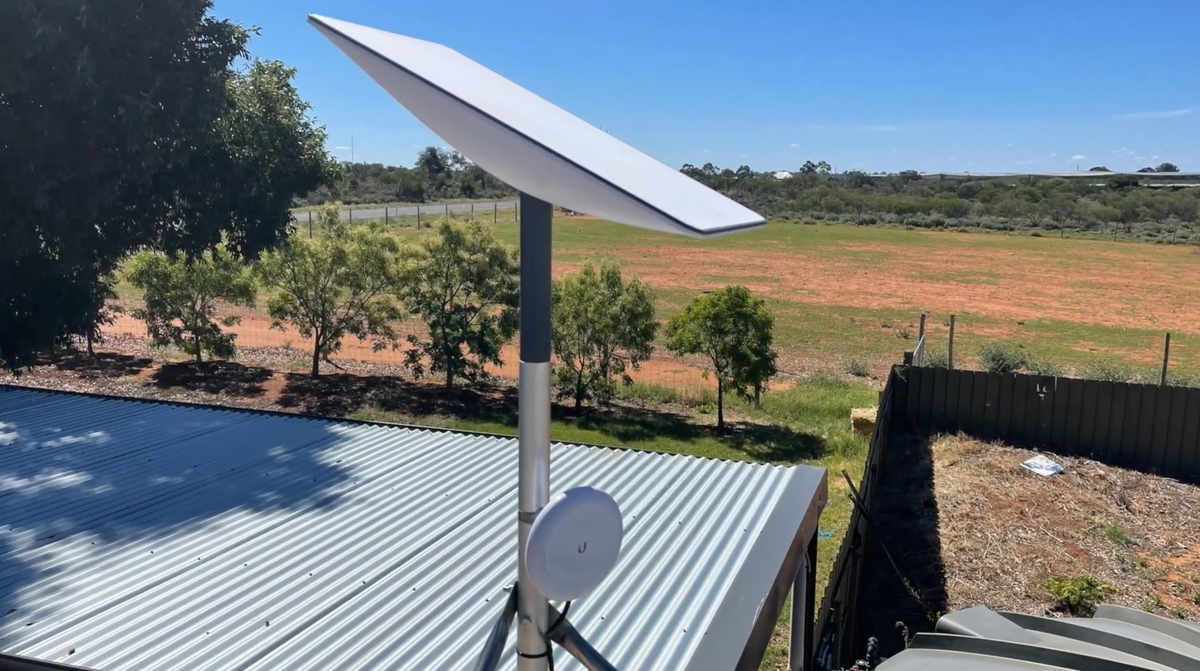
The Spacetek Tin Roof Mount Kit is engineered for fixed installation of the Starlink Gen 3 (V4 - Latest) rectangular terminal on corrugated roofing. The system provides a rigid, elevated mounting point while maintaining separation from the roof surface to reduce radiant heat exposure and improve airflow around the terminal.
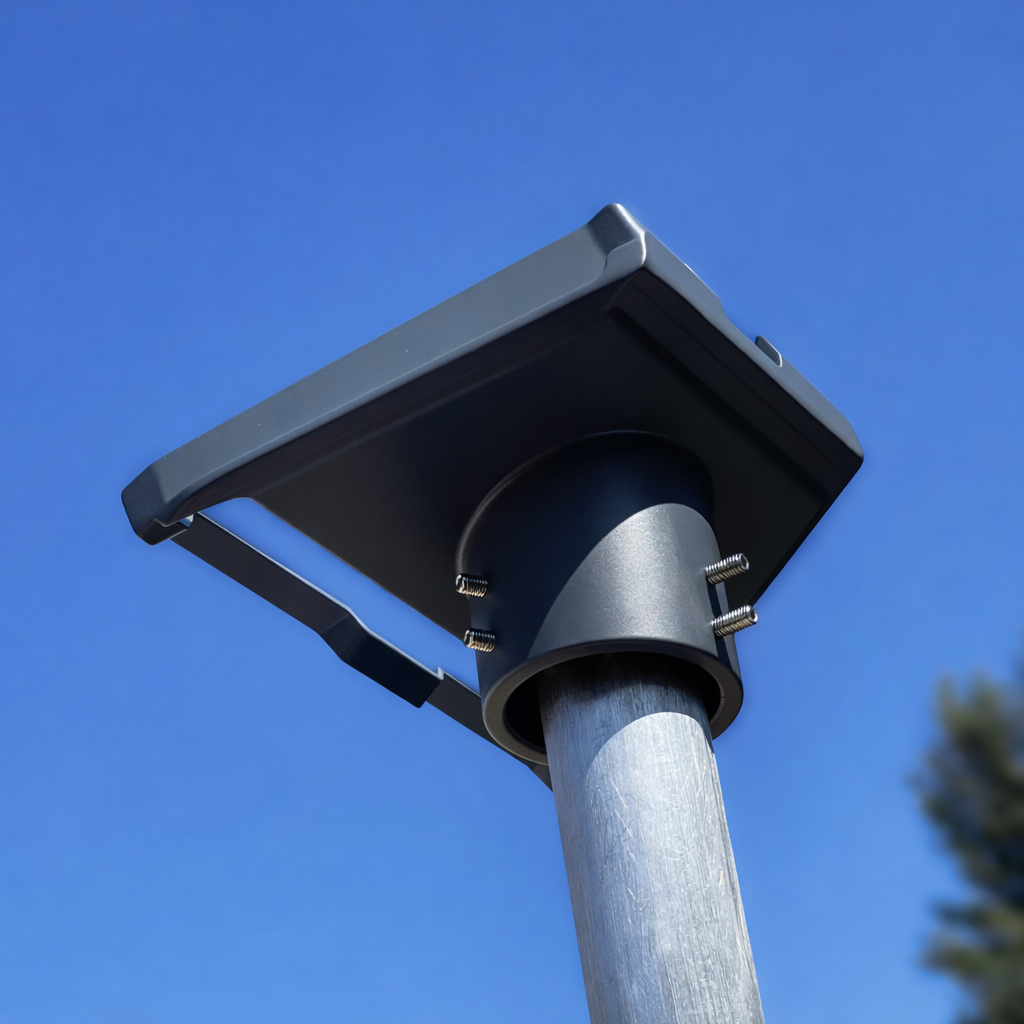
This bundle inlcudes our standard powder coated Gen 3 aluminium adaptor. For higher resistance to weather, you can consider our Starlink Heavy Duty Tin Roof Kit for Gen 3 (V4).
Starlink Gen 3 (V4) terminals incorporate a thermal protection shut-off at approximately 50°C. The elevated pole design intentionally spaces the dish away from heat radiating from metal roofing during Australian summer conditions, reducing thermal load and helping maintain uninterrupted operation.
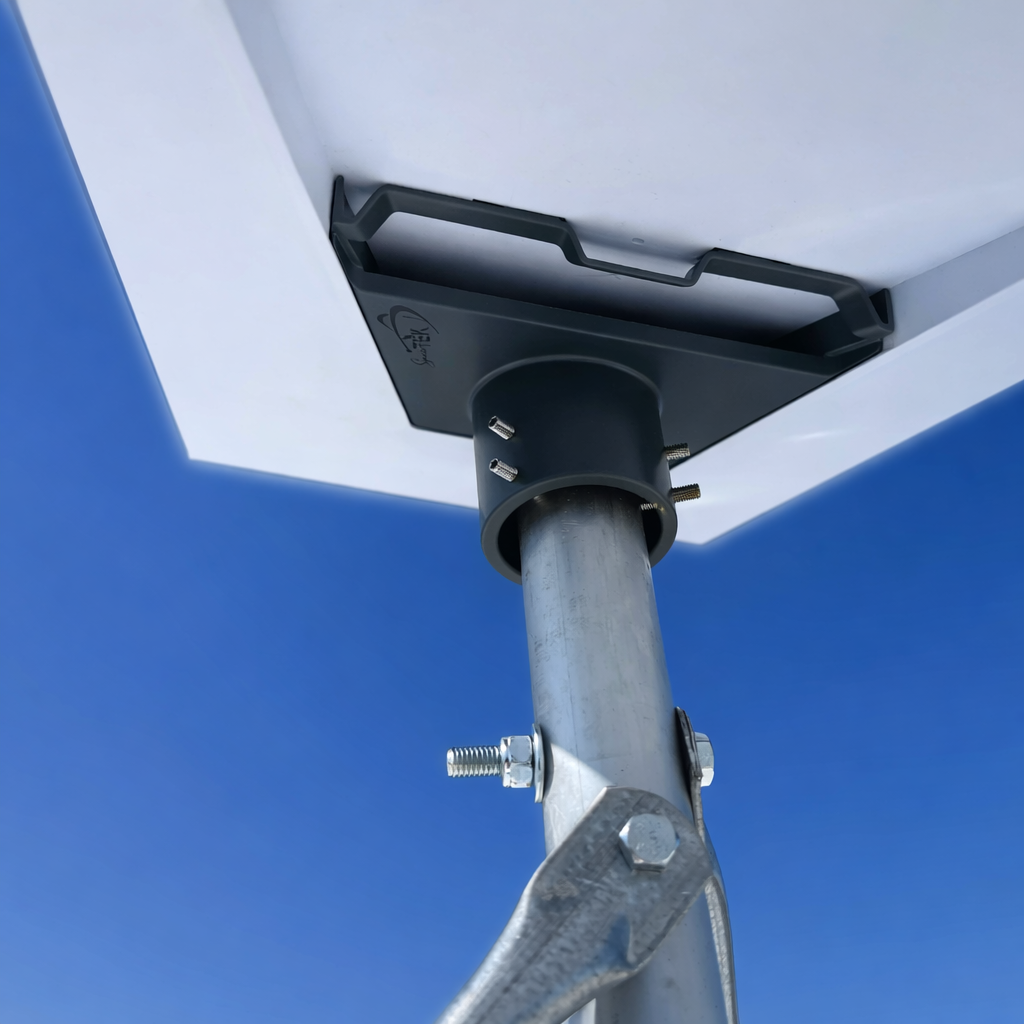
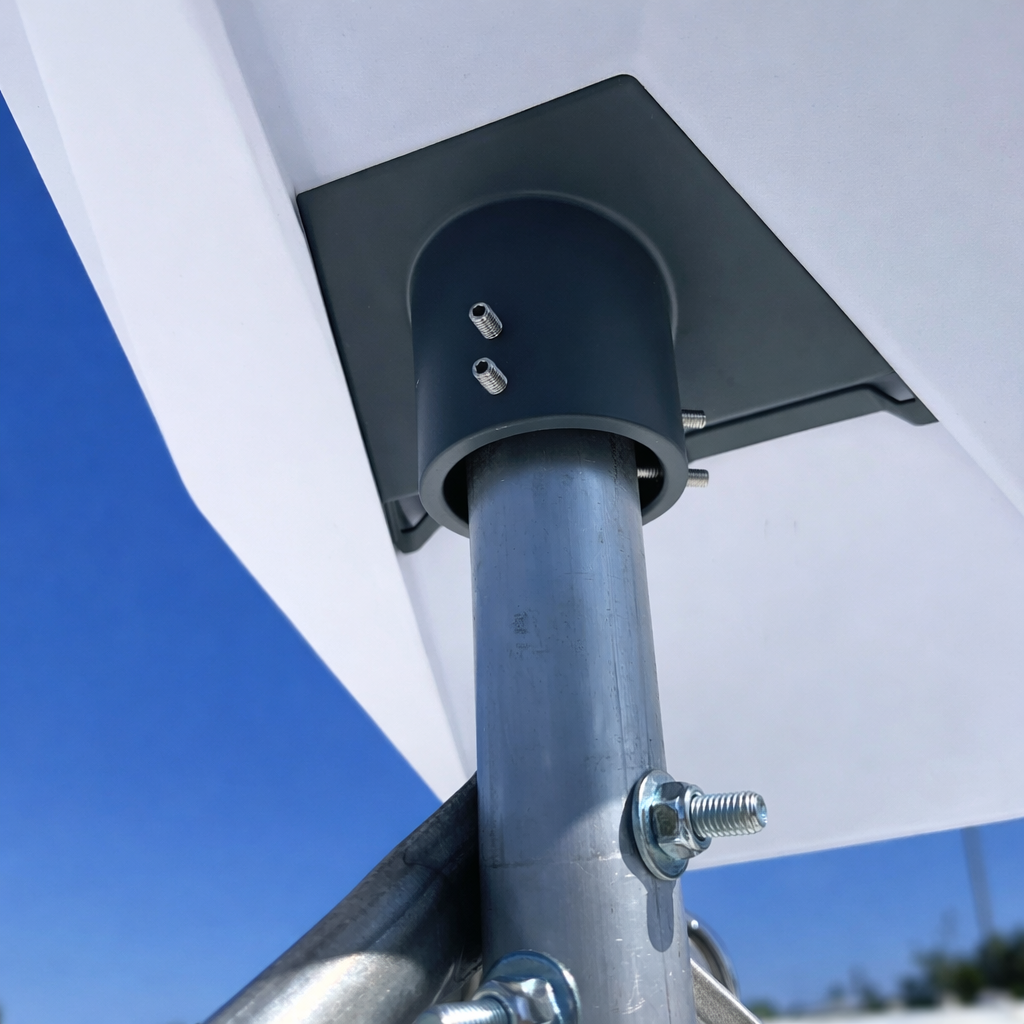
The kit includes a powder coated aluminium Starlink Compatible Gen 3 pole adapter designed to interface directly with the Starlink V4 mast.
Extended pole height options are available to improve obstruction clearance and allow additional equipment (such as secondary antennas or Wi-Fi hardware) to be mounted beneath the terminal where required.
Key Features
✅ Gen 3 (V4) Compatibility - Designed specifically for the Starlink Gen 3 rectangular terminal and mast interface.
✅ Corrugated Metal Roof Design - Geometry suited to metal roofing profiles commonly used on Australian homes and sheds.
✅ Heat & Airflow Clearance - Elevated mounting height reduces exposure to roof radiated heat during high-temperature conditions.
✅ Lite Duty Pole Adapter Included - Precision-machined adapter ensures correct mast alignment and secure retention.
✅ Extended Height Options - Longer variants provide improved line-of-sight and space for secondary antennas or accessories.
Installation Overview (also see video below)
- Identify a potential mounting location with clear sky visibility of the southern sky. (If in the southern hemisphere). TIP : If you are planning to mount on the nothern side of your building, ensure the height of the mount allows the Starlink to tilt and view towards the southern sky and not be obstructed by the roof's structure.
- Mark fixing points for the included base plate, aligning the peaks of the roofing corrugations with the base plate. Using pliers, lift up the fixing flaps on the base plate. (This is where the mast/pipe will fasten onto later on).
- Apply appropriate exterior-grade sealant to all penetration points and screw in the base plate aligned to the marked fixing points.
- Pass the Starlink Gen 3 (V4) cable through the pipe mast, then center the mast against the raised fixing flaps on the base plate, loosely fastening the mast to the base plate using the supplied hex bolt and nut.
- Stay bars come in male / female pairs, loosely attach both pairs of staybars to the center mast using the pre-drilled holes. With a pair of shifters, bend up the ends of the stay bars to align to the angle of your roof's fixing points. Adjust the length of the stay bars as required to reach a secure fastening point on your roof, then fix the stay bars in place with the included tek screws.
- Confirm mounting alignment and mechanical rigidity before continuing.
- Prepare the Starlink for final mounting position, remove the ground kickstand from the Gen 3 (V4) - consult your Starlink manual for this or see the video here.
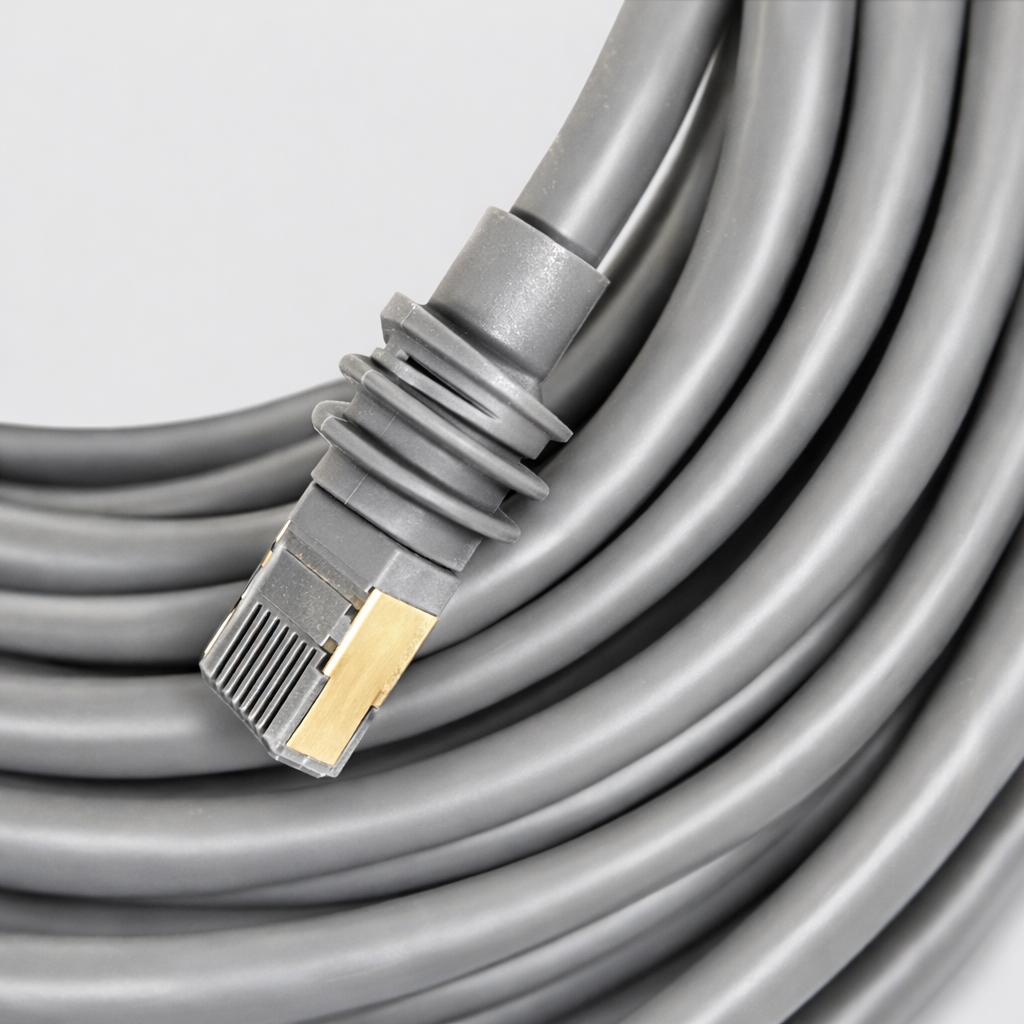
- Plug the Starlink Gen 3 (V4) cable into the back of the Starlink dish ensuring the waterproof glands fit snugly into the port.
- Insert the grey Spacetek Starlink Gen 3 (V4) pole adaptor into the Starlink in the position the kickstand was occupying, ensuring it clicks into place and does not come out when agitated. It should be firmly in place. Ensure the cable is running smoothly through the adaptor. This now means the cable can run smoothly through the hole in the adapter and down into the mast.
- Slide the Spacetek pole adaptor over the end of the mounted mast, using the grub screws and allen key to tighen / create tension around the pole to secure the adaptor. Note - that the Starlink dish should be facing south in preparation for signal calibration, you do not need to full tighten the grub screws as yet.
- Complete the cable run & penetration through your roof.
- Once the cable run is complete within the structure, plug into your router. Turn on the power and commence Starlink calibration in your Starlink App as per the instructions in Starlink documentation.
- If required - adjust the angle of the dish by rotating the Spacetek pole adapter and adjusting the grub screws for micro-level adjustments.
- Once fully aligned , tighten the grub screws with the included allen key.
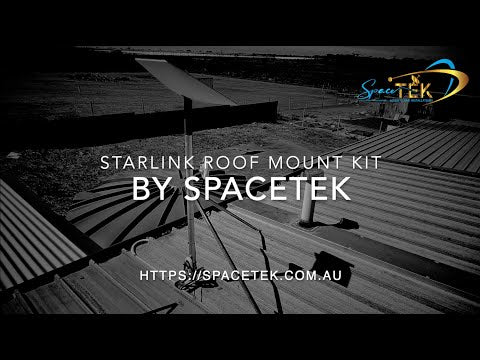
Reference Video:
A step-by-step tripod erection and mounting process is demonstrated in the official installation video (Gen 2 Starlink is shown for reference only). Use the same procedure for Gen 3 (V4) with the supplied SPACETEK pole adapter which goes over the top of the end of the mast).
Important Notes
⚠️ Not suitable for ground, freestanding, or portable installation.
⚠️ Roof penetrations must be sealed to prevent water ingress.
⚠️ Ensure installation is performed on structurally sound roofing only.
⚠️ Professional installation is recommended for rooftop applications.
Have You Considered



compatible with starlink dishes
highest quality materials
built for the australian Climate
custom machined mounts
Why choose spacetek mounting kits?
quality and compatibility
At SpaceTek's Starlink Shop, we offer a comprehensive range of additional mounts, adapters, and accessories. Whether you're looking to fine-tune your setup or maximize performance, we have you covered. Our products are built to withstand varying temperatures and harsh weather conditions, ensuring your Starlink Dishy remains operational and protected from thermal shutdowns on scorching hot days or during pouring rain or gale-force winds.
Don't leave your Starlink experience to chance. Choose the experts who understand the importance of quality, compatibility, and performance. Order our Starlink Adapter or Starlink Mount Kit today and unlock the full potential of your Starlink investment. The future of broadband awaits you, and we're here to make it extraordinary.
Custom Machined
Secure and stable installation for your Starlink dish, guaranteeing optimal performance.
Llightweight & Rust-Resistant
Our mounting equipment provides a durable and long-lasting solution for mounting your Starlink equipment.
Built to Last
Our products are built to withstand various weather conditions, including high temperatures, heavy rain, and strong winds.
Why choose spacetek mounting kits?
quality and compatibility
At SpaceTek's Starlink Shop, we offer a comprehensive range of additional mounts, adapters, and accessories. Whether you're looking to fine-tune your setup or maximize performance, we have you covered. Our products are built to withstand varying temperatures and harsh weather conditions, ensuring your Starlink Dishy remains operational and protected from thermal shutdowns on scorching hot days or during pouring rain or gale-force winds.
Don't leave your Starlink experience to chance. Choose the experts who understand the importance of quality, compatibility, and performance. Order our Starlink Adapter or Starlink Mount Kit today and unlock the full potential of your Starlink investment. The future of broadband awaits you, and we're here to make it extraordinary.
This product is rated 4.6 of 5.0 stars.
It has received 9 reviews.