
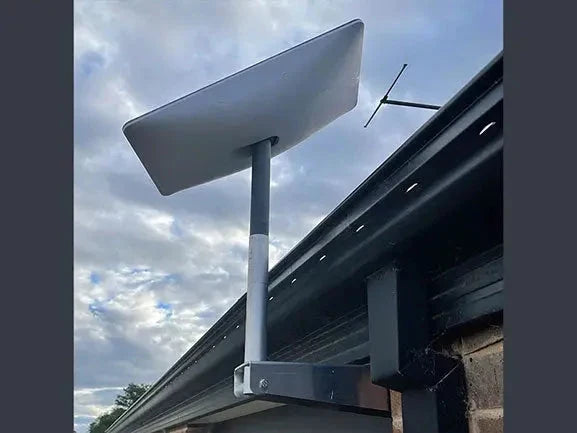
Yes, satellite internet usually works in rain. In heavier downpours, you may notice slower speeds, higher latency, or a short dropout, but a solid installation helps minimise the disruption.
Rain can weaken the signal for a while, but wet foliage, an obstructed sky view, loose cabling, a power outage, or a dish mount that moves in the wind can make the issue worse.
Key Takeaways
- Satellite internet can still work in rain, although very heavy rain may temporarily affect speed or stability.
- A clear view of the sky and a rigid dish mount help reduce avoidable weather-related dropouts.
- Wet branches and foliage can obstruct the signal more than light rain alone.
- Sealed outdoor cabling and protected power equipment make a setup more reliable during storms.
- Modern low-Earth-orbit services can recover quickly as weather conditions change.
For rural homes, campers, and remote workers, the practical point is simple: rain is not always the whole problem. Checking the installation can often prevent a brief weather slowdown from becoming a longer outage.
SpaceTek Australia designs Australian-focused Starlink accessories, DC power solutions, and mobile dish mounts to support stable setups in changing conditions.
Why Can Rain Affect Satellite Internet?
Satellite internet sends data through the atmosphere using high-frequency radio signals. When those signals pass through heavy rain, water droplets can absorb and scatter some of the signal. This temporary weakening is known as rain fade.
Light rain may have little noticeable effect. During a heavier storm cell, though, the connection can slow down, latency can rise, or the service may briefly disconnect while the dish re-establishes the link.
How Does Rainfall Intensity Affect Your Connection?
The impact usually depends on how hard it is raining and how clear the dish's view of the sky remains:
- Light drizzle: Most people notice little more than a small, temporary change in performance.
- Moderate rain: Downloads and uploads may slow, particularly if wet foliage is already close to the signal path.
- Heavy rain: A dense rain cell can cause higher latency, reduced throughput, or brief dropouts.
- Torrential rain: Short interruptions are more likely until the heaviest part of the storm passes.
Why Do Low-Earth-Orbit Services Cope Better in Rain?
Traditional geostationary satellites sit far above the equator, so their signals travel through a longer stretch of weather-bearing atmosphere. If a storm sits along that path, rain fade can be more noticeable and last longer.
Low-Earth-orbit services operate much closer to Earth. Their shorter signal path can help reduce the effect of poor weather, and the network can hand the connection between satellites as they pass overhead.
For more practical detail, see SpaceTek's Starlink Rain Guide for 2026.
How Do Rain, Wind, and Snow Affect Different Internet Connections?
When a storm rolls in, every type of internet connection has its weak points:
- Low-Earth-orbit satellite: Heavy rain, wet foliage, and a moving mast can cause temporary slowdowns or latency spikes, but the connection often recovers once the storm cell passes.
- Geostationary satellite: The longer signal path through the atmosphere can make it more sensitive to sustained rain fade.
- Fibre optic: Rain does not directly affect the light signal in the cable, but flooding, damaged poles, and power failures can still interrupt service.
- Fixed wireless: Wet foliage, reduced line of sight, and power outages at local equipment can affect performance.
- 5G fixed wireless: Higher-frequency services can be more sensitive to rain and obstructions.
- Copper connections: Water entering pits or cable joins can cause noise, dropouts, and unstable speeds.
Satellite internet and fibre can both be dependable in rough weather, but they face different problems. Fibre is less affected by rain itself, while satellite can be affected by a passing storm cell but may recover without waiting for ground infrastructure repairs.
What About Cloud Cover, Wind, and Temperature?
Rain is not the only thing to consider during an Australian storm season:
- Cloud cover: Ordinary overcast conditions are usually not a problem. Thick clouds matter most when they contain a lot of liquid water.
- Heat: A shaded, well-ventilated installation can help equipment cope during hot conditions.
- Snow and ice: In colder parts of Australia, some satellite terminals use built-in snow-melt features to help keep the antenna clear.
- Wind: A weak mount can flex or vibrate in gusts, so a rigid dish mount is essential for a stable signal.
How Can You Tell Rain Fade From an Installation Fault?
When the internet drops out during a storm, it is easy to blame the rain. In practice, a loose dish mount, wet branches, damaged cabling, or a power issue may be the real cause.
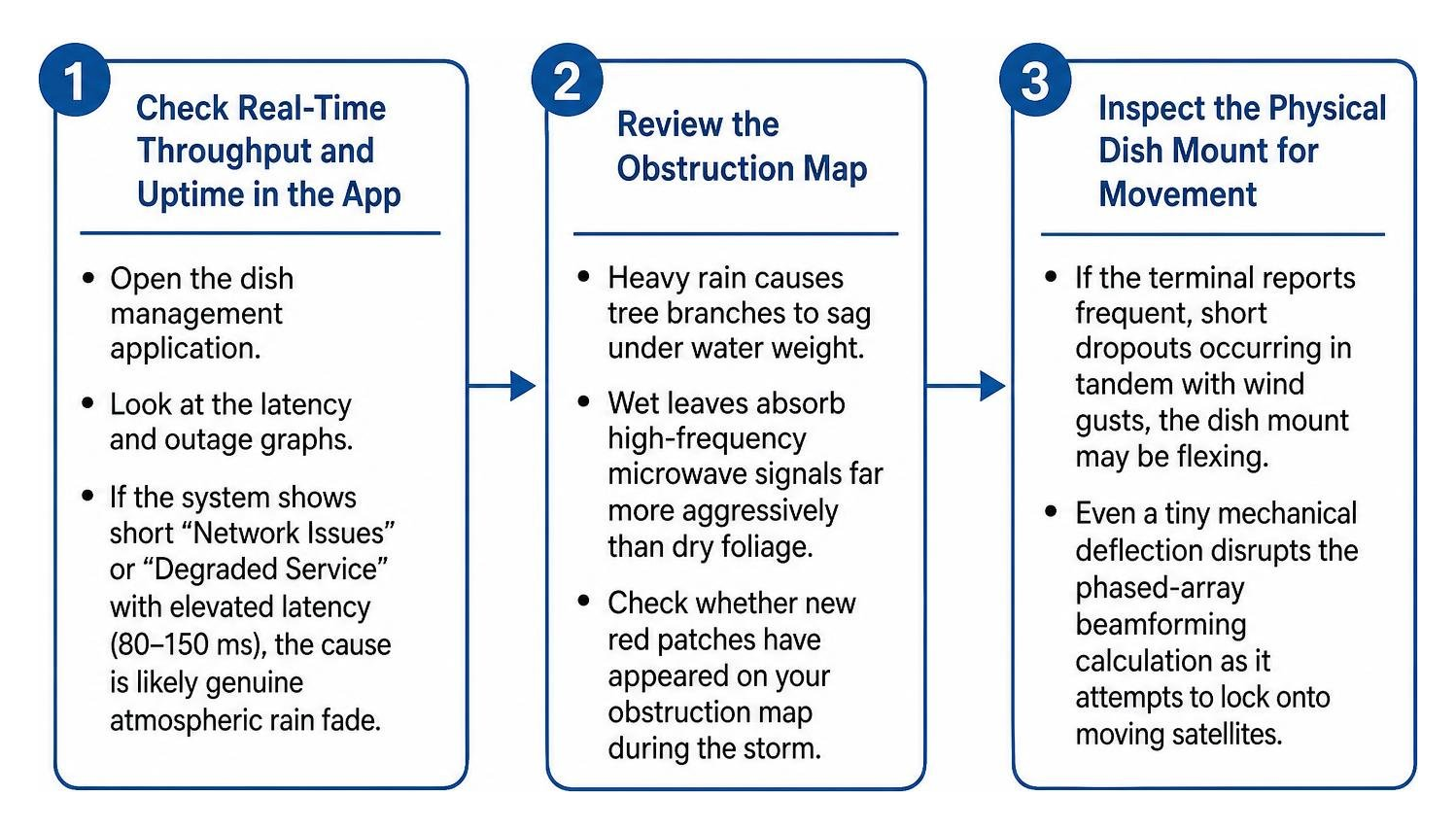
Use these steps to narrow it down:
- Check the app: Look at the outage and latency history. Short interruptions that line up with the heaviest rain may point to rain fade.
- Check for obstructions: Wet branches can sag into the signal path. Review the obstruction view in the app after the storm has passed.
- Look for movement: If dropouts happen with strong gusts, inspect the dish mount for flex or vibration.
- Inspect outdoor cables: Look for tight bends, worn insulation, loose connectors, or water entry points.
For a more detailed checklist, read SpaceTek's troubleshooting guide for satellite dropouts in stormy weather.
How Can You Check for Mount Movement Safely?
If the weather is safe enough to inspect the installation, compare the timing of the dropouts with rain and wind:
- Compare rain and wind: Dropouts during the heaviest rain may be rain fade. Dropouts that occur mainly during gusts can point to mast movement.
- Watch for repeat issues: Repeated short interruptions in windy conditions can indicate that the dish is shifting.
- Test the mount carefully: Once the area is safe, check for play, twisting, or base flex. Any movement means the installation may need reinforcement.
How Can You Weatherproof Your Satellite Setup?

A weather-ready installation gives you the best chance of reliable heavy-rain satellite performance when conditions turn rough.
Follow these practical steps:
- Create a cable drip loop: Run the outdoor cable down below the entry point before bringing it back up. That helps rainwater drip away instead of tracking into a wall or roof penetration.
- Seal cable entry points: Use suitable outdoor cable glands and weather-resistant seals around wall and roof entries.
- Protect the power system: Make sure outdoor cables and power equipment are installed and protected in line with the equipment instructions and local electrical requirements.
- Secure the cable run: Use UV-rated clips along rigid surfaces so wind does not whip the cable or strain its connectors.
Why Do a Rigid Dish Mount and Direct DC Power Matter?
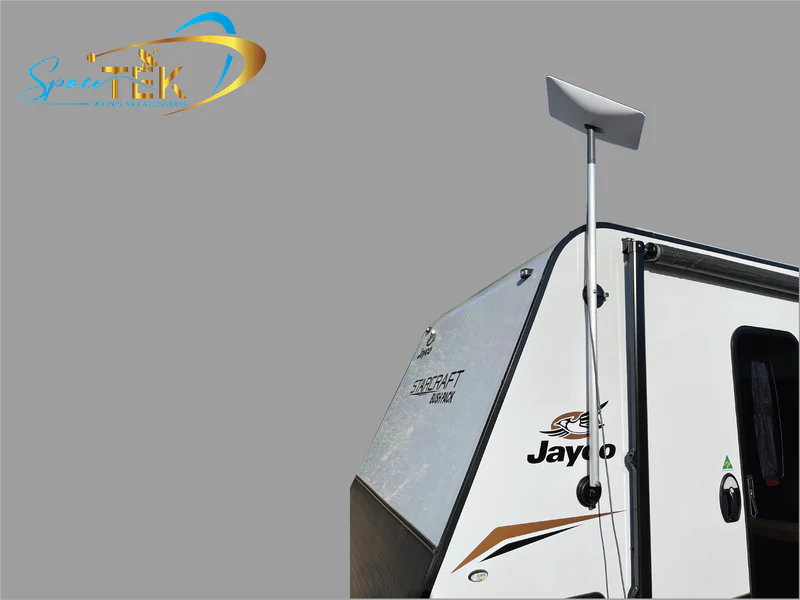
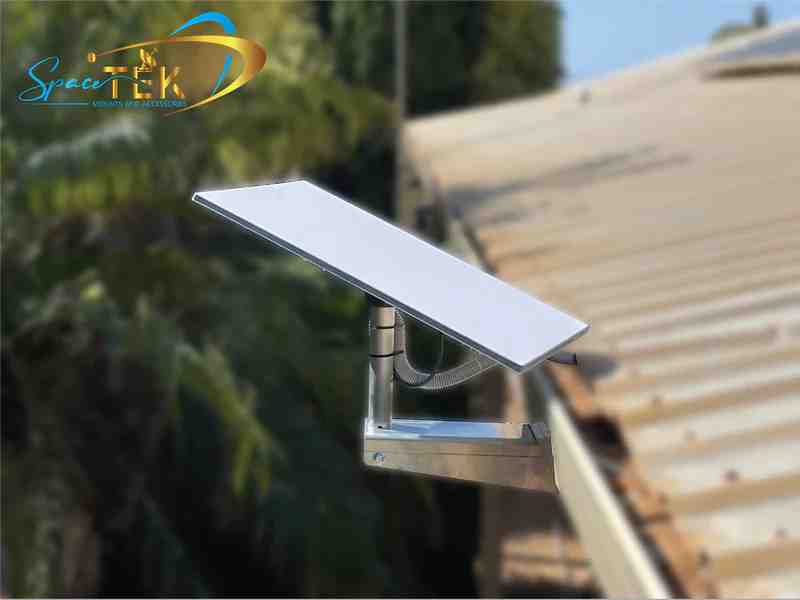
A solid installation starts with a rigid dish mount. Thin tubing or poorly secured hardware can flex in gusty weather and affect alignment. SpaceTek's Starlink Gen 3 mounts and accessories use precision-machined or folded aluminium and reinforced composites to support stable roof, pole, and vehicle installations.
For mobile travellers, 4WD tourers, and off-grid setups, power matters just as much during a storm. Direct DC-to-DC power can be more efficient than running equipment through an AC inverter, draw less from the battery, and allow compatible custom setups to bypass the standard Starlink router. SpaceTek's StarPower DC power supplies are designed to support reliable off-grid power arrangements when mains power is unavailable.
Frequently Asked Questions About Weather and Satellite Performance
How Long Can a Satellite Internet Outage Last During a Thunderstorm?
Rain fade is usually temporary. A brief slowdown or dropout often clears once the heaviest part of the storm moves on, although the timing depends on the strength and position of the rain cell.
Does Cloud Cover Without Rain Slow Satellite Internet?
Ordinary cloud cover is unlikely to make a noticeable difference. The bigger concern is a cloud system carrying heavy rain or dense liquid water.
Can Satellite Equipment Stay Outside in Snow and Ice?
Most outdoor satellite equipment is designed for changing weather conditions, but check the manufacturer's installation guidance for your model. Keep the dish clear of obstructions and make sure the mount, cabling, and power setup are suitable for the local environment.
How Can You Keep Satellite Internet Reliable in Wet Weather?
Rain can temporarily affect satellite internet, but a well-prepared setup can prevent many avoidable problems. A clear sky view, secure cabling, protected power equipment, and a rigid dish mount all make a difference when the weather turns.
If the connection becomes unstable during a storm, start by checking for wet foliage, obstructions, cable issues, and mount movement. With the right setup, satellite internet can remain a dependable option for Australian homes, travellers, and off-grid users in wet weather.

Leave a comment
This site is protected by hCaptcha and the hCaptcha Privacy Policy and Terms of Service apply.