
Which Starlink cable do you need?
Identify the terminal model and the connection you are replacing before choosing a cable. A dish-to-router cable, a Mini power cable and an indoor network patch lead can serve different purposes even when a connector looks familiar.
This October 2026 guide explains those distinctions, how to plan a replacement route and what to confirm before ordering. There is no single cable shape, length or connector specification that describes every Starlink kit.

Start with the terminal label, the existing cable connections and the intended route. If you are unsure, provide those details to the supplier before buying. A cable advertised for a different Starlink generation should not be treated as interchangeable.
Compare the connection, not just the cable name
The important questions are whether the cable fits the specified equipment, carries the required connection and is suitable for its installation environment. A networking speed label alone does not answer all three.
| Question | What to check |
|---|---|
| Which terminal? | Exact model, including Standard, Mini or Performance variant |
| Which connection? | Terminal link, power input or a separate Ethernet network connection |
| Which ends? | Connector shape, orientation and the required sealing arrangement |
| Which route? | Measured path, installation exposure and access for replacement |
| Which length? | A listed option supported for that product and setup |
Do not select a replacement using a claim that all Starlink cables are flat ribbons, all Ethernet cables carry only data, or every kit uses the same proprietary plug. Those generalisations hide the differences that determine whether a part is suitable.
Nor does fitting a cable rated for a particular networking speed guarantee that your internet service will achieve that speed. Keep the physical connection and the service's performance separate when deciding what needs attention.
Match the cable to the Starlink model
Standard Gen 3 / V4
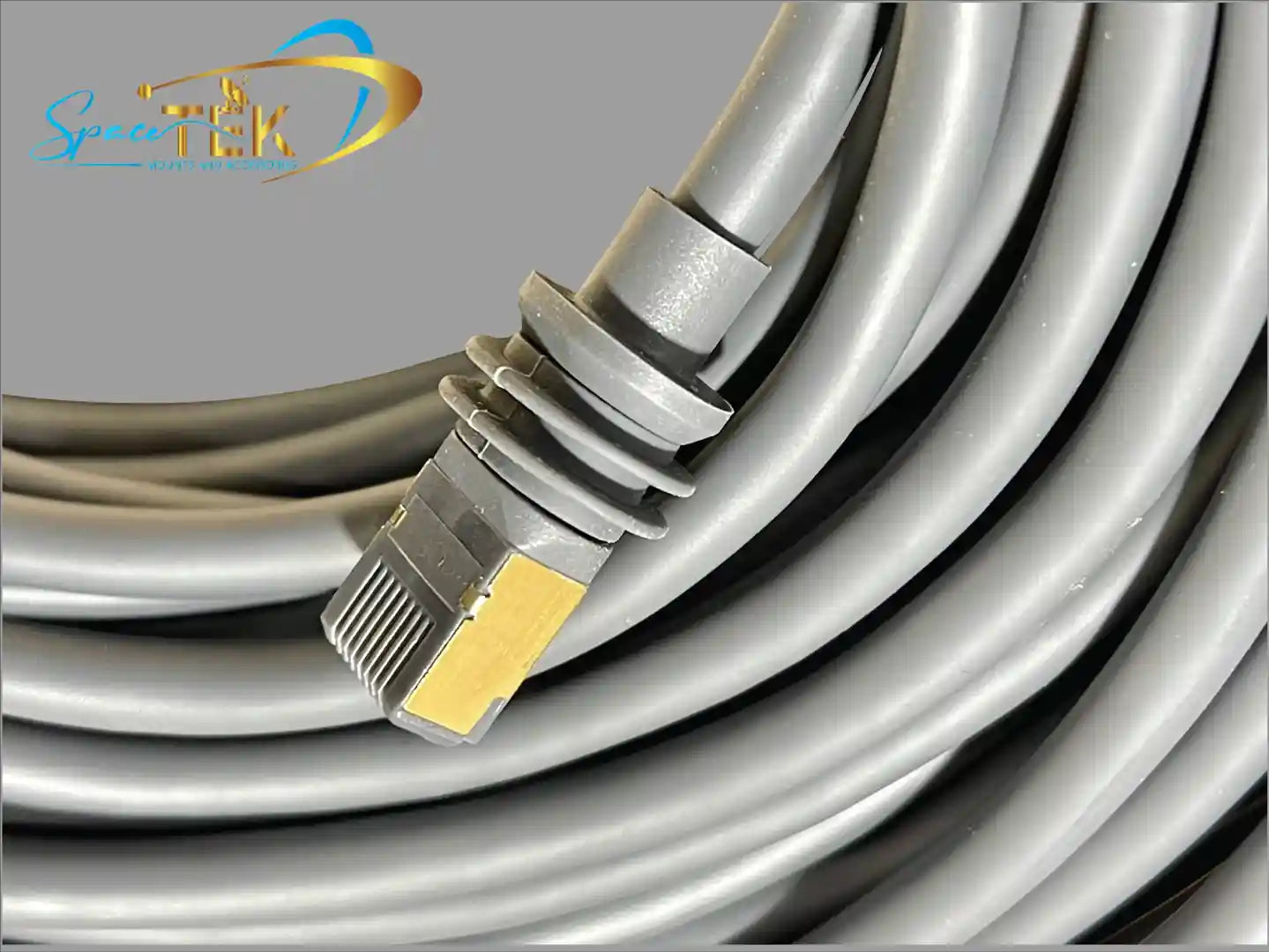
SpaceTek's Standard Gen 3 / V4 replacement cable is described as outdoor-rated Cat6 with 24AWG conductors and RJ45 connections with a model-specific weather-sealing gland. The listing offers several lengths. Check the exact variant and current compatibility information rather than assuming a generic patch lead has the same fit and sealing.
Standard Actuated Gen 2
The Gen 2 SPX replacement range uses Gen 2-compatible connectors. The supplier explicitly excludes Gen 3, Mini, High Performance and Gen 1 from that product's compatibility. Choose within the range for the model you own.
Performance equipment
A name containing "Gen 3" is not enough identification. SpaceTek's Gen 3 Performance cable is a separate product from the Standard Gen 3 / V4 cable, with different stated compatibility. Use the terminal's complete model name when ordering.
Starlink Mini
The Mini has a DC power connection separate from its optional Ethernet network connection. The official Mini setup guide explains the supplied equipment and networking options. It also warns that using a third-party RJ45 cable removes the Mini's IP67 water-protection rating; Starlink recommends its Mini Ethernet cable for the appropriate seal.
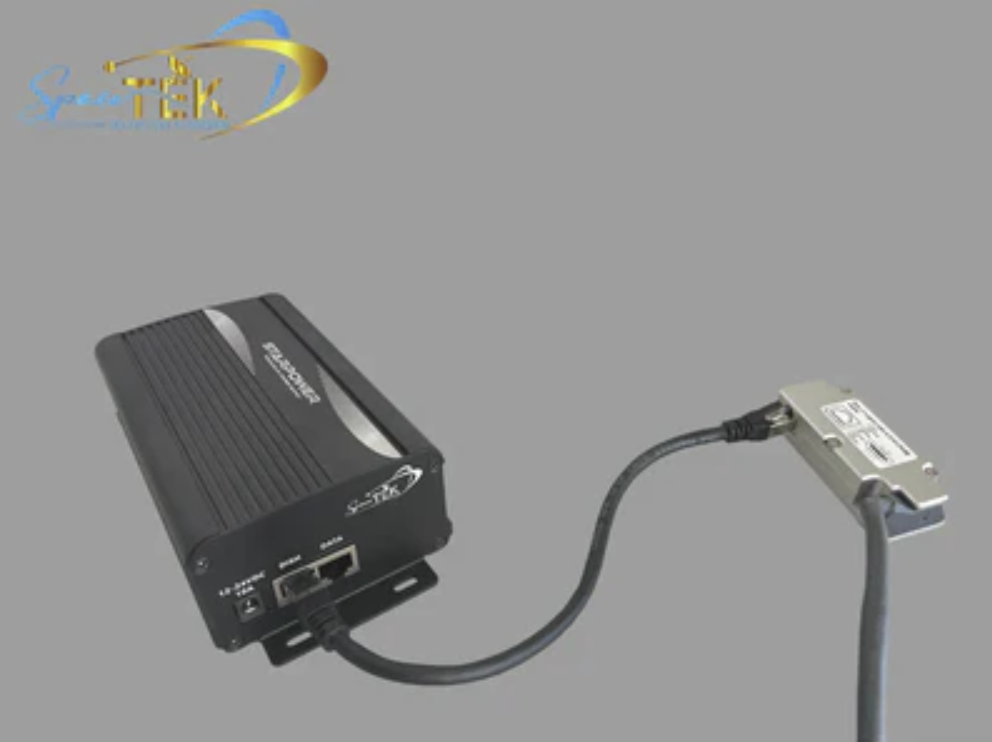
Do not confuse a data connection with a means of powering the Mini. Confirm the power source and cable combination against the applicable product instructions.
Plan the route before ordering
Measure the route the cable will actually follow, including its approach to the equipment and any planned entry point. Do not use the straight-line distance between the terminal and router as the complete measurement.
SpaceTek's long-run cable guide compares different model-specific cable options. Use it to identify the relevant range, then check that product's instructions for the length and arrangement you need.
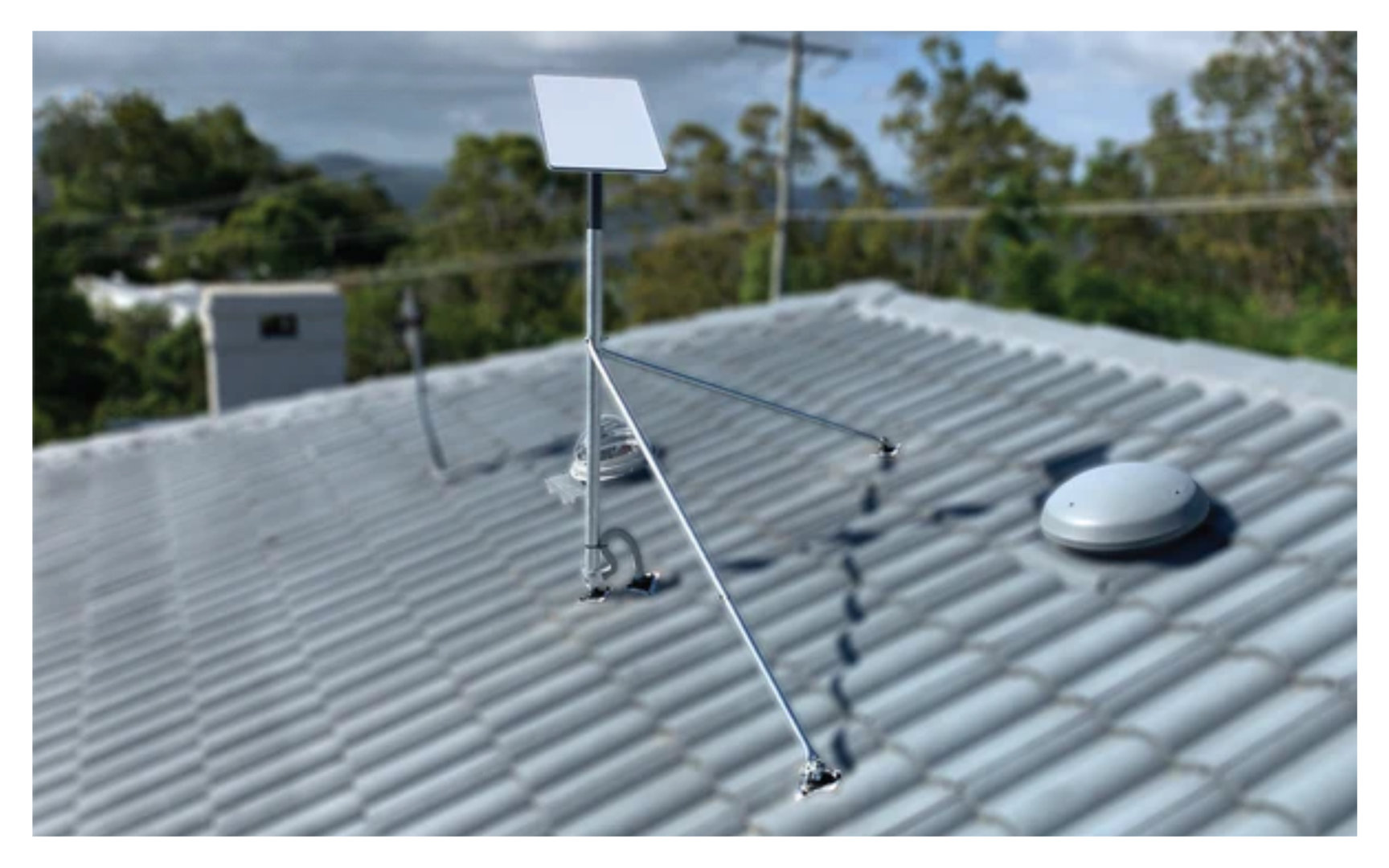
Plan protection from pinching, sharp edges and avoidable movement. For a roof, wall or vehicle entry, establish the appropriate routing and sealing method with the installer. A hole size copied from another kit is not a universal instruction.
Outdoor rating alone does not establish suitability for immersion or direct burial. Confirm the requirements for the complete installation rather than assuming a cable becomes suitable simply because it is placed in conduit.
If the supplied route is impractical, ask about an approved alternative before cutting or splicing the cable. A longer listed replacement and an improvised extension are different arrangements.
Replace a cable for an identified reason
A damaged cable, unsuitable length or confirmed connection problem can justify a replacement. Slow internet alone does not prove that the cable is responsible.
Check the app's exact message and follow the setup or troubleshooting guide for your kit. Look for visible damage only where access is safe, and follow the manufacturer's instructions for power isolation and handling connectors. Do not force a plug or continue using damaged electrical equipment.
When asking for support, include the terminal model, the cable you have, the required route and the symptoms. A clear description helps distinguish the wrong part from a service or local Wi-Fi problem before another purchase.
Common questions about Starlink cables
Is there one standard cable length?
No. Supplied kit contents and replacement options vary by model and product. Check the parts list for your kit and the exact replacement listing rather than relying on a universal length table.
Can I use a regular Ethernet cable?
It depends on the equipment and which connection you mean. An indoor LAN connection and an exposed terminal connection have different requirements. Check model compatibility, power requirements and sealing; matching the plug shape is insufficient.
Will a replacement increase my internet speed?
It may address a diagnosed cable fault, but a higher cable specification does not create extra service capacity or fix weak Wi-Fi elsewhere in the building.
Does any third-party cable automatically void every warranty?
Do not rely on a blanket claim either way. Review the applicable product terms and installation instructions and ask the relevant supplier about the proposed combination. Compatibility and warranty coverage are separate questions.
Order with the model and route confirmed
Keep the model, connector requirements and measured route together when selecting a replacement. Check the product description and instructions, then confirm any unresolved installation detail before ordering.
For help with SpaceTek products, contact the team with the terminal model and the connection you need to replace. For a Starlink service or hardware fault, use official Starlink support and the app's diagnostic information.

Leave a comment
This site is protected by hCaptcha and the hCaptcha Privacy Policy and Terms of Service apply.