
AQUILA PRO AI Wi‑Fi 6 Mesh System - Multi Pack Residential Wifi Expansion, Starlink Compatible
Specifications
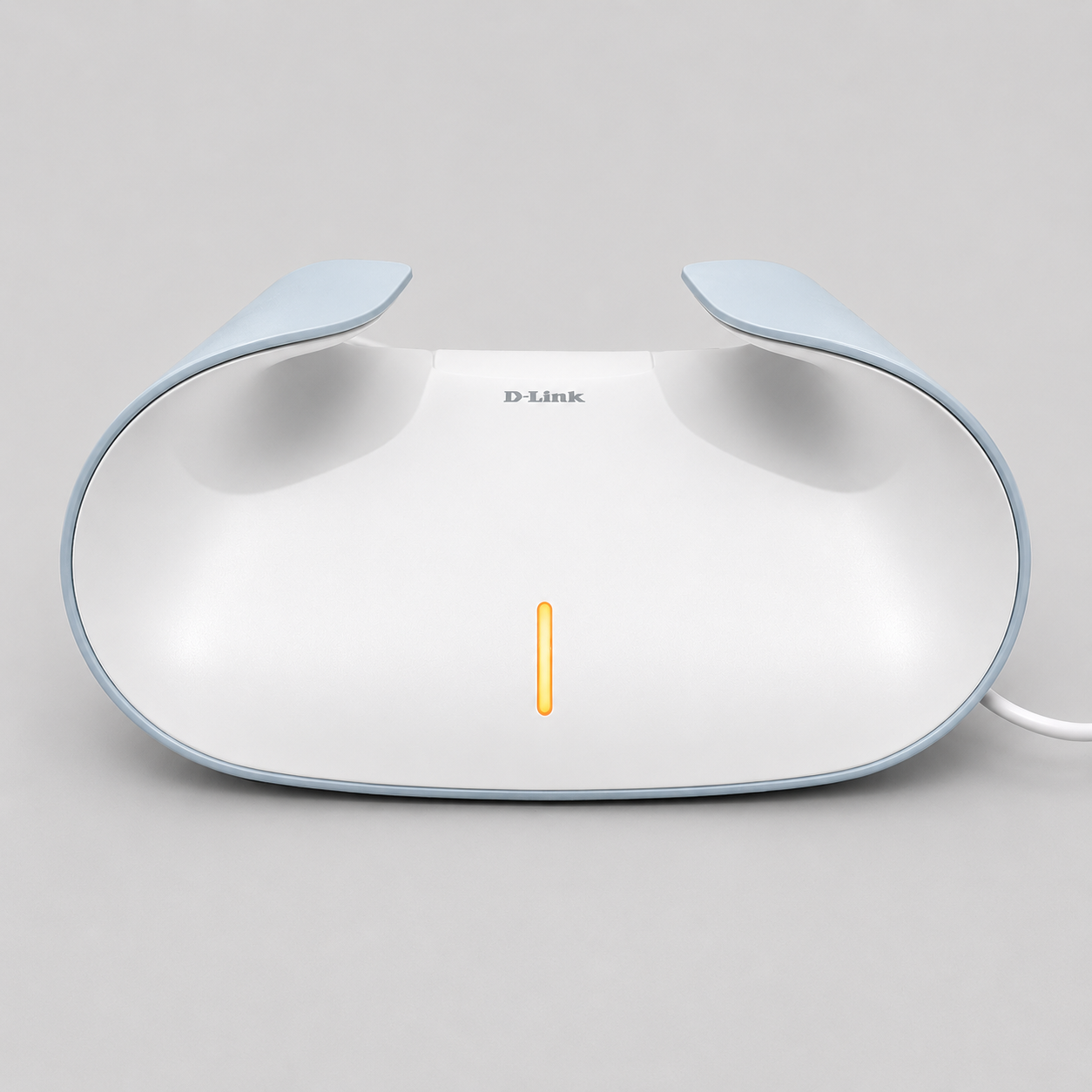
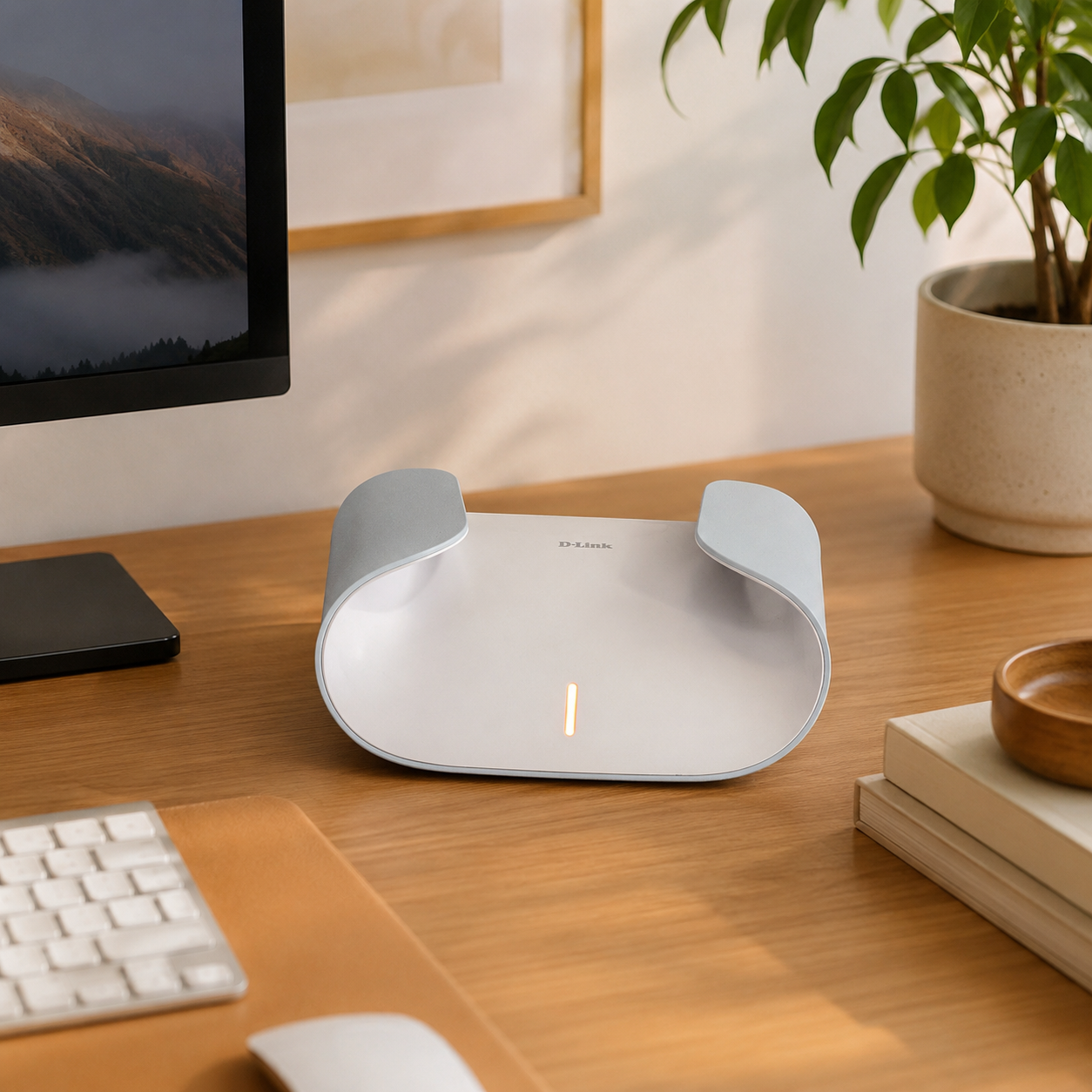
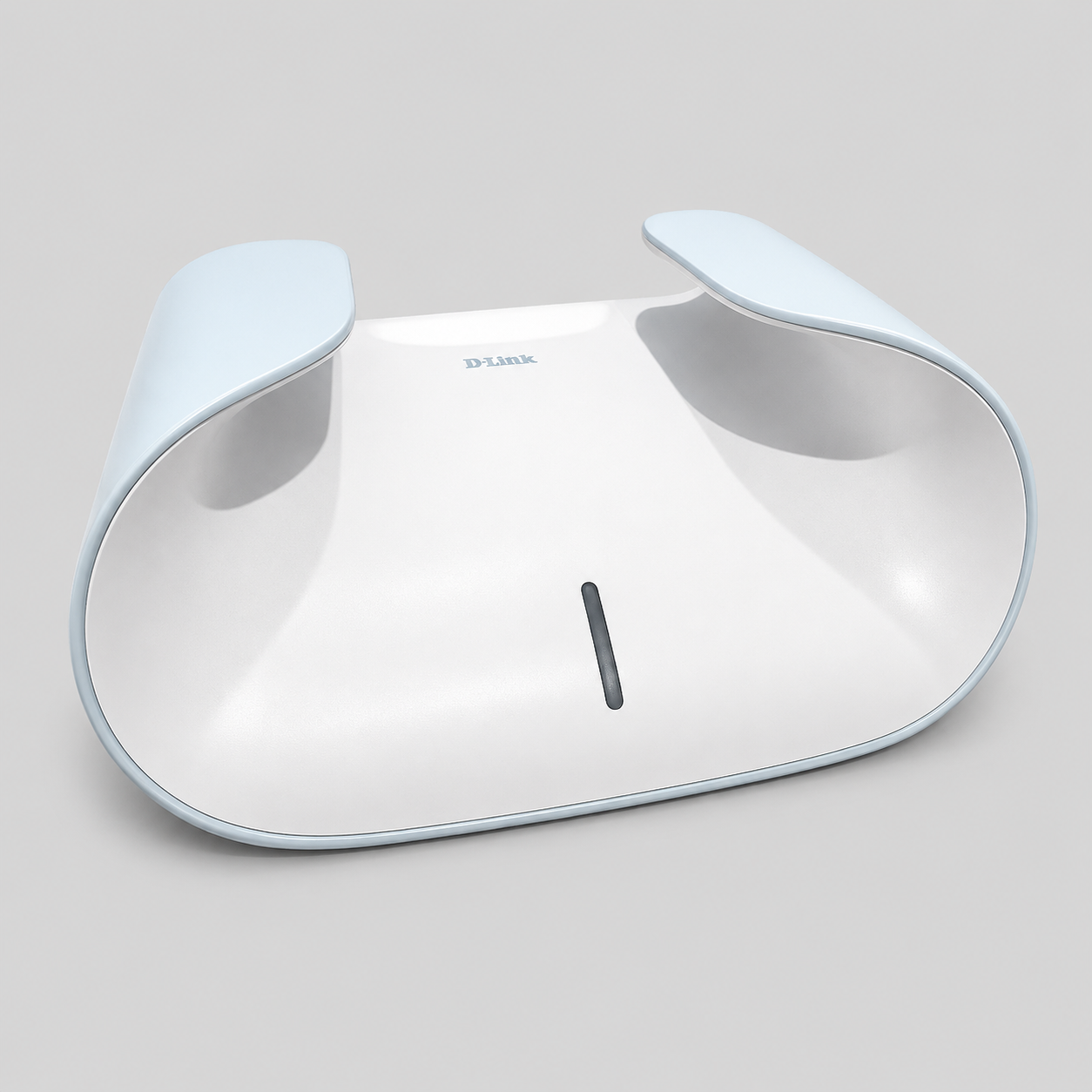
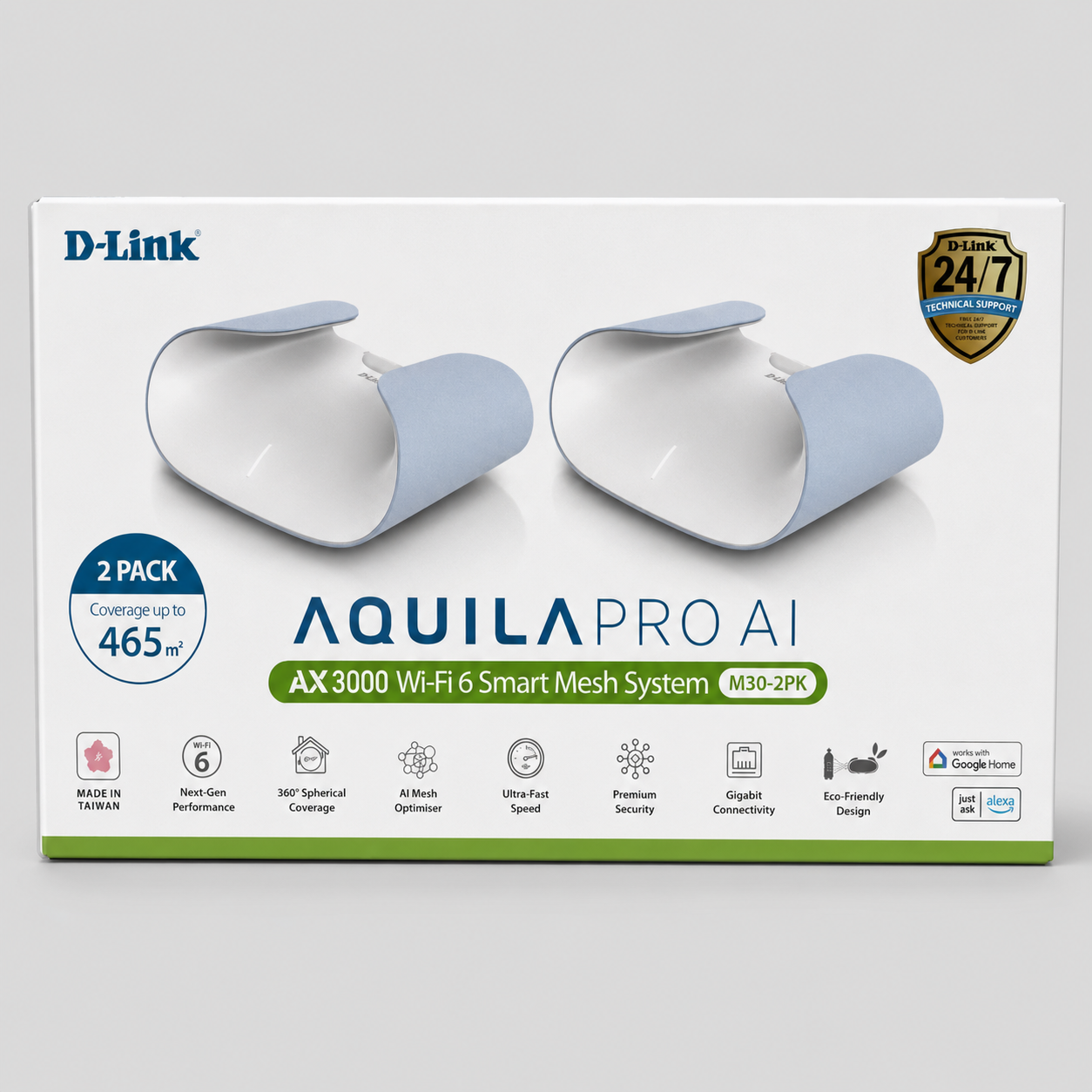
The D-Link AQUILA PRO AI Wi-Fi 6 Mesh System is Spacetek's Wifi booster / extender alternative for customers who want broader Wi-Fi coverage from a Starlink internet connection. It is designed for larger homes, offices, sheds, granny flats, caravans/RV sites and multi-room environments where the standard Starlink router signal is not reaching far enough.
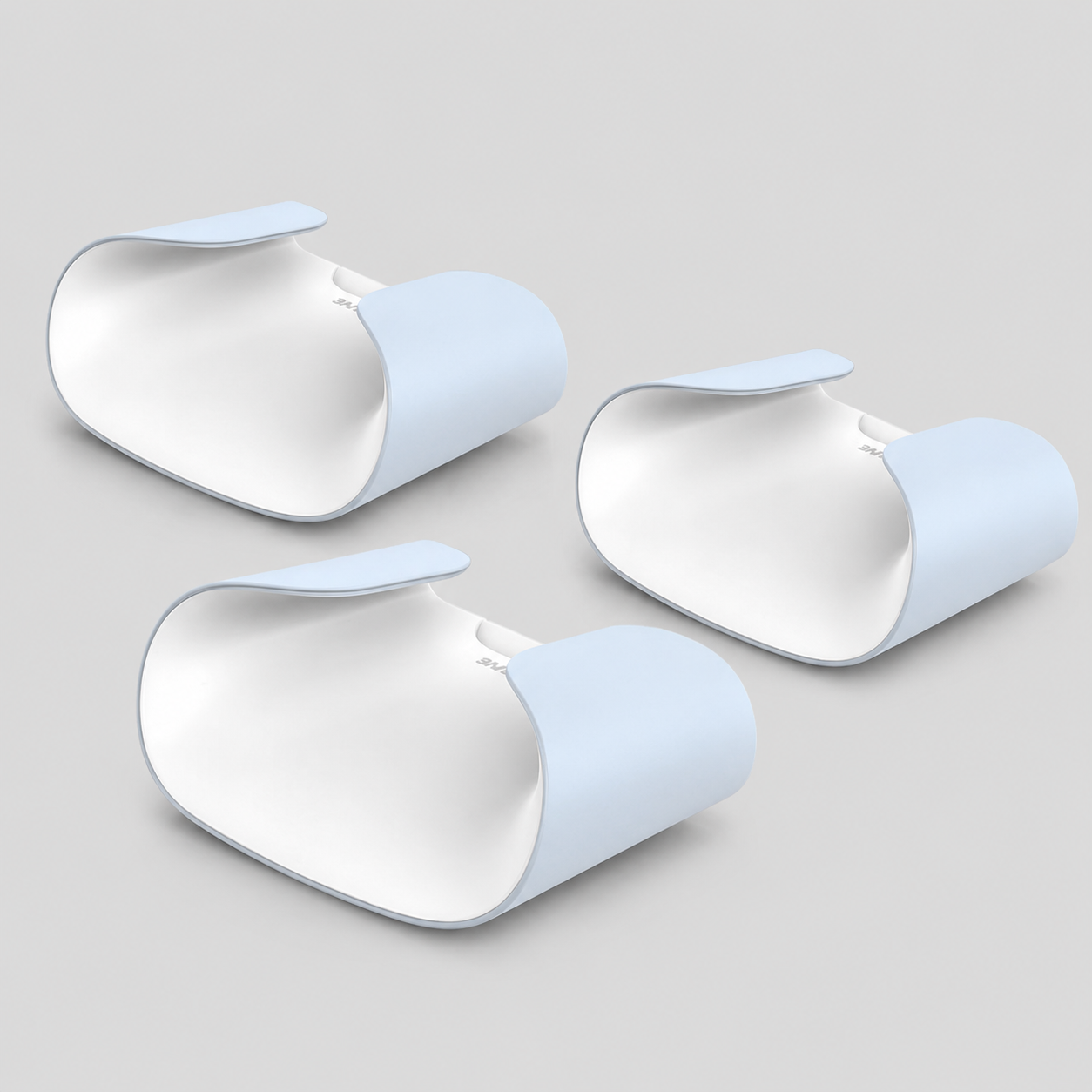
Rather than adding another small Starlink mesh node, this system gives you a dedicated multi-node Wi-Fi 6 mesh network with stronger coverage planning and more flexible placement. The 3-node pack can support coverage up to 650 m² in suitable conditions.
Choose This If
- You need stronger Wi-Fi coverage across a larger home, shed, office or granny flat.
- Your Starlink router works, but the Wi-Fi does not reach far enough.
- You want a 2- or 3-node Wi-Fi 6 mesh system for broader coverage. The Starlink Router Mini remains an option for users who want a Starlink Mesh system suitable for smaller areas.
- You are comfortable connecting a mesh system to Starlink by Ethernet and using bypass / router setup where required.
Router Mini Alternative: What Changes?
| Need | Recommended path |
|---|---|
| Whole-home or large-area Wi-Fi coverage | D-Link AQUILA PRO AI Wi-Fi 6 Mesh System |
| Direct Starlink Gen 2 router replacement | Genuine Starlink Gen 2 Router UTR-211 |
| Ethernet output from a Gen 2 Starlink router | Starlink Gen 2 Ethernet Adapter |
| More wired ports after Ethernet is available | D-Link 5-Port Gigabit Switch |
Starlink Setup Notes
For many Starlink installs, the cleanest setup is to connect the mesh system by Ethernet from the Starlink router or Ethernet adapter, then configure the network appropriately. Most Starlink Routers need to be placed into By-Pass mode (in your Starlink App), for the Aquila to take over management of the Wifi network.
If you have a Gen 2 Starlink router and need a physical Ethernet port first, add the Starlink Ethernet Adapter. If you only need extra wired ports after that, add a small Ethernet switch.
Common Use Cases
🏠 Larger homes
Extend Wi-Fi across multiple rooms where the Starlink router signal drops off.
🏢 Offices, sheds and workshops
Create stronger internal coverage where Starlink enters one part of the building but devices are used elsewhere.
🚐 Caravan, RV and site-office setups
Improve coverage around a van, annex, worksite office or nearby indoor area when installed appropriately.
📶 Choose the mesh system for your area
Choose the D-Link 2- or 3-pack for broader Wi-Fi coverage. The Starlink Router Mini remains an option for a Starlink Mesh system in smaller areas.
Instructions
Connecting up one of the D-Link Aquila mesh nodes to your Starlink
- Plug a network cable into a LAN port of your Starlink Router (Router 3 - one of the two ports in the middle of the rear of the unit)
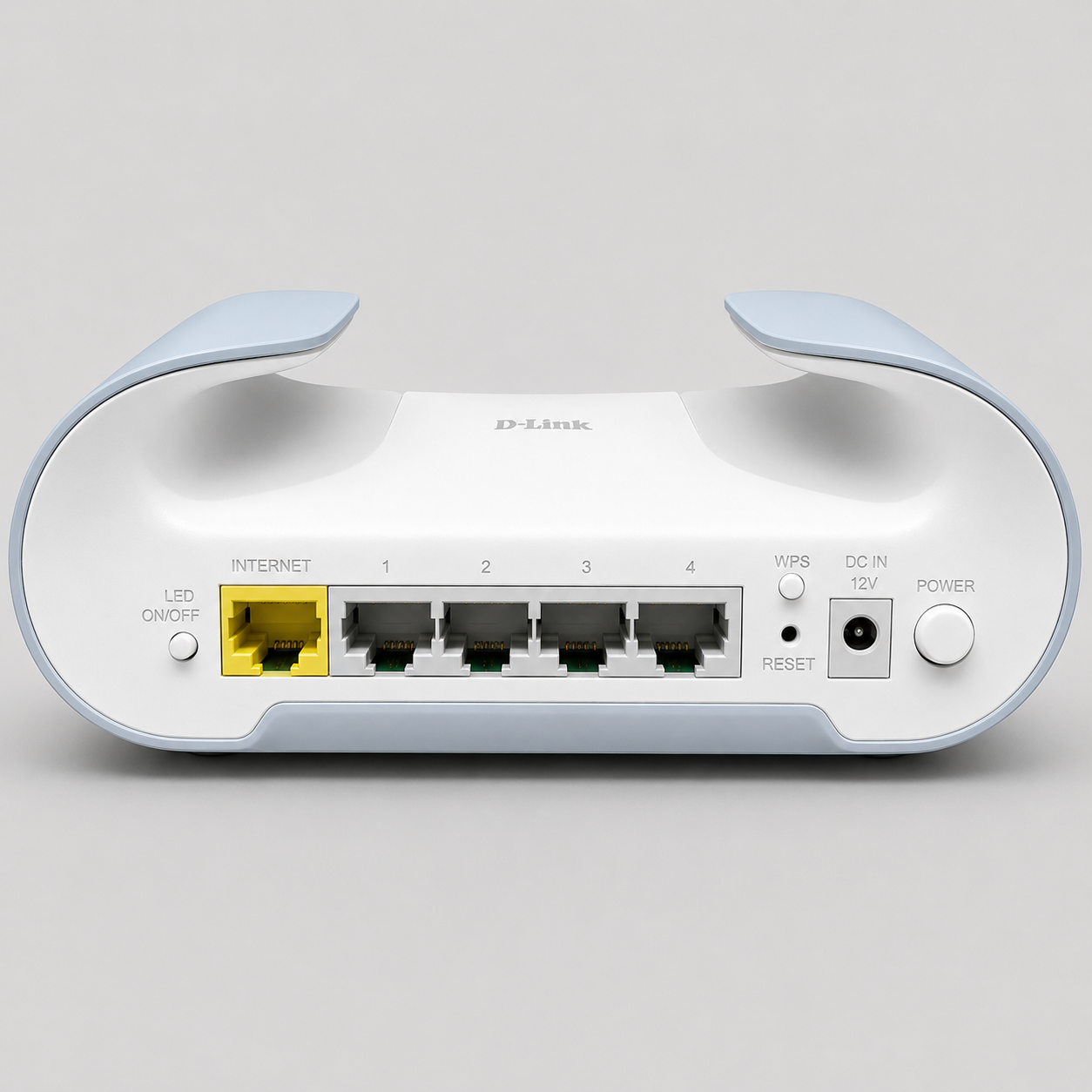
- Plug the other end of that cable into the WAN (Yellow) port of the first D-Link Mesh node
- Power up the first D-Link Aquila Mesh node.
Setting By-Pass mode on your Starlink
- Connect to the WIFI of the Starlink Router
- Open the Starlink App
- Head to Settings for the Router of your Starlink
- Turn on By-Pass mode (At this point you will lose connection to the Starlink directly)
Connecting Devices to the D-Link Mesh System
- Your D-Link Aquila Mesh system comes pre-programmed with a WIFI SSID and Password.
- These details are written on a sticker underneath each D-Link Aquila Mesh node. You will be able to open your device, and see the D-Link SSID broadcast when the unit is turned on. Simply enter those Wifi details into your device to connect to the D-Link Aquila System.
What's Included
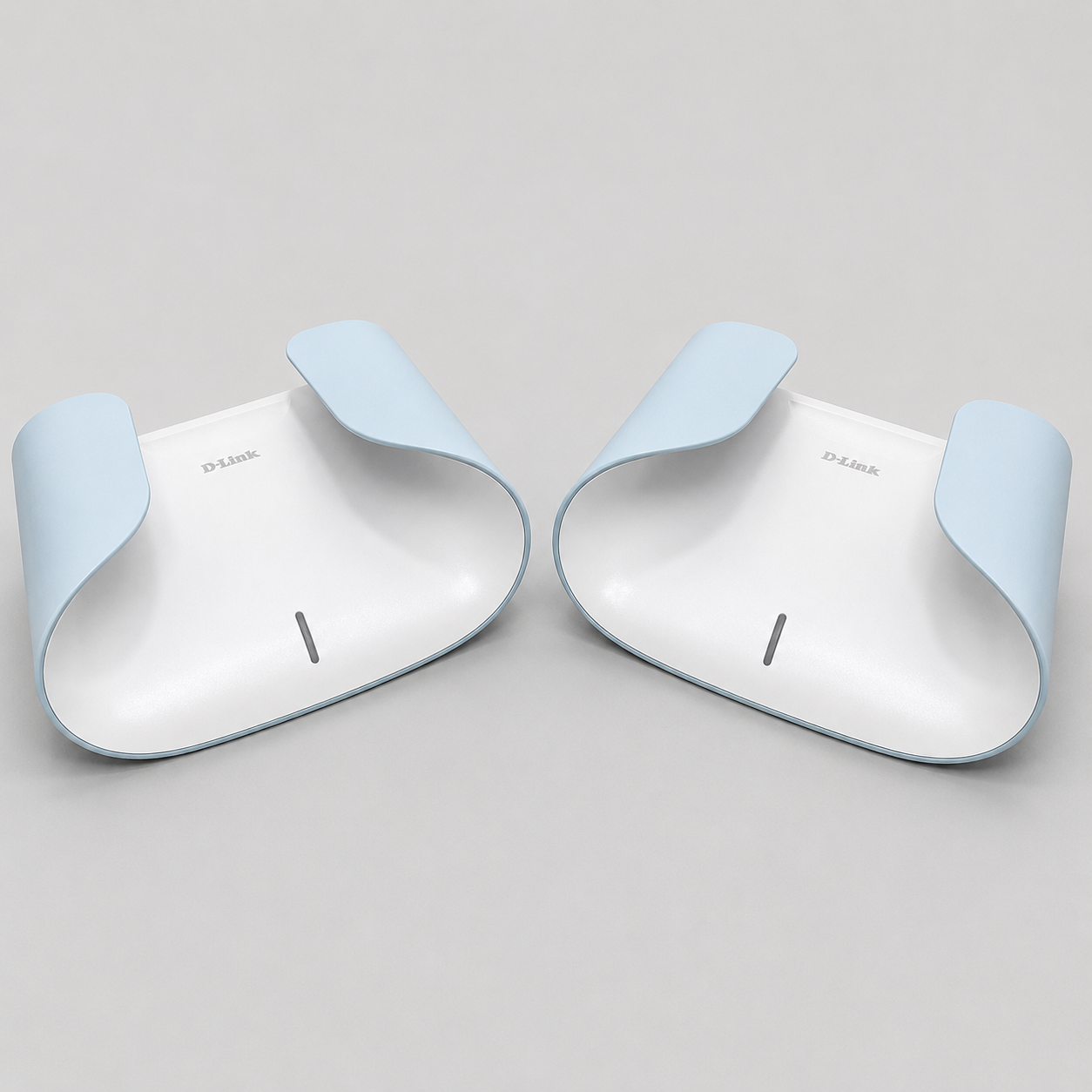
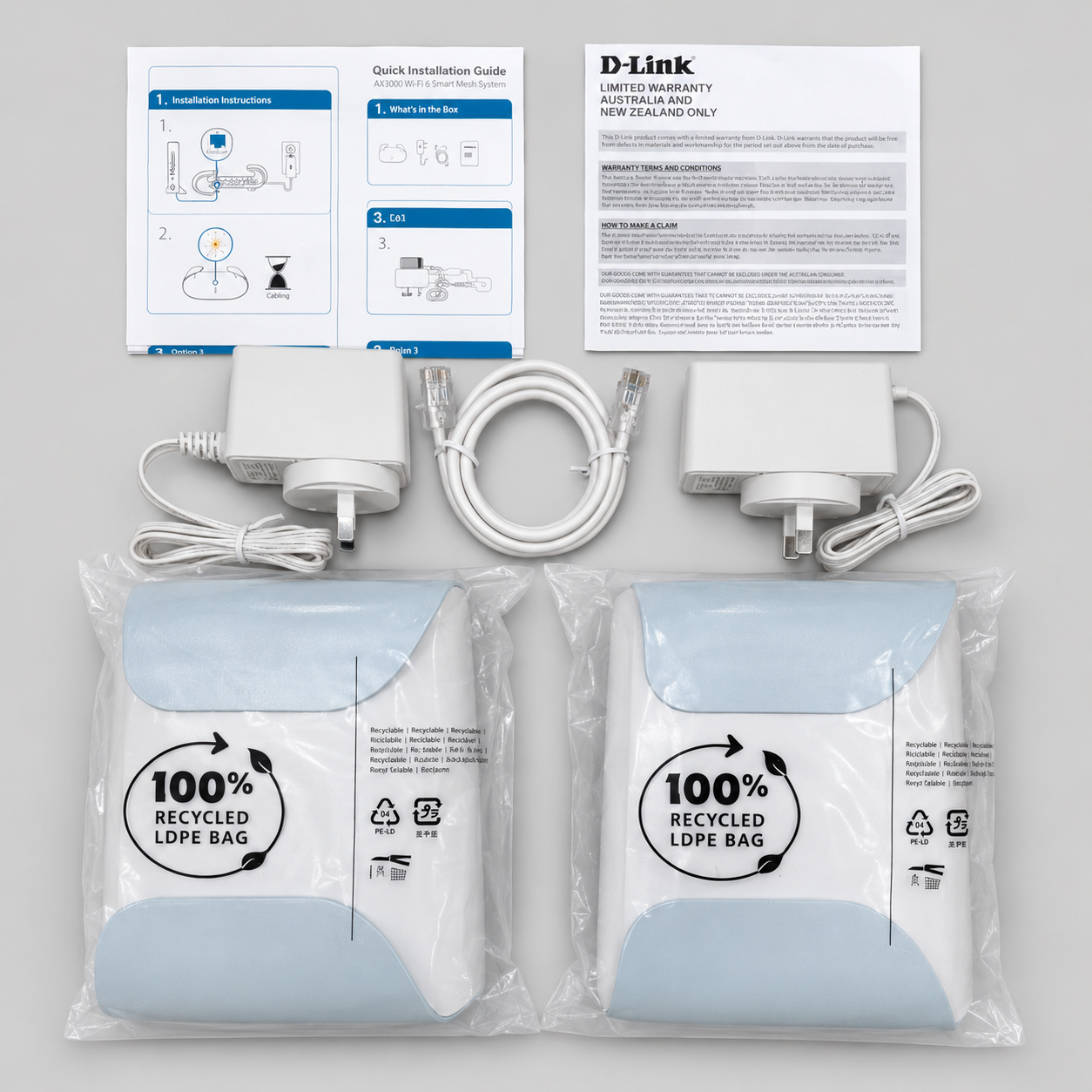
📦 D-Link AQUILA PRO AI Wi-Fi 6 Mesh System in your selected pack size: 2 mesh units in the Dual-Pack or 3 mesh units in the Three-Pack.
Support & Warranty
📝 D-Link in Australia & New Zealand provide a Limited 3-Year warranty on all Aquila devices. They also provide a free 24/7 tech support service via telephone: AU ( 1300 700 100 ) NZ ( 0800 900 900 )
Important Notes
⚠️ Coverage depends on building layout, wall materials, interference and node placement.
⚠️ This is a Wi-Fi mesh system, not a replacement Starlink dish/router power supply.
⚠️ Some Starlink systems require an Ethernet adapter or suitable router configuration before adding third-party mesh networking.
⚠️ If you are unsure, contact Spacetek with your Starlink model and desired network layout.
This product has no reviews yet.
Why Choose Spacetek Mounting Kits?
Quality & Compatibility
At SpaceTek's Starlink Shop, we offer a comprehensive range of additional mounts, adapters, and accessories. Whether you're looking to fine-tune your setup or maximize performance, we have you covered. Our products are built to withstand varying temperatures and harsh weather conditions, ensuring your Starlink Dishy remains operational and protected from thermal shutdowns on scorching hot days or during pouring rain or gale-force winds.
Don't leave your Starlink experience to chance. Choose the Starlink experts who understand the importance of quality, compatibility, and performance since 2021.
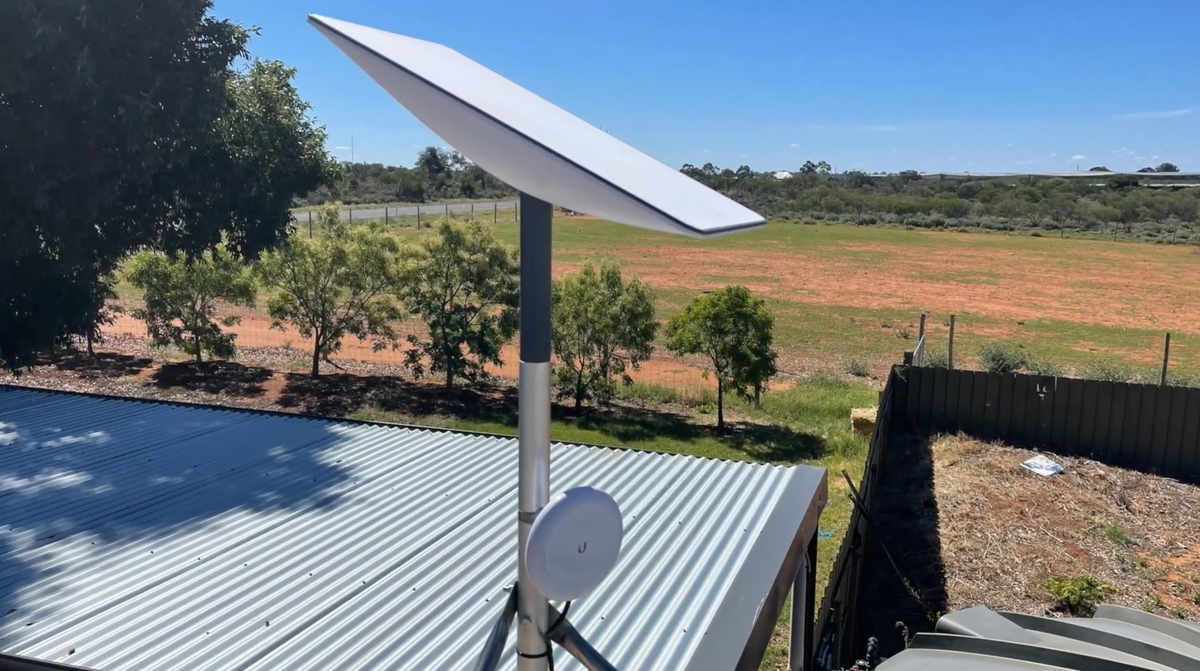
Custom-Machined
Secure and stable installation for your Starlink dish, guaranteeing optimal performance.
Lightweight & Rust-Resistant
Our mounting equipment provides a durable and long-lasting solution for mounting your Starlink equipment.
Built to Last
Our products are built to withstand various weather conditions, including high temperatures, heavy rain, and strong winds.
At SpaceTek's Starlink Shop, we offer a comprehensive range of additional mounts, adapters, and accessories. Whether you're looking to fine-tune your setup or maximize performance, we have you covered. Our products are built to withstand varying temperatures and harsh weather conditions, ensuring your Starlink Dishy remains operational and protected from thermal shutdowns on scorching hot days or during pouring rain or gale-force winds.
Don't leave your Starlink experience to chance. Choose the Starlink experts who understand the importance of quality, compatibility, and performance since 2021.