
Banishing WiFi Dead Zones for Good
We've all experienced that frustrating moment when a video call drops out on the back deck or a webpage refuses to load in the home office. WiFi dead zones are a common nuisance in Australian homes, especially in larger properties or those with walls that block signals. These dead zones are caused by a combination of distance and interference. WiFi signals naturally weaken the further they travel from your router and are easily blocked or reflected by common building materials like brick, concrete, and metal. Furthermore, other electronic devices can cause interference, including microwave ovens, cordless phones, and even your neighbour's WiFi network competing for the same wireless channels.
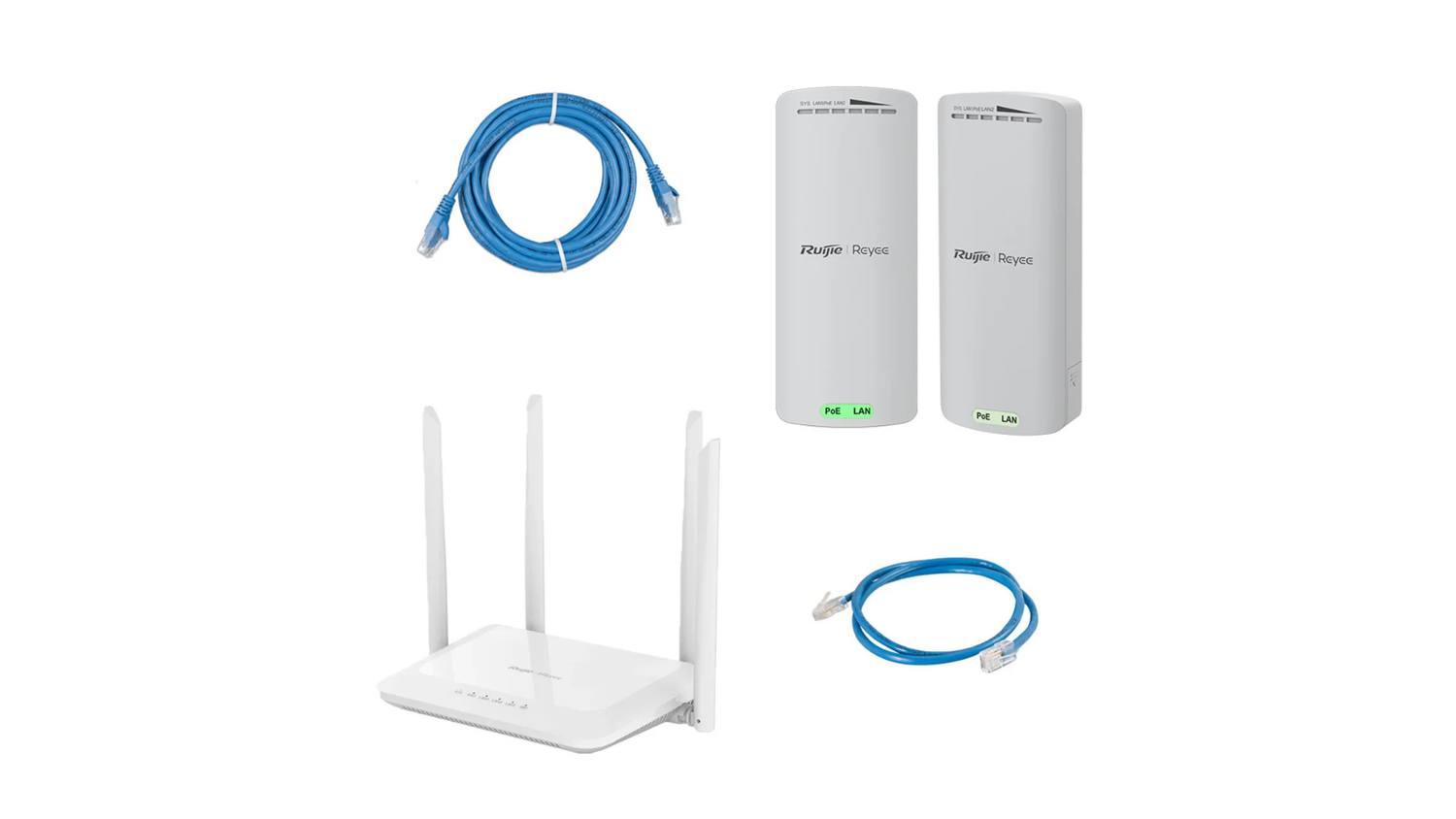
A wifi repeater is a simple device designed to overcome these obstacles by capturing your existing WiFi signal where it's still strong and rebroadcasting it, extending coverage into areas your router can't reach.
Quick Answer:
- What it does: Picks up your router's signal and rebroadcasts it to eliminate dead zones.
- How it works: Acts as a wireless bridge between your router and distant devices.
- Best for: Fixing single problem areas like a backyard shed, garage, or far bedroom.
- Key limitation: Typically reduces wireless speed by about 50%.
A wifi repeater, also known as a range extender, offers a cost-effective solution without needing a complex network overhaul. It plugs into a power outlet, ideally halfway between your router and the problem area, and pushes your WiFi coverage further.
What are the Benefits of Using a WiFi Repeater?
The main advantages of using a wifi repeater are clear for anyone struggling with patchy internet:
- Eliminates Dead Zones: This is the primary benefit, ensuring every corner of your property gets a usable WiFi signal.
- Improved Connectivity: A stronger signal means more stable connections, leading to smoother streaming and more reliable video calls.
- Cost-Effective Solution: It's a much more affordable fix for isolated coverage issues compared to installing a full mesh WiFi system.
- Easy to Install: Most repeaters feature a simple plug-and-play setup, often using a WPS button or a smartphone app.
- Supports More Devices: Once the signal is extended, more smart TVs, gaming consoles, and smart home gadgets can connect reliably.
Your Ultimate Guide to Choosing and Placing a WiFi Repeater
Getting the most from your wifi repeater isn't just about buying the right one—it's about placing it correctly. The sweet spot is roughly halfway between your router and the dead zone. Too close to the router, and it won't extend the signal far enough. Too far, and it will rebroadcast an already weak signal.
Most modern repeaters have LED signal strength indicators. During setup, move the device around until the lights show a strong connection to the router. Also, try to maintain a clear line of sight, as physical obstacles like brick walls, metal objects, and even large furniture can weaken WiFi signals.
How to Choose the Right WiFi Repeater for Your Needs
When choosing a wifi repeater, focus on these key features:
- Compatibility: Your repeater should match your router's WiFi standard. If your router is Wi-Fi 5 (802.11ac), get a Wi-Fi 5 or Wi-Fi 6 repeater. If you have a new Wi-Fi 6 (802.11ax) router, choose a Wi-Fi 6 repeater to take full advantage of its performance benefits.
- Frequency Band: A dual-band repeater is perfect for most homes. It operates on both the 2.4 GHz and 5 GHz frequency bands. The 2.4 GHz band offers greater range and is better at penetrating walls, but it's slower and more prone to interference. The 5 GHz band provides significantly faster speeds with less congestion, making it ideal for streaming and gaming, but its range is shorter. A tri-band model goes a step further by adding a second 5 GHz band that acts as a dedicated, high-speed link between the repeater and the router, which dramatically reduces the speed loss typically associated with repeaters.
- Speed Ratings: Ratings like AC1200 or AX1800 represent the maximum theoretical speed. While you won't achieve these in the real world, they are useful for comparing models. An AC1200 repeater is fine for general use, while an AX1800 or higher is better for heavy streaming or gaming.
- Ethernet Port: An Ethernet port is a highly useful feature. It allows you to connect a device like a smart TV, gaming console, or desktop PC directly to the repeater with a cable, providing a faster and more stable connection than WiFi.
- Advanced Features (Beamforming & MU-MIMO): For a smarter network, look for modern features. Beamforming focuses the WiFi signal directly towards your connected devices for a stronger, more stable connection. MU-MIMO (Multi-User, Multiple Input, Multiple Output) allows the repeater to communicate with multiple devices simultaneously, which is a significant upgrade for busy households as it reduces network congestion and wait times.
- Ease of Setup: Look for models with a WPS (Wi-Fi Protected Setup) button for one-press pairing or a smartphone app that guides you through placement and configuration.
For more detailed comparisons, check out our guide: Repeater Roundup: Top Wireless WiFi Repeaters to Extend Your Range.
How a WiFi Repeater Impacts Network Speed and Performance
Here's the crucial trade-off with WiFi repeaters: they typically cut your wireless speed by about half. This isn't a defect; it's due to the technology's half-duplex nature. A standard repeater uses the same radio band to both receive the signal from your router and transmit it to your devices. Since it can't do both simultaneously, it effectively halves the available bandwidth.
This also adds a small delay (latency), which usually isn't noticeable for web browsing but can affect online gaming or video calls. While most streaming works fine, you might see buffering on 4K content if multiple devices are active.
However, you can minimise these downsides:
- Optimal Placement: A repeater that receives a strong signal from the router will perform much better.
- Use a Wired Connection: If your repeater has an Ethernet port, plug in nearby high-demand devices like gaming consoles or smart TVs for the best possible speed and stability.
- Choose a Tri-Band Model: These models dedicate one band for communication with the router, reducing the speed loss for your connected devices.
To verify improvements after placement, run a quick before-and-after check with Speedtest by Ookla to measure real-world download/upload speeds and latency.
A wifi repeater is a compromise—you trade some speed for much-needed coverage. For fixing isolated dead zones, it's an excellent and worthwhile trade-off.
Advanced Solutions and Final Considerations
While a wifi repeater is a great tool, it's helpful to know the alternatives to make the best choice for your home.
Repeater, Extender, or Mesh: What's the Difference?
The terms wifi repeater and WiFi extender are often used interchangeably. For most users, they do the same job, but understanding the other technologies helps you make an informed decision.
- WiFi Repeaters/Extenders: As discussed, these are the most affordable solution for targeting specific dead zones. Their main trade-off is a reduction in speed on the extended network.
- Powerline Adapters: This technology uses your home's electrical wiring to carry the internet signal, making it great for homes with thick walls that block WiFi. Performance depends heavily on the quality and layout of your home's wiring.
- Mesh WiFi Systems: This premium solution replaces your router with multiple 'nodes' that work together to create one seamless, intelligent WiFi network. It provides the best possible speed and coverage throughout large or multi-story homes, eliminating dead zones and the need to switch networks manually.
To learn more, see our guides on Mesh Wi-Fi Explained: How It Works and Why You Need It and how to Extend Your Starlink Range: A Guide to Whole Home Coverage.
Here's a quick comparison:
| Feature | WiFi Repeater/Extender | Powerline Adapter | Mesh WiFi System |
|---|---|---|---|
| Cost | Low to Medium | Low to Medium | High |
| Performance | Extends range, but often halves speed | Varies with wiring, good for wired connections | Excellent, consistent speeds, low latency |
| Setup | Easy (WPS, app-based) | Easy (Plug-and-play) | Moderate (App-based, multiple nodes) |
| Roaming | May require manual network switching | Seamless if WiFi-enabled | Seamless (single SSID) |
| Best For | Fixing one or two dead zones | Homes with thick walls, connecting wired devices | Large or multi-story homes, demanding users |
For one or two problem areas, a wifi repeater is a cost-effective choice. For complete, high-performance coverage in a large home, a mesh system is a better investment.
Security Considerations When Using a WiFi Repeater
Extending your network also extends its visibility, so security is vital. Follow these simple precautions:
- Use Strong Encryption: Ensure your repeater is set to WPA2 or, ideally, WPA3 encryption. Avoid the outdated and insecure WEP standard.
- Change Default Passwords: Immediately change the repeater's default administrator username and password to something strong and unique.
- Keep Firmware Updated: Manufacturers regularly release firmware updates to patch security vulnerabilities and improve performance. Check your repeater's app or web interface periodically for updates and install them promptly. Many modern devices can be set to update automatically.
- Secure Physical Access: Don't place your repeater where someone could physically access its Ethernet ports, especially if it's near an outdoor area.
Conclusion: Achieving Reliable Whole-Home Coverage
Fixing your home WiFi doesn't have to be complicated. A wifi repeater is a straightforward, affordable fix for stubborn dead zones. The single most important takeaway is that placement is everything. Position your repeater halfway between your router and the problem area to extend a strong signal, not a weak one. While a repeater involves a trade-off in speed for coverage, it's often the perfect solution for a back room, garage, or outdoor area. For larger properties or users needing flawless speed everywhere, a mesh system may be a better fit. But remember, any extender is only as good as the signal it receives from your main router.
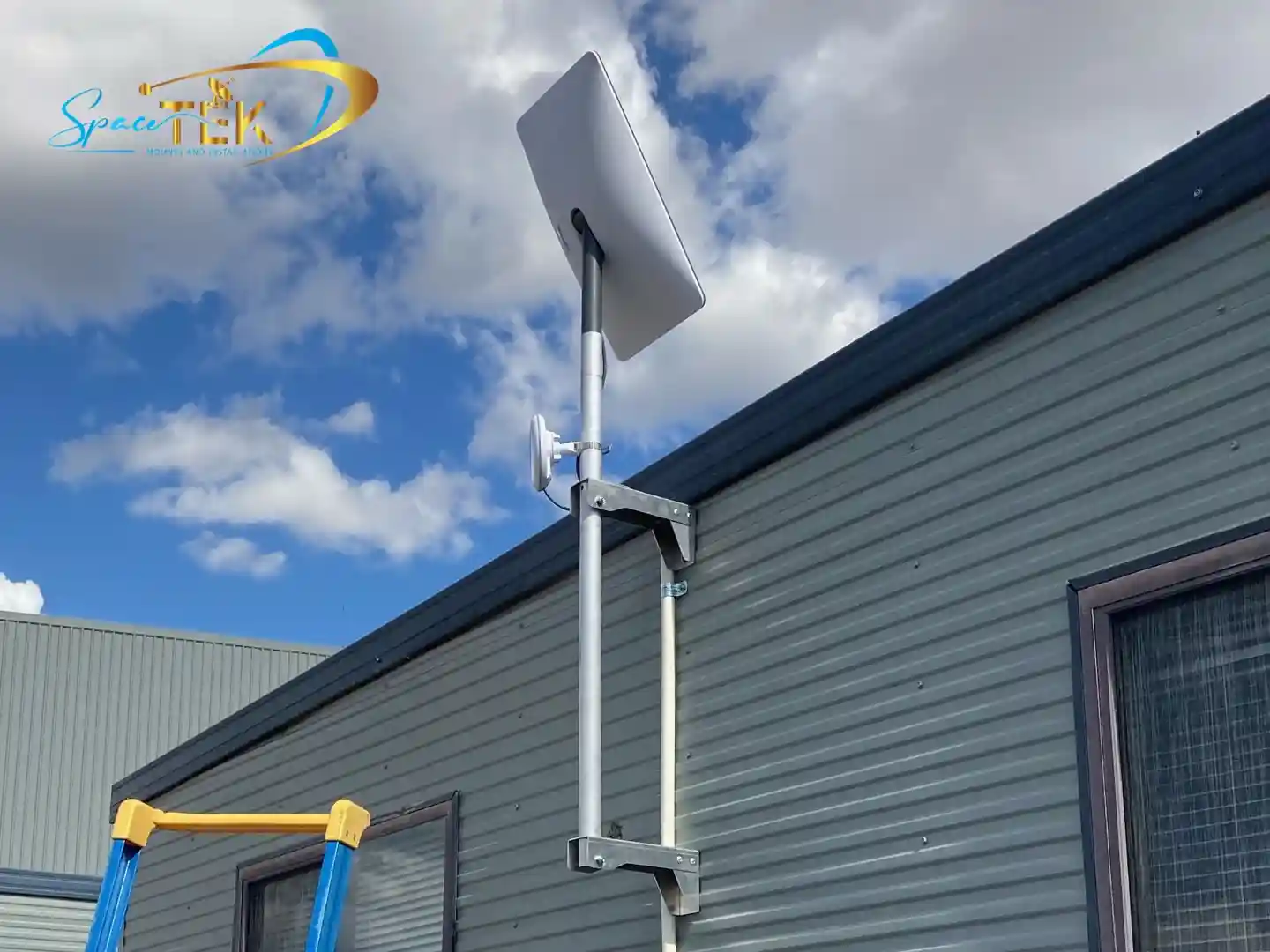
At SpaceTek Australia, we know that reliable connectivity is essential, especially for users of satellite internet systems in remote and regional areas. Just as a secure, rust-resistant mount is crucial for your satellite dish to perform in harsh Australian weather, the right internal network setup is vital to distribute that high-speed internet throughout your property. Our expertise in remote and satellite communications means we understand how to build robust connectivity solutions from the ground up.
We've developed high-quality, marine-grade mounting solutions designed and manufactured in Australia for local conditions, ensuring your hardware is secure and performs optimally. Our mounts are compatible with popular self-installer satellite kits for a hassle-free setup, with solutions for all major dish types:
- Mounts for Compact & Portable Systems
- Mounts for Gen 2 Rectangular Dishes
- Mounts for High-Performance Gen 3 Dishes
- RV and Portability Mounts & Accessories
For a complete overview of our hardware, visit our Comprehensive Satellite Accessories Shop. If you need expert advice on optimising your home network or finding the perfect mount for your satellite system, get in touch with our team. We're here to help you stay connected.


Leave a comment
This site is protected by hCaptcha and the hCaptcha Privacy Policy and Terms of Service apply.