
Understanding the Critical Role of Quality Cable Couplers in Australian Conditions
A Starlink cable coupler for gen 3 is a weatherproof RJ45 connector that joins two shielded Ethernet cables, such as the one from your dish and an aftermarket extension. This allows you to extend your Starlink Gen 3 setup beyond the included cable's length without compromising performance or moisture protection.
Key Facts About Starlink Gen 3 Cable Couplers:
- Primary Function: Connects two shielded Ethernet cables to extend total reach
- Essential Feature: IP68 waterproof rating for outdoor Australian conditions
- Cost Benefit: Provides a cost-effective solution for creating custom cable lengths with high-quality aftermarket cables
- Compatibility: Works with Starlink Gen 3 Standard and Mini dishes using RJ45 connectors
- Critical Specification: Must be shielded to prevent interference and maintain Power over Ethernet (PoE)
- Typical Use Cases: RV setups, mobile installations, routing cables through walls, permanent outdoor installations
Australia's harsh climate puts serious stress on satellite internet equipment. When temperatures soar above 40°C, cheap cable couplers and unshielded extension cables can fail spectacularly. The result? Lost connectivity, voltage drops, and the dreaded "Poor Cable Connection" error in your Starlink app.
Many Australian users find this the hard way after installing budget Ethernet couplers from general electronics retailers. These components weren't designed for the dual demands of data transmission and power delivery that Starlink Gen 3 requires.
I'm Aaron Wroblewski, founder of SpaceTek Australia, and I've spent over 25 years working with remote communications systems across challenging Australian conditions. Through countless installations and customer feedback, I've seen how critical proper Starlink cable coupler for gen 3 selection is for maintaining reliable connectivity in our extreme climate.
Your How-To Guide for a Reliable Starlink Gen 3 Cable Extension
The Starlink Gen 3 system is a major upgrade, using standard RJ45 connectors instead of proprietary ones. This simple change opens up a world of possibilities for custom installations and cable extensions.
With no moving parts, the Gen 3 dish is ideal for mobile use, and its router offers better WiFi range with Mesh Node support. The trade-off is higher power consumption (195W), which demands that every component in your cable run performs flawlessly to ensure stable power and data.
While the cable included with your Starlink kit is high-quality, Australian setups often require a different length to achieve the best dish placement. A high-quality Starlink cable coupler for gen 3 is a flexible, cost-effective way to extend your cable run without sacrificing performance.
If you're just getting started with the Gen 3 system, our Beginner's Guide to Starlink Gen 3 provides a comprehensive overview to help you understand the system inside and out.
What is a Starlink Cable Coupler and Why You Need One
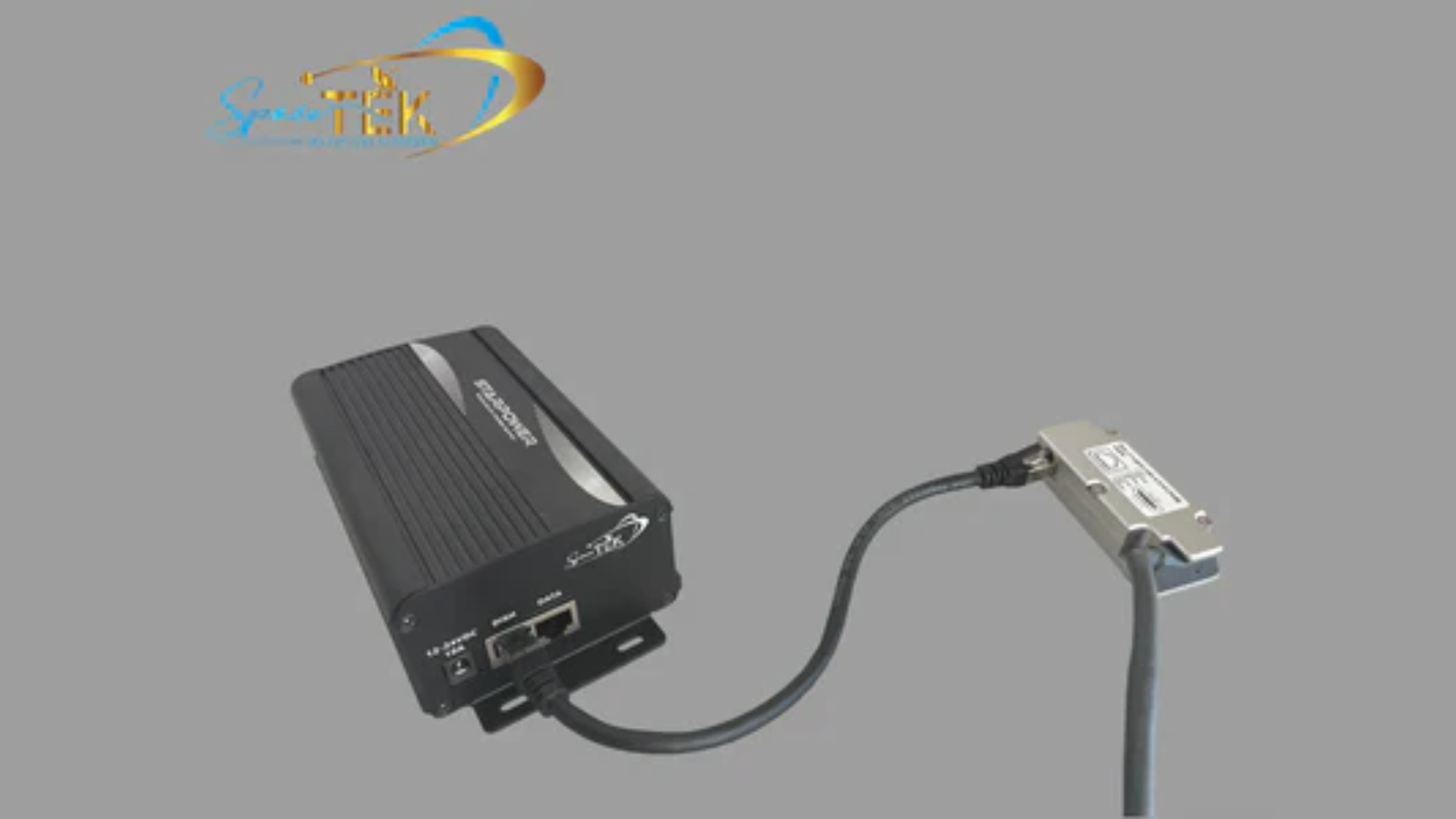
A Starlink cable coupler for gen 3 is a small but essential device that joins two Ethernet cables. For Starlink Gen 3, it connects the cable from your dish to an aftermarket RJ45 Ethernet extension cable. Its job is to extend your total cable length while maintaining both data transmission and the crucial Power over Ethernet (PoE) that powers your dish.
The cable included with the dish often falls short when you need to clear obstructions or route through buildings. For RVs, caravans, and mobile setups, a coupler solves another problem: wear and tear. Constantly connecting and disconnecting the cable at the dish port causes damage over time. By leaving a short "pigtail" cable permanently attached to the dish, you can use the coupler as the main connection point, making setup and teardown on the move much easier and safer for your equipment.
There's also the cost. Using a quality third-party shielded Ethernet cable and coupler provides a cost-effective solution for achieving custom lengths. Plus, it reduces strain on the original connectors, potentially extending the life of your hardware.
Many of our customers appreciate how these couplers simplify mobile connections, with weatherproof seals providing peace of mind against Australia's challenging weather. For more mobile setup solutions, explore our Starlink for RVs and Portability collection.
Choosing the Right Components for a Weatherproof Connection
Not all cable couplers can handle Starlink Gen 3 and Australian conditions. The difference between a quality coupler and a cheap one becomes painfully obvious during the first heatwave or coastal storm.
The IP68 rating is your first non-negotiable feature for outdoor use. This rating signifies the coupler is completely dust-tight and can withstand water immersion—essential protection against Australian rain, humidity, and dust. Our recommended Starlink cable coupler for Gen 3 is IP68-rated for maximum environmental protection.
Shielding is equally critical and non-negotiable. Starlink's cable carries both data and Power over Ethernet. Shielding provides proper grounding, prevents electromagnetic interference that degrades signal quality, and ensures stable power delivery. Unshielded couplers or cables are a frequent cause of signal loss, voltage drop, and the dreaded "Poor Cable Connection" error. Always verify your coupler is shielded and compatible with CAT5E, CAT6, or CAT7 shielded cables.
For outdoor installations under Australia's harsh sun, UV resistance is vital. UV radiation breaks down inferior plastics, creating cracks and compromising seals. Choose couplers made from UV-resistant materials to ensure they last.
Material quality also affects performance in humid and coastal areas. Look for corrosion-resistant materials and gold-plated contacts that maintain conductivity. The coupler should feel solid and well-built, capable of withstanding physical stress and the rigours of mobile use.
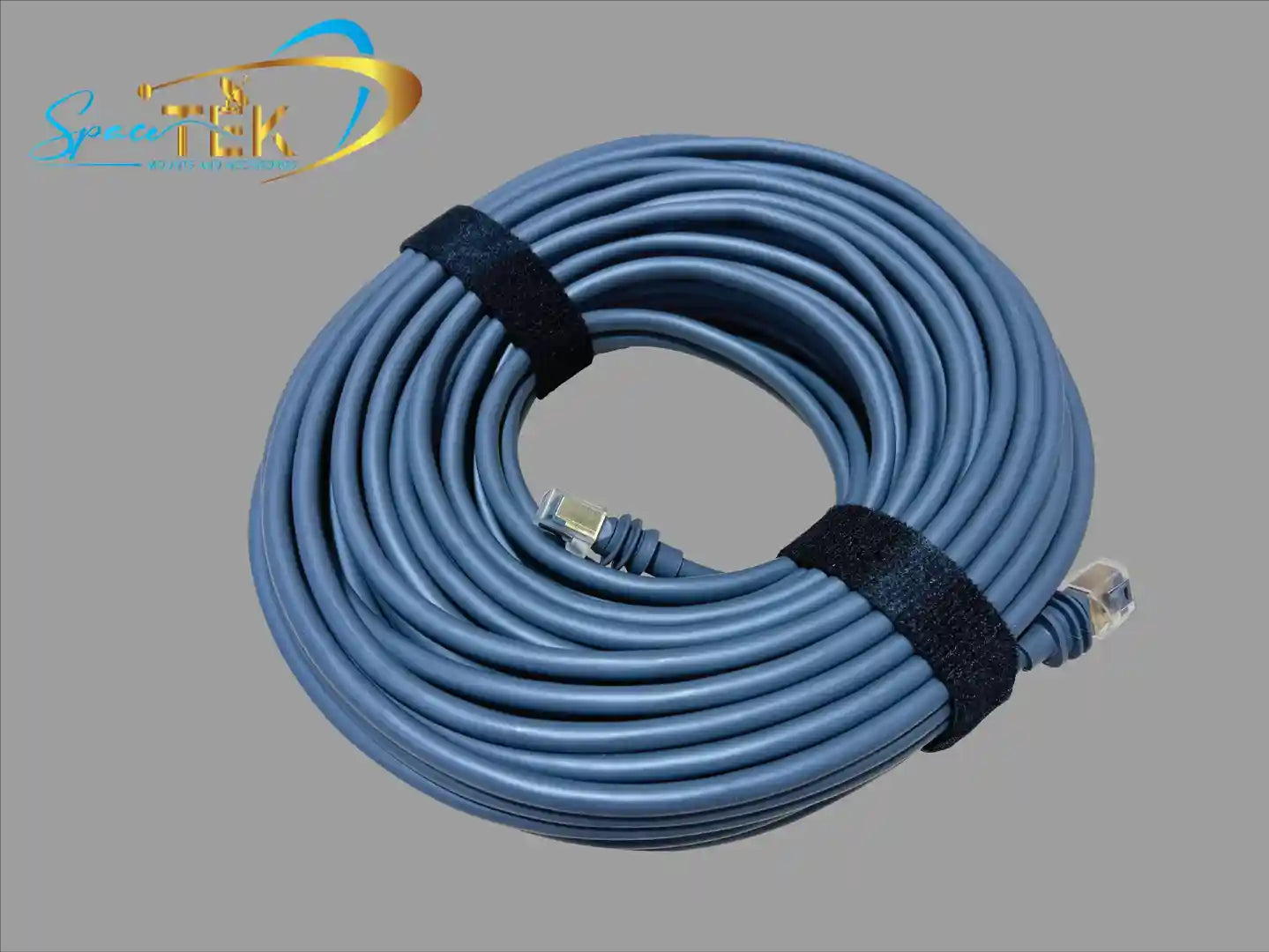
When selecting an extension cable, ensure it's also a shielded, outdoor-rated CAT6 (or higher) Ethernet cable. This cable type is designed for outdoor conditions and Starlink's PoE requirements. For ultimate protection, some users opt for heavy-duty armoured cables. Browse our range of Gen 3 accessories to find cables and couplers designed for these demands.
How to Install a Starlink Cable Coupler for Gen 3
Installing a Starlink cable coupler for gen 3 is straightforward, but attention to detail ensures a reliable, weatherproof connection.
- Gather your components: The cable from your Starlink Gen 3 dish, your IP68 waterproof and shielded RJ45 coupler, and your shielded, outdoor-rated Ethernet extension cable.
- Connect the dish cable: Insert the RJ45 end of the cable from your dish into one end of the coupler until it clicks. Seat the split-ring seal around the cable jacket before tightening the threaded cap to create the waterproof seal.
- Connect the extension cable: Connect your aftermarket shielded Ethernet cable to the other end of the coupler, ensuring it clicks firmly. Tighten the waterproof cap, making sure the seal is secure.
- Connect to the router: Route your extended cable to the Starlink Gen 3 router and plug it into one of the RJ45 ports. No separate adapter is needed.
- Power up and verify: Connect the power supply and boot the system. Open the Starlink app and check for a good connection and any "Poor Cable Connection" errors in the debug data. If errors appear, re-check all connections.
For mobile users, consider leaving a short "pigtail" cable attached to your dish and securing the coupler to your mount. This reduces wear on the dish's port, as you'll only connect and disconnect from the more robust coupler.
Performance, Limitations, and Compatibility
While a quality Starlink cable coupler for gen 3 offers great flexibility, it's important to understand its limitations to avoid connectivity issues.
Starlink uses Power over Ethernet (PoE), and longer cables increase electrical resistance, causing voltage drop. If the cable run is too long or of poor quality (thin gauge or unshielded), the dish may not get enough power, leading to intermittent connection or failure. Keep your total cable length under 150ft (approx. 45m). Beyond this, you risk significant voltage drop, which appears as a "Cable ping drop rate" above 1% in the Starlink app's debug data.
The "Poor Cable Connection" error indicates a problem in your cable run. Common causes are unshielded components, low-quality cables, excessive length, or improper installation. Always use shielded, outdoor-rated components and ensure they are installed correctly.
A critical distinction: Starlink Gen 3 (Standard) uses standard RJ45 connectors, a massive improvement for DIY extensions. Earlier Gen 2 dishes use proprietary connectors, making extensions difficult without cutting cables, which is not recommended. A Starlink cable coupler for gen 3 is designed specifically for the Gen 3 system. For more details, read our Gen 2 vs Gen 3 differences article.
The Starlink Mini also uses RJ45 connectors, making these couplers and extension methods fully compatible. We stock a range of Starlink Mini accessories designed for optimal performance with this compact system.
While couplers are engineered to be weatherproof, Australia's extreme conditions still test their limits. Always ensure seals are tight and consider extra protection like conduit for buried runs. The Gen 3 router's RJ45 ports use a passive friction latch, so mobile users may want to add a zip tie or similar anchor to prevent accidental disconnections.
Conclusion: A Secure Connection Built for Australian Conditions
Getting your Starlink setup right matters—especially when you're dealing with Australia's unique challenges. Whether it's the relentless summer heat, coastal salt spray, or the dust storms that roll through the interior, every component in your system needs to pull its weight. Your Starlink cable coupler for gen 3 might seem like a small piece of the puzzle, but it plays a crucial role in maintaining that vital connection between your dish and the digital world.
Throughout this guide, we've explored why quality matters. A proper IP68-rated, shielded coupler protects against moisture ingress and electromagnetic interference, whilst maintaining the power delivery your Gen 3 dish demands. Cutting corners with cheap alternatives from general electronics stores might save you a few dollars initially, but the frustration of intermittent dropouts and "Poor Cable Connection" errors quickly erases any perceived savings.
Correct installation is equally important. Taking the time to ensure your connections are secure, your seals are tight, and your extension cable is properly rated makes all the difference between a system that works flawlessly and one that leaves you troubleshooting in the middle of a crucial video call or whilst trying to stream the footy in your caravan.
At SpaceTek Australia, we've built our reputation on understanding exactly what Australian conditions demand from satellite internet equipment. Our rust-resistant mounts and carefully selected accessories aren't just products—they're solutions designed to work seamlessly with your Starlink self-installer kit, ensuring your dish performs optimally whether you're permanently installed on the coast or constantly on the move through the Outback.

The freedom that Starlink provides—whether it's working remotely from a beachside location, staying connected whilst travelling around Australia, or simply getting reliable internet in areas the NBN forgot—deserves to be protected with quality components and proper installation practices. Don't let a substandard coupler become the weak link in your connectivity chain.
If you're planning a custom installation or need guidance on the best setup for your specific situation, we're here to help. Our team understands the practical realities of Australian installations, from the technical specifications to the environmental factors you'll face. Explore our range of durable mounting solutions for your setup and find how the right equipment can transform your Starlink experience.
Ready to build a connection that won't let you down? Contact us for expert advice custom to your unique requirements. We're passionate about keeping Australians connected, no matter where the road takes them.

Leave a comment
This site is protected by hCaptcha and the hCaptcha Privacy Policy and Terms of Service apply.