

Why a Starlink Wall Mount is the Ideal Space-Saving Solution
A Starlink wall mount is a practical way to install your satellite dish, saving ground or roof space while positioning it for a clear view of the sky. It offers easier access for maintenance and keeps the dish secure in harsh weather. Choosing the right mount for your home and Starlink model is key.
Here's a quick comparison of popular options:
| Mount Type | Best For | Key Feature | Overhang Clearance |
|---|---|---|---|
| Standard Wall Mount | Minimal eaves | Compact design | Up to 10 cm (4") |
| Long Wall Mount | Deep overhangs | Extended offset | Up to 40 cm (16") |
| Mini Wall Mount | Starlink Mini dish | Lightweight & portable | Up to 10 cm (4") |
| Pivot Mount | Slanted roofs | Adjustable angle | Varies by model |
For homes with limited yard space or difficult roof access, a wall mount is often the simplest solution. It lifts the dish above ground-level obstructions like trees and sheds. A quality mount made from rust-resistant materials like powder-coated aluminium ensures your setup withstands Australia's coastal salt spray and intense sun.
I'm Aaron Wroblewski, founder of SpaceTek Australia. After seeing too many mounts fail in our unique conditions, I created SpaceTek to offer durable, easy-to-install alternatives built specifically for the Australian climate.
Choosing the Right Starlink Wall Mount
Selecting the correct Starlink wall mount ensures your dish is secure, stable, and has a clear view of the satellites. The most important factor is your roofline, specifically the depth of your eaves.
Standard vs. Long Mounts: Clearing Eaves and Overhangs
The choice between a standard and a long wall mount depends on how far your roof overhangs the wall.
Standard Wall Mount: Ideal for minimal eaves of 10 cm (4 inches) or less. The compact SpaceTek Standard Wall Mount is perfect for mounting on a gable end or fascia board.
Long Wall Mount: Necessary for homes with deep eaves. A long mount provides an offset of around 40 cm (16 inches), pushing the dish past the overhang to prevent the roof from blocking its view. Long-mount options in our range are built from rust-resistant materials such as hot-dip galvanised steel or powder-coated aluminium to withstand harsh Australian conditions.
Measuring your eave is a crucial first step to avoid installation issues. If you're unsure which style suits your home, our guide on Wall, Eave or Pole: Which Starlink Mount is Right for You? can help you decide.
Compatibility by Starlink Model
Starlink hardware versions are not interchangeable, so your Starlink wall mount must match your specific dish model to fit correctly. Here are the best options for each generation.
Starlink Gen 2 & Gen 3/V4
Most mounts in our SpaceTek collection are for the rectangular Standard dish. It's crucial to know if you have the earlier actuated dish (Gen 2) or the newer non-actuated dish (Gen 3/V4), as their connection points differ. Our mounts are crafted from durable, weather-resistant materials to withstand the Australian climate. If you're unsure which model you have, consult our comprehensive guide to compatible Starlink mounts and adapters.
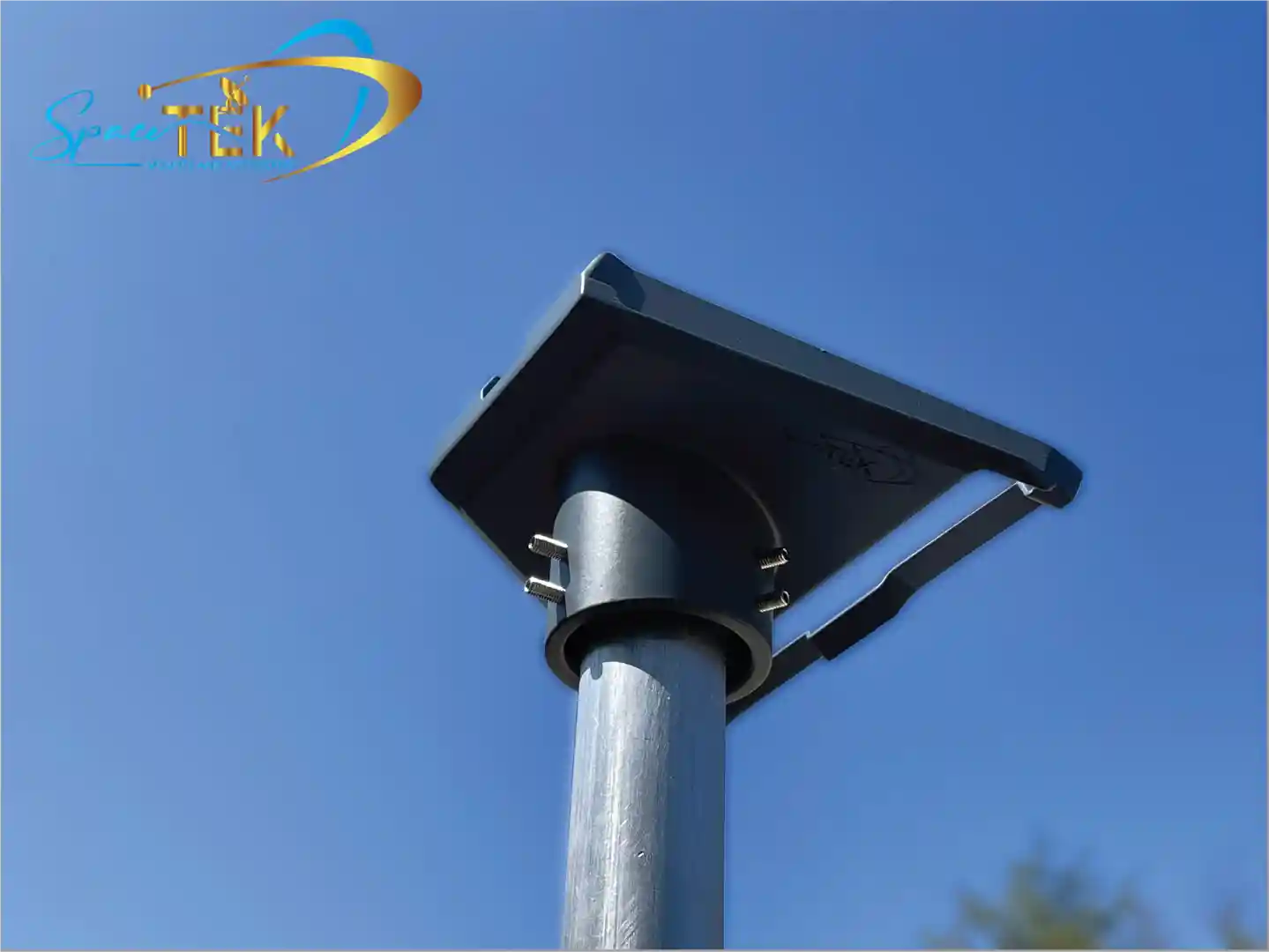
Starlink Mini
The compact Starlink Mini requires its own dedicated hardware. Our Starlink Mini Wall Mount is engineered for this smaller, lighter dish, providing maximum stability in a discreet package. It's ideal for installation on a gable or fascia with up to a 10 cm (4") overhang.
Starlink RV/Portability
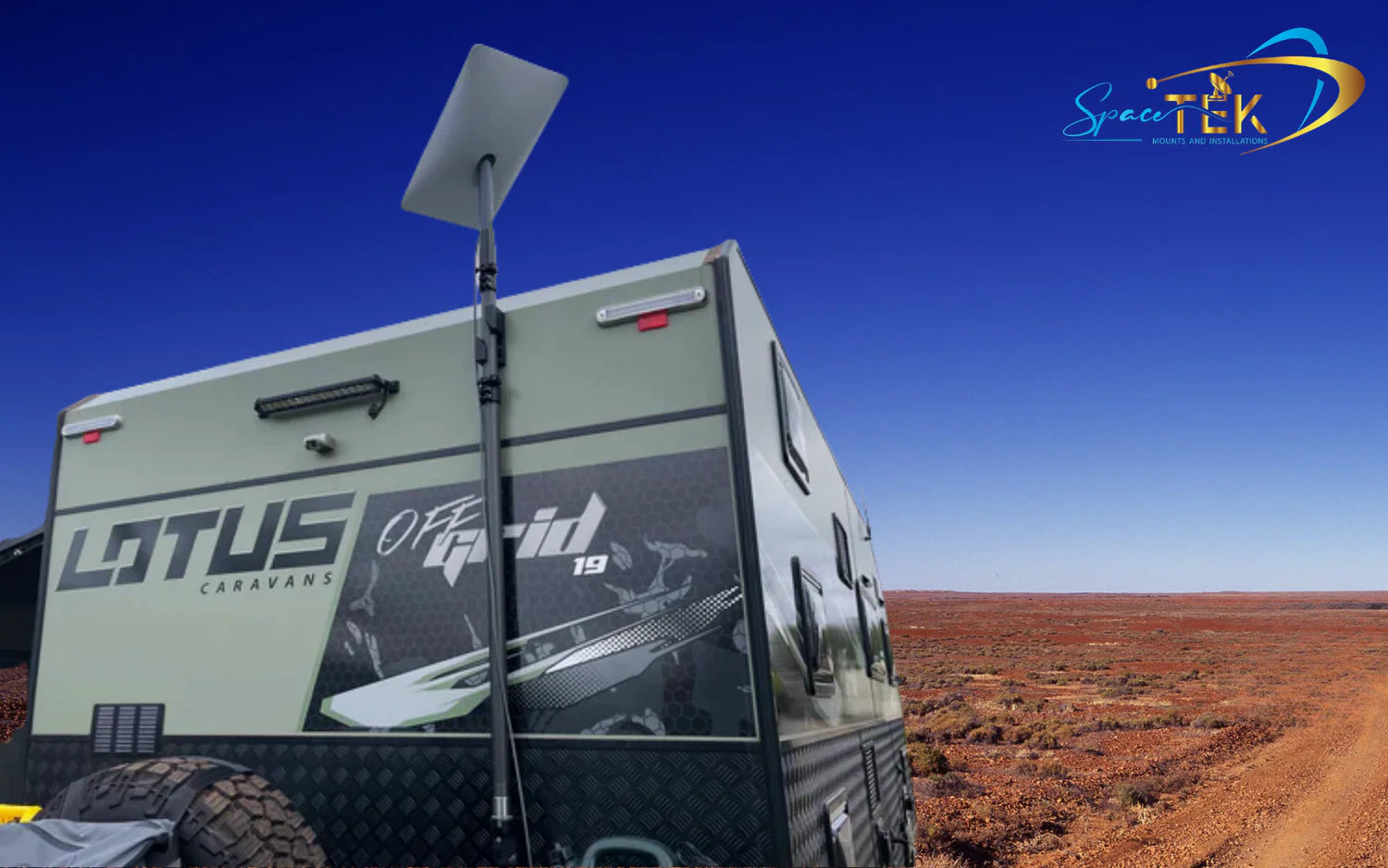
For users on the move, we offer portable and semi-permanent mounts compatible with Starlink's RV and portability kits. These are engineered for quick setup and removal, making them perfect for caravans and motorhomes. Our Mobility Mounts create a waterproof seal and support an 8-degree mounting angle to maintain signal quality in extreme weather. Browse our RV and portability mounting options to find the right fit for your mobile lifestyle.
Always check the product description to confirm compatibility. If you're still unsure, get in touch with our team for advice.
What to Expect in Your Starlink Wall Mount Kit
Your SpaceTek Starlink wall mount kit includes everything needed for a secure, weatherproof installation, so you can avoid last-minute trips to the hardware store.
A typical kit includes:
- Wall Mount Bracket: The foundation of your setup, made from rust-resistant materials like powder-coated aluminium or hot-dip galvanised steel.
- Mast and Adapter: The vertical pole your Starlink dish clicks into, designed to hold the dish securely at the optimal angle.
- Heavy-Duty Lag Screws: Engineered to fasten the mount securely into structural beams, holding firm in high winds.
- Silicone Cable Routing Clips: To keep your Starlink cable neat and protected against the wall.
- Silicone Sealant: Essential for creating a watertight seal around all drill holes to prevent moisture damage, a non-negotiable step in Australian conditions.
Your Guide to a Secure Installation
A secure installation is vital for a stable, reliable internet connection, especially during Australian storms. Taking the time to install your Starlink wall mount correctly will ensure long-term performance.
Essential Tools and Pre-Installation Checks
Before starting, gather your tools and perform one critical check.
Tools Needed:
- Drill or impact driver
- 6 mm (1/4") drill bit
- 9/16" hex socket
- Stud finder
- Level
- Marker
Crucial Pre-Check: Use the "Check for Obstructions" tool in the Starlink app. Walk around your property and scan the sky to find a location with a 100% clear view, free from trees or roof edges. This step is essential to prevent signal dropouts. For more safety guidance, review our ultimate checklist for installing your Starlink mount safely.
Step-by-Step: How to Install Your Starlink Wall Mount
- Locate and Mark: Use a stud finder to locate a structural beam. Position the mount, ensure it's level, and mark the drill holes.
- Drill Pilot Holes: Drill pilot holes with a 6 mm bit. Check for hidden wiring or pipes and wear safety glasses.
- Seal Holes: Apply silicone sealant generously in and around the holes to create a weatherproof barrier.
- Secure the Mount: Drive the lag screws through the mount into the pilot holes until snug. Do not overtighten.
- Assemble and Attach: Insert the mast into the adapter, route the cable, and plug it into the dish. Slide the assembly into the wall mount until it clicks into place.
- Power On and Align: Connect the cable to your router to power on the dish. It will orient itself (Gen 2 models move automatically). If needed, use the app to align the dish, then tighten the thumb-screw to lock it in place.
For a more detailed walkthrough, see our guide on how to install your Starlink dish wall mount.
Where to Buy and Final Considerations
Ready to purchase? You'll find everything you need at SpaceTek. Explore our full collection of Gen 3/V4 mounts and accessories and our dedicated Starlink Mini collection. Each Starlink wall mount is designed with Australian conditions in mind.
Quality is determined by materials and engineering. A mount that lasts is made from rust-resistant materials like powder-coated aluminium or hot-dip galvanised steel. While generic options may seem cheaper, they often fail in Australia's harsh climate, leading to more costs and frustration later.
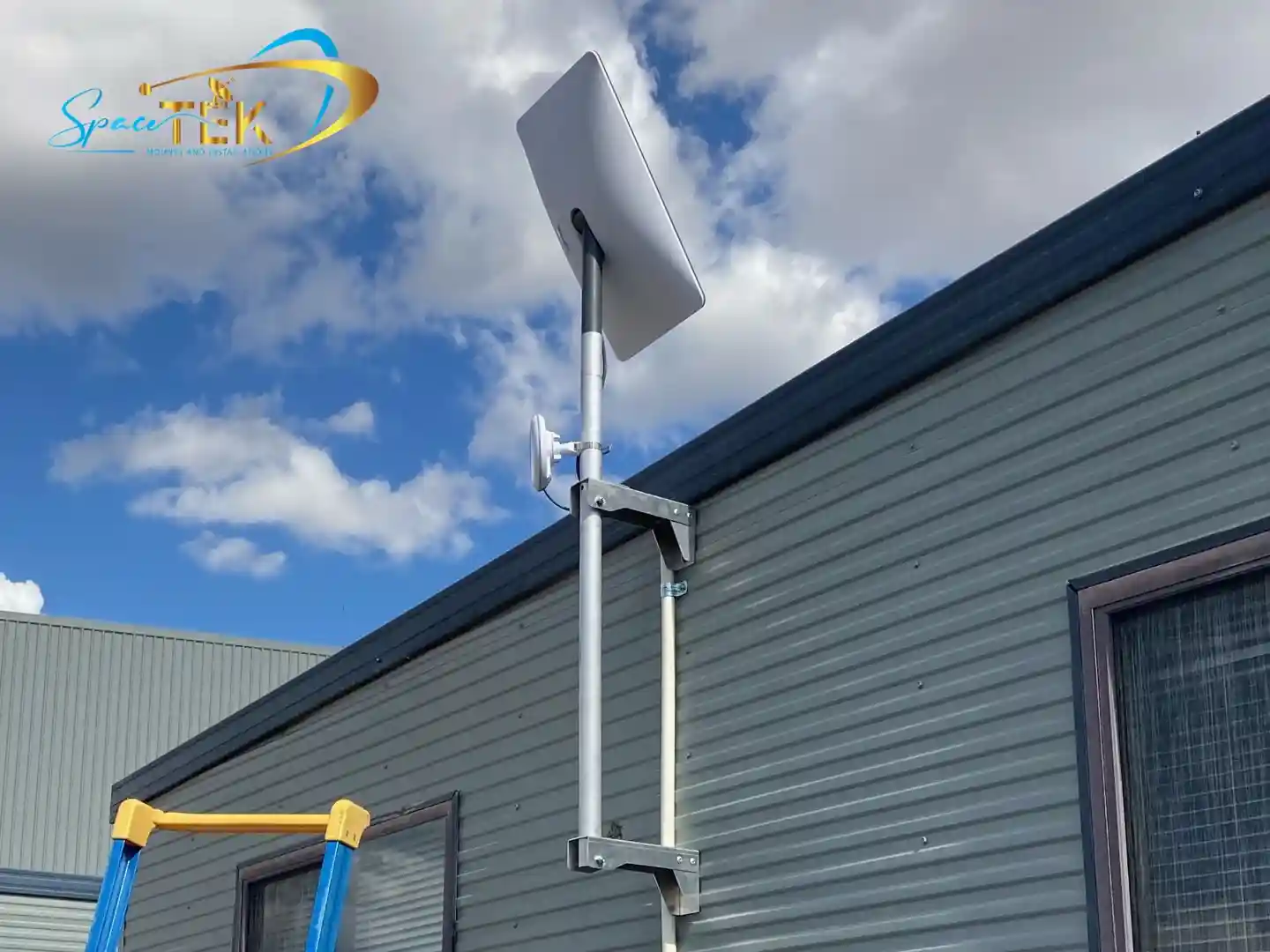
Every mount we stock is compatible with Starlink's self-install hardware, providing a rock-solid foundation for your dish in any environment, from coastal regions to the outback. A proper mount is an investment in reliable, uninterrupted internet service.
If you have unique installation challenges or need advice on the best mount for your home, get in touch with us. Our team can help you find the perfect solution.
Conclusion: Secure, Reliable, and Built for Australia
Installing your Starlink wall mount correctly from the start is the key to consistent, reliable internet, regardless of Australian weather. A properly secured and positioned dish ensures optimal performance and protects your investment.
At SpaceTek Australia, we provide rust-resistant, weatherproof mounts designed specifically for our unique climate. Our solutions are user-friendly for self-installation and built to last, whether you're installing a Standard dish, a Starlink Mini, or an RV kit.
Ready to find the perfect mounting solution? Explore our Starlink Gen 3/V4 mounts and accessories or our Starlink Mini mounts. For expert advice custom to your needs, get in touch with our team. We're here to help you get connected and stay connected.


Leave a comment
This site is protected by hCaptcha and the hCaptcha Privacy Policy and Terms of Service apply.