
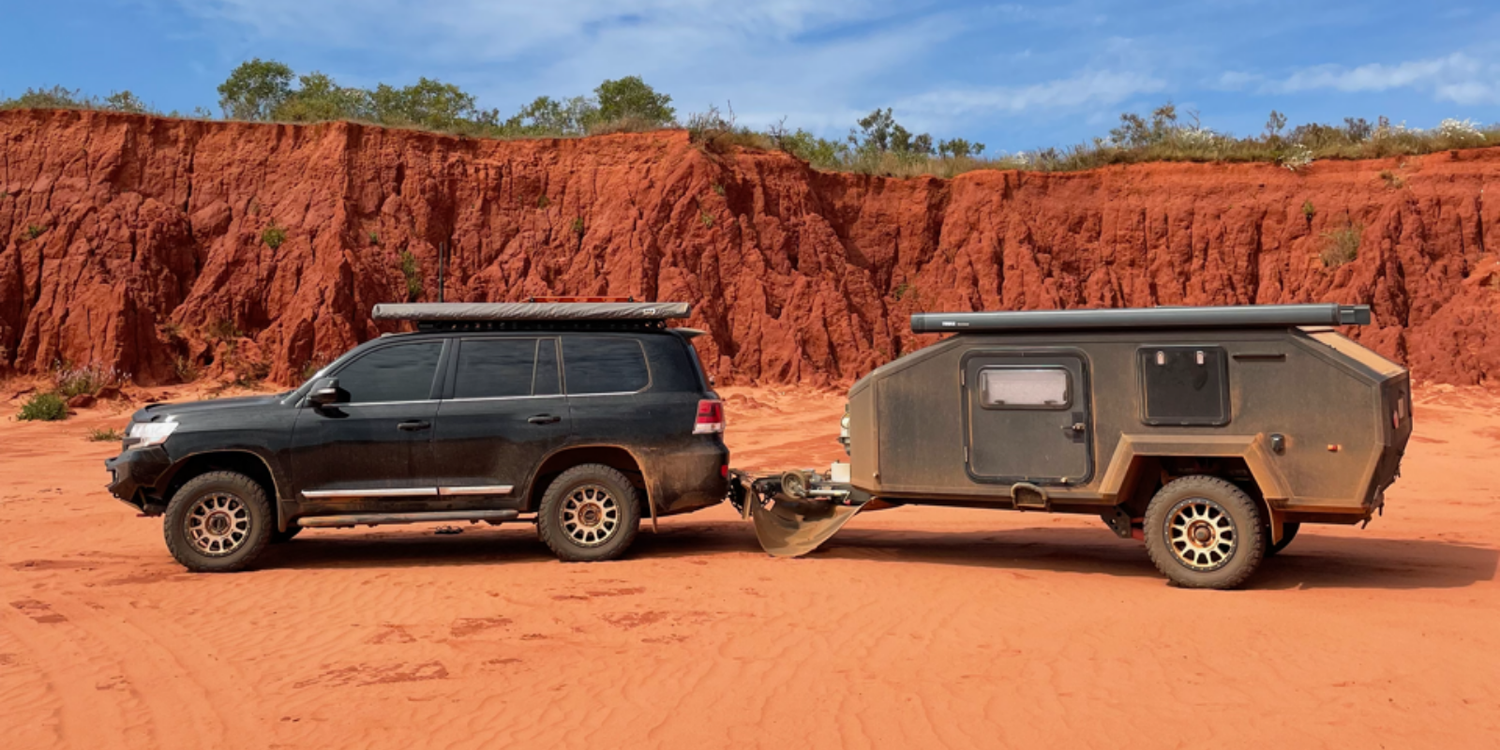
One of the first questions people ask after getting a Starlink Mini is surprisingly simple:
Do I mount it - or not?
And if so… where?
On the car?
On the caravan?
Or just keep it loose and move it around?
The tricky part is that all three options can work, and all of them come with compromises that only show up once you’re actually travelling.
What we see most often isn’t people choosing the “wrong” option, it’s people not realising what they’re trading off.
Below is how we see it play out in the real world.
Option 1: Mounting the Mini on the car
This is one of the most popular choices, and for good reason.
Why people like it
- The Mini is securely attached
- It can be used while on the move (depending on setup and expectations)
- It stays with the car for day trips
- In many cases, it still works fine when the car is parked near the caravan
- You can move the car away from trees or obstructions if needed
For a lot of travellers, this feels like the most flexible option.
The downside people don’t always anticipate
The Mini stays with the car.
That means:
- If one person takes the car to get groceries
- Or goes for a short day trip
…the caravan can be left without internet.
For some people, that’s not an issue.
For others (especially with kids, remote work, or shared use), it quickly becomes annoying.
A common workaround we see
People who like car mounting but want flexibility often:
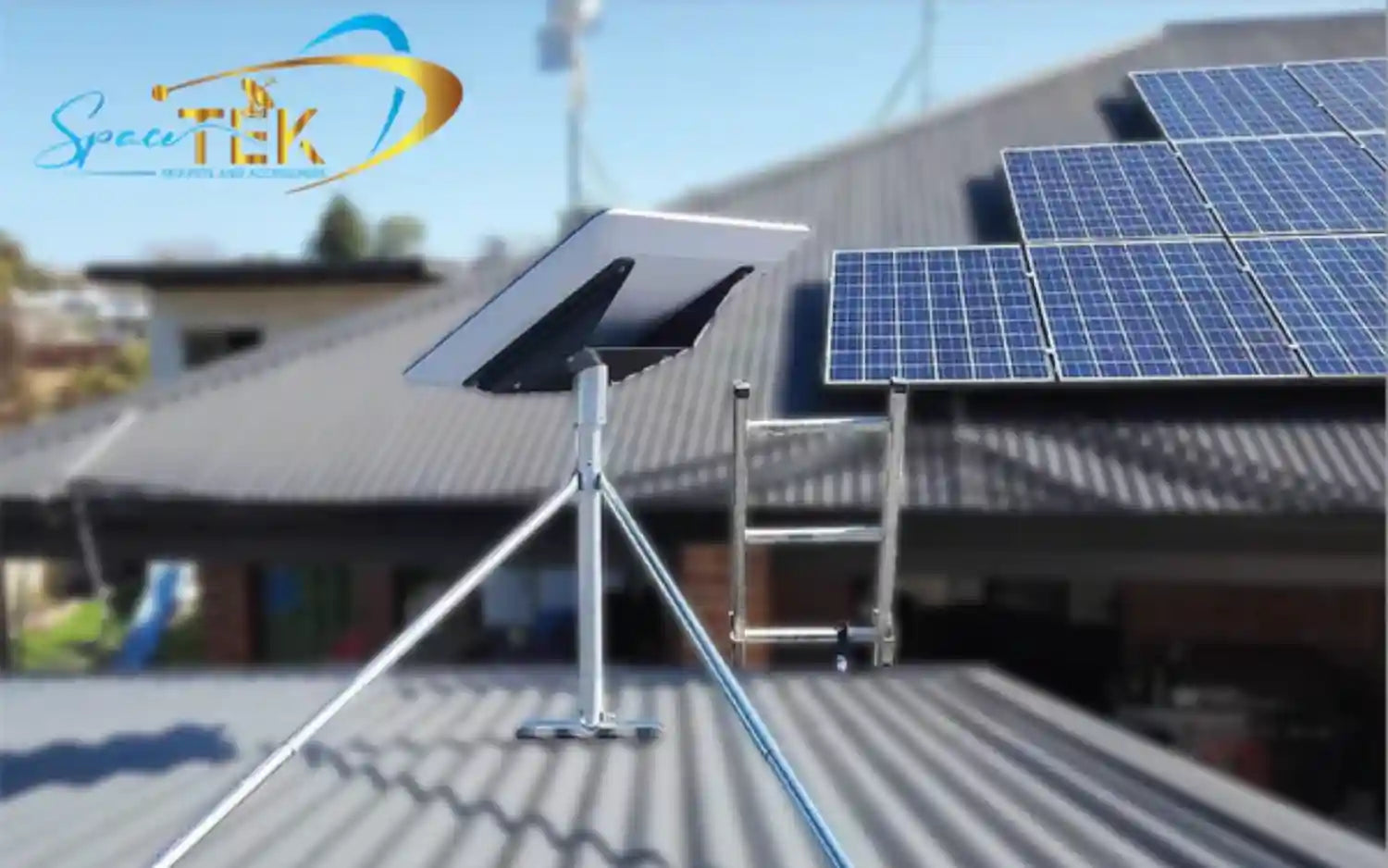
- Use a mount that allows the Mini to be removed easily
- Keep a spare cable so the Mini can be moved to the caravan or ground setup when needed
This keeps the benefits of car mounting without locking you into it full-time.
Option 2: Mounting the Mini on the caravan
This feels like the obvious alternative - especially if the caravan is your main base.
Why people choose it
- Internet stays with the caravan
- No issues when the car leaves for day trips
- Feels more “set and forget” once installed
The trade-offs
- If the caravan is parked under trees or near obstructions, you have fewer options
- You can’t easily reposition without moving the entire van
- If you rely on connectivity during day trips, you lose that flexibility
Some people also ask about use while in motion. That tends to be more about expectations than capability, most people choose caravan mounting for stationary use, not continuous connectivity on the move.
Option 3: Not mounting the Mini at all
This is often how people start - and sometimes how they stay.
Why it works
- No extra gear required
- You can place the Mini wherever it has the clearest view of the sky
- Maximum flexibility for short stays
Where it becomes frustrating
Over time, people run into:
- Trip hazards
- Risk of driving over cables (or even the Mini itself)
- Constant packing and unpacking
- Less consistent placement from one setup to the next
Loose setups work well for occasional use, but they demand more attention the longer you rely on them.
The part that actually matters
There isn’t a “best” option.
What matters is whether your setup still matches how you actually travel.
Problems usually start when:
- A temporary setup becomes permanent
- Travel patterns change but the setup doesn’t
- Convenience in one scenario creates friction in another
Before changing anything, it’s worth asking:
- Do I need internet when the car and caravan are separated?
- Do I regularly park under trees or obstructions?
- Am I setting this up once in a while, or every few days?
The answers usually make the decision clearer than any single recommendation.
Final thought
Starlink Mini gives you flexibility, but flexibility always comes with trade-offs.
The goal isn’t to eliminate compromises.
It’s to choose the ones that bother you the least.

Leave a comment
This site is protected by hCaptcha and the hCaptcha Privacy Policy and Terms of Service apply.