
Do you need a special Starlink mount, or can you use what comes in the box?
You may be able to use the supplied stand for setup and suitable stationary use, following the instructions for your exact Starlink kit. You need a different mounting arrangement when the location, surface or intended use cannot be supported by that setup. An extra mount is not automatically necessary just because you have bought Starlink.
Updated for October 2026, this guide helps you decide what is needed before buying accessories. Start with the terminal model, sky view and intended use, then check the specific stand or mount documentation. A temporary campsite, permanent roof and moving vehicle are different applications.
When can the supplied stand be enough?
Use the official guide for your kit to confirm what is supplied and how it is intended to be positioned. Starlink models have different hardware and mounting interfaces; do not apply one model's instructions to every terminal.
For example, the Standard setup guide shows a kickstand and directs users to check the sky view and follow app alignment guidance. If a suitable view is unavailable at ground level, it suggests considering an elevated location such as a roof, pole or wall, with additional accessories as needed.
Before keeping a ground-level setup, check that it can remain safely positioned in the intended conditions. Consider cable routes, foot traffic, access, local exposure and whether nearby objects obstruct the sky. Follow the kit's restrictions rather than assuming any flat surface is suitable.
There is no need to buy a taller mount simply to solve a problem the app does not show. Equally, a stand that works for an initial test does not establish that it can be left on a roof or carried on a moving vehicle.
What should you check before choosing another mount?
A useful mount matches both the terminal and the installation. Confirm these points before comparing price or appearance:
| Check | Why it matters |
|---|---|
| Exact Starlink model | Standard, Standard Actuated, Mini and Performance interfaces differ |
| Intended use | Parked, permanent and in-motion installations need different checks |
| Supporting surface | A compatible adapter does not establish that a roof, wall or rack is suitable |
| Sky view | Height only helps when it provides a suitable unobstructed view |
| Included components | Adapters and installation fixings vary by product and variant |
| Access and cable route | The installation needs to be used and maintained safely |
Materials and fittings vary across products. Do not assume that every mount is all aluminium, fits every caravan wall or provides a particular wind rating. Check the actual listing and guide, and seek advice for uncertain structural requirements.
Which kinds of mounting options are worth comparing?
Permanent roof installations
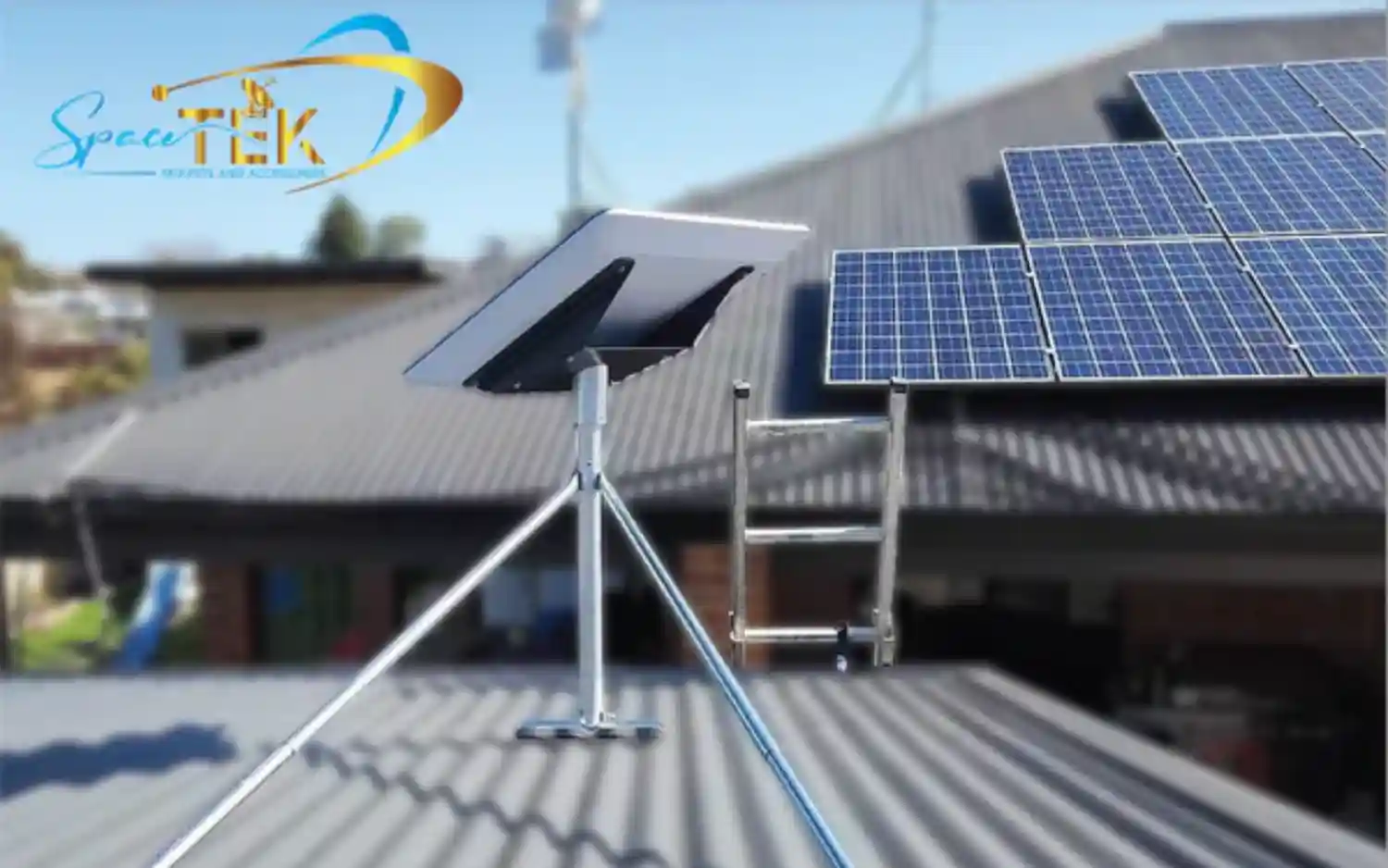
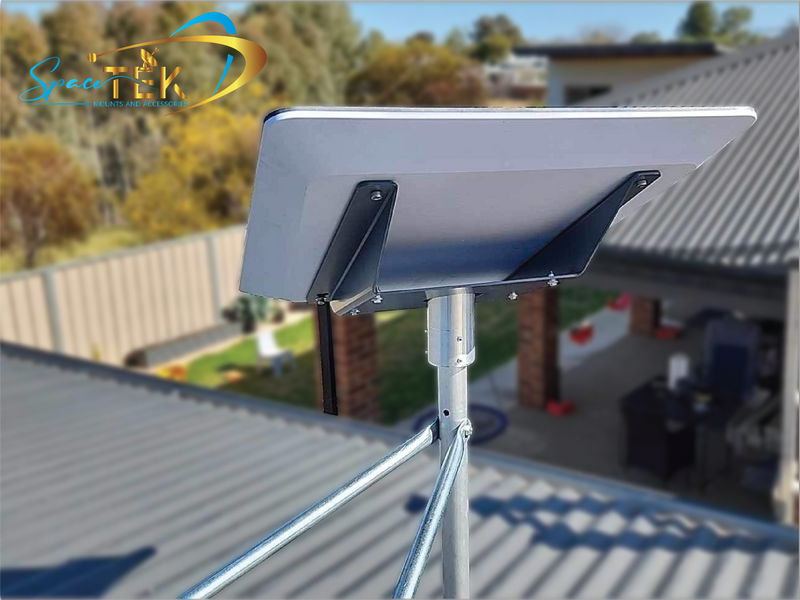
A roof kit can suit a fixed location when the roof, model and installation method match. SpaceTek's Standard Gen 3 / V4 tin-roof guide describes permanent mounting with roof penetrations and sealing. That system should not be treated as a freestanding or portable mount.
Portable caravan and campsite poles
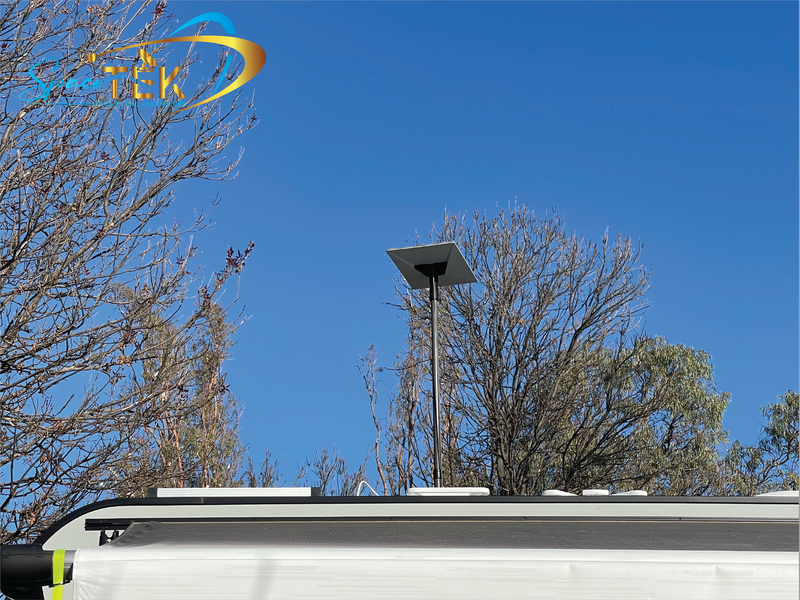
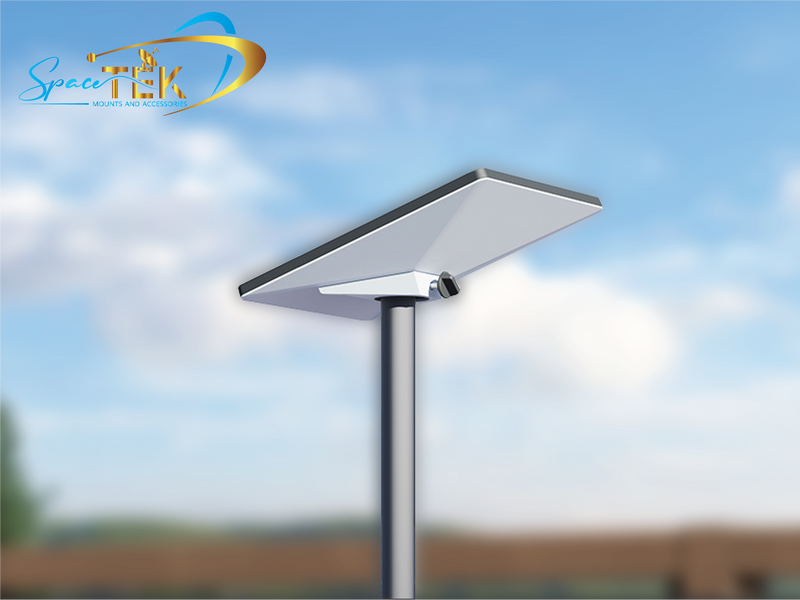
SpaceTek's telescopic pole kit has separate model variants for Mini, Gen 2 and Standard Gen 3 / V4. The supplier describes it as a portable elevation solution and warns against use in unsafe wind or storm conditions. Select the correct variant and follow its installation and site requirements.
A raised position can help clear a nearby obstruction, but does not guarantee that a tree canopy or building will be cleared. Recheck the app after positioning rather than extending a pole as far as possible by default.
Mini vehicle mounts
A purpose-designed vehicle mount is a different option from a campsite stand. The Mini Basic In-Motion Mount specifies suitable structural mounting surfaces and excludes vehicle or rack-specific mounting hardware. Confirm the complete installation and the applicable Starlink service conditions before using equipment while moving.
Wall, eave and other locations
These may be alternatives when a roof or ground location is unsuitable. Verify the actual support, fixing approach and sky view. Do not assume any fascia, cladding or smooth caravan wall can carry a mount simply because an adapter fits the dish.
How should you plan the setup?
Start with an obstruction check from a safely accessible location. The app helps assess the sky view, but it cannot assess a building's structural condition or certify the mounting method.
Review the manufacturer instructions for the complete installation, including the stand or mount, adapter, cable and supporting surface. Arrange appropriate professional help where roof access, structural attachment or electrical work is involved.
Keep cables out of routes where they can be snagged, crushed or tripped over, and follow the kit instructions for routing and connections. Avoid improvised extensions, modified brackets or cable arrangements that the relevant documentation does not support.
For a portable setup, reassess the site each time it moves. Prepare for packing away when conditions require it, while access and weather are still safe. Do not treat a temporary pole as an in-motion installation.
Frequently asked questions
Can I leave the supplied stand on a roof or caravan?
Do not assume the supplied stand is approved for that use. Check the exact kit instructions and choose a documented mounting arrangement for the surface and conditions. A successful ground-level connection test does not establish secure roof or vehicle mounting.
Will a telescopic pole always improve the connection?
No. Raising the terminal may help with a nearby obstruction, but the result depends on the sky view at the new position. Check using the app and stay within the pole's documented configuration and conditions.
Do I need a special power supply when I change mounts?
Mounting and power are separate decisions. Use the power equipment specified for your Starlink model and setup. Changing a mount or power source does not automatically change how the Wi-Fi router works.
Can any vehicle mount be used while driving?
No. Confirm the hardware, mount, installation and eligible plan against Starlink's in-motion guidance and the mount manufacturer's requirements. A parked-use stand or pole should not be assumed suitable.
Buy the mount your location actually needs
Begin with the supplied equipment and the official setup guidance. If that arrangement cannot meet the intended use safely and with a suitable sky view, compare compatible roof, wall, pole or vehicle options.
For help checking a SpaceTek product, contact the team with your terminal model, intended use and mounting surface. Confirm the details before purchasing or beginning permanent work.

Leave a comment
This site is protected by hCaptcha and the hCaptcha Privacy Policy and Terms of Service apply.