
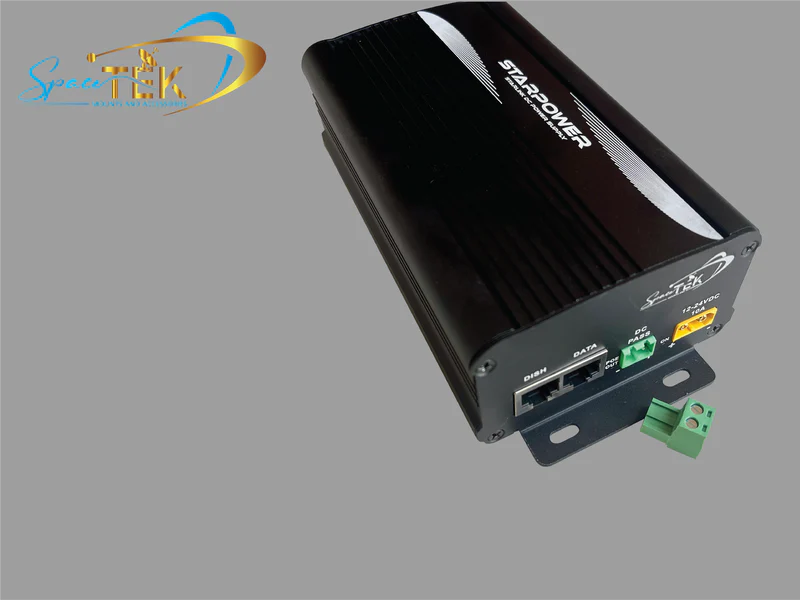
A Starlink power redundancy kit can help keep your dish and network online when mains power drops out. With compatible backup power connected and tested before an outage, you can avoid the hassle of restarting your setup when you need it most.
Key Takeaways
- Choose a compatible dual-input or uninterrupted backup solution to reduce the risk of a dish reboot during a blackout.
- Direct DC-to-DC power is more efficient than an AC inverter, draws less from the battery and can support custom router setups.
- Match the power setup to your dish, battery system and operating environment before installation.
- Use protected cabling, correct fusing and a weather-suitable enclosure for remote and mobile setups.
- For touring and work vehicles, explore SpaceTek’s vehicle installation options before planning the power layout.
The right setup still needs to suit your terminal and where you use it. If your gear faces heat, dust, vibration, rain or long cable runs, dependable power components and secure Starlink mounts make a real difference when conditions turn rough.
What Is a Starlink Power Redundancy Kit and Why Might You Need One?
A Starlink power redundancy kit is a backup power arrangement that helps protect your satellite connection when mains power cuts out, voltage becomes unstable or severe weather affects local supply. Instead of waiting for the dish and router to restart, a properly matched setup can keep essential connectivity available for regional homes, stations, mobile crews and worksites.
If you rely on Starlink for work, safety communications, remote monitoring or day-to-day contact, dependable backup power can make outages far less disruptive. Pairing the right power solution with compatible Starlink Gen 3 accessories also helps create a more reliable setup for Australian conditions.
- Reduces the chance of dish reboots and connection dropouts during an outage
- Helps protect sensitive electronics from unstable power
- Supports compatible battery, solar and vehicle power systems
- Keeps remote monitoring, work and safety communications available
- Suits regional properties, mobile setups and commercial sites
How Do True UPS Systems Differ from Inverters and Battery Packs?
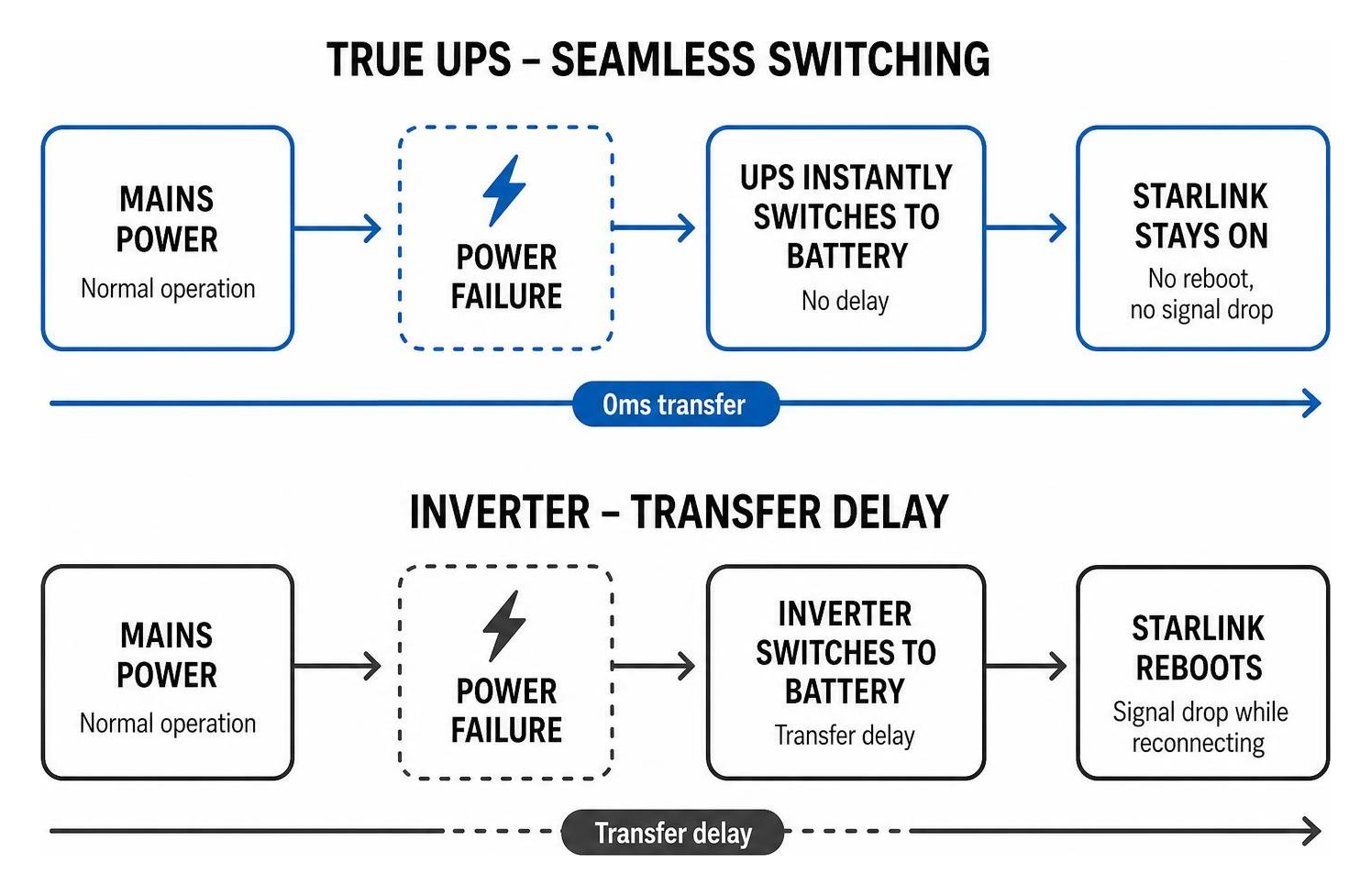
A true uninterruptible power supply is designed to switch to backup power without an interruption that causes connected equipment to restart. That makes it a better fit when a brief transfer could reset a dish or network device.
A basic battery pack or modified sine wave inverter may introduce a transfer delay or less stable output. For off-grid and mobile use, direct DC-to-DC power avoids converting battery power to AC and back again, which improves efficiency, reduces battery draw and can let you bypass the standard Starlink router for a custom network setup.
How Do You Size a Starlink Power Redundancy Kit for Different Dish Models?
Different Starlink dish models have different power needs, so the backup system should be matched to the specific terminal and how it will be used. Planning for start-up demand, long operating periods and the conditions at the site helps prevent nuisance shutdowns when the connection matters.
- Starlink Gen 2 Standard: A practical choice for fixed residential and regional property installations.
- Starlink Gen 3 Standard: Suits users who need a dependable everyday connection with compatible backup power.
- Starlink Mini: A compact option that works well with portable DC power and camping setups.
- Starlink Performance Gen 3: Needs a suitably capable power solution for demanding commercial, marine and remote applications.
For commercial sites and marine vessels using Starlink Performance hardware, choose a backup system designed for sustained operation in the environment.
How Does Direct DC-to-DC Power Compare with AC Inverters?
Running a satellite terminal from an AC inverter means battery power is converted to AC before the standard power supply converts it back to DC. That extra conversion can waste energy and add heat, which is not ideal in a vehicle, caravan or compact equipment enclosure.
Direct DC-to-DC power is often the better option for remote and off-grid setups. A dedicated SpaceTek StarPower DC power supply delivers regulated power directly to the terminal, improving efficiency, lowering battery draw and helping your system run longer between charging opportunities.
It can also let you bypass the standard Starlink router when you are building a custom network with your own compatible router and switches. For Australian touring rigs and fleet vehicles, rugged vehicle installations benefit from direct DC power because it keeps the setup compact, practical and easier to manage.
How Do You Install and Configure a Power Redundancy Setup?
A reliable backup setup starts with careful planning, tidy cable management and safe electrical work. Before you begin, make sure the wiring, fusing and power source suit the terminal, battery system and installation location.
- Insulated wire strippers and quality crimping tools
- A multimeter for continuity and voltage checks
- Appropriately sized marine-grade twin-sheathed copper cable
- In-line fuse holders suited to the system
- Dielectric grease and UV-rated heat-shrink tubing
- Mounting hardware suitable for a wall or DIN rail enclosure
- Disconnect mains power and isolate the auxiliary battery before handling wiring or terminals.
- Mount the power supply or UPS in a ventilated location away from direct sunlight.
- Route the DC input cable from the auxiliary battery and place an appropriately rated in-line fuse close to the battery.
- Connect the DC input wires to the designated terminals and check polarity before energising the system.
- Connect the mains input to the dual-input power supply where applicable.
- Connect the regulated output cable to the Starlink dish and make sure the weather-sealed connector is fully seated.
- If you use a third-party router, connect the network lead from the power unit to the router or switch.
- Apply power, then test failover safely while monitoring the connection.
For commercial installations, check the Performance durability guide alongside the product instructions before finalising the installation.
How Do You Integrate Solar and Vehicle Inputs into a Starlink Power Redundancy Kit?
Solar charging and vehicle charging can keep an auxiliary battery topped up when mains power is unavailable. The key is to use compatible charging equipment and a correctly planned battery system so the power redundancy kit receives stable DC power.
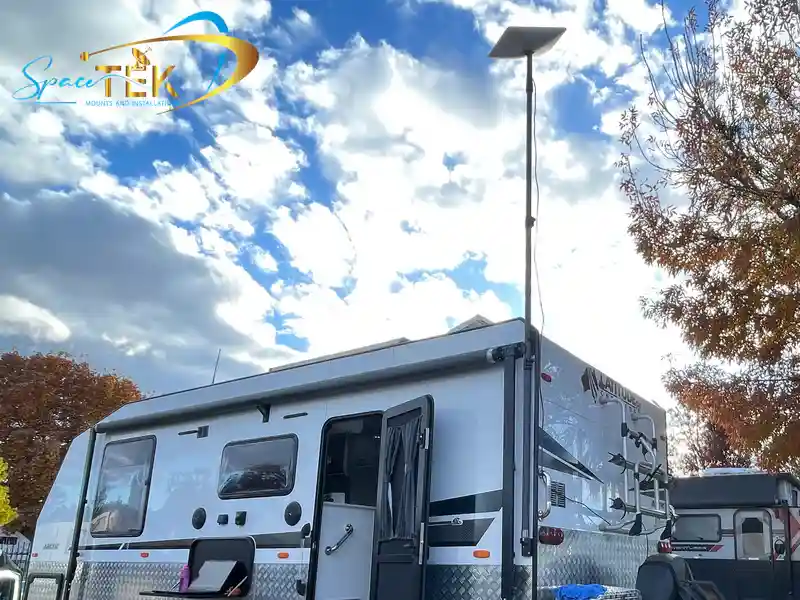
For touring 4WDs, mining vehicles, RVs and caravans, dual-source power can keep the system running when you move between a powered site and the vehicle battery. It is a handy way to keep navigation, work tools and internet access available while travelling.
What Are the Most Common Installation Mistakes to Avoid?
- Undersized wiring runs: Long, thin cables can cause voltage drop and affect terminal performance.
- Modified sine wave inverters: These can create unstable power conditions for sensitive electronics.
- Poor thermal ventilation: Enclosed power equipment can overheat in Australian summer conditions.
- Improper connector sealing: Unsealed outdoor cable entries can allow moisture into the connection.
- Missing dielectric protection: Exposed connections in coastal or humid areas can corrode over time.
What Environmental and Durability Factors Should You Consider?
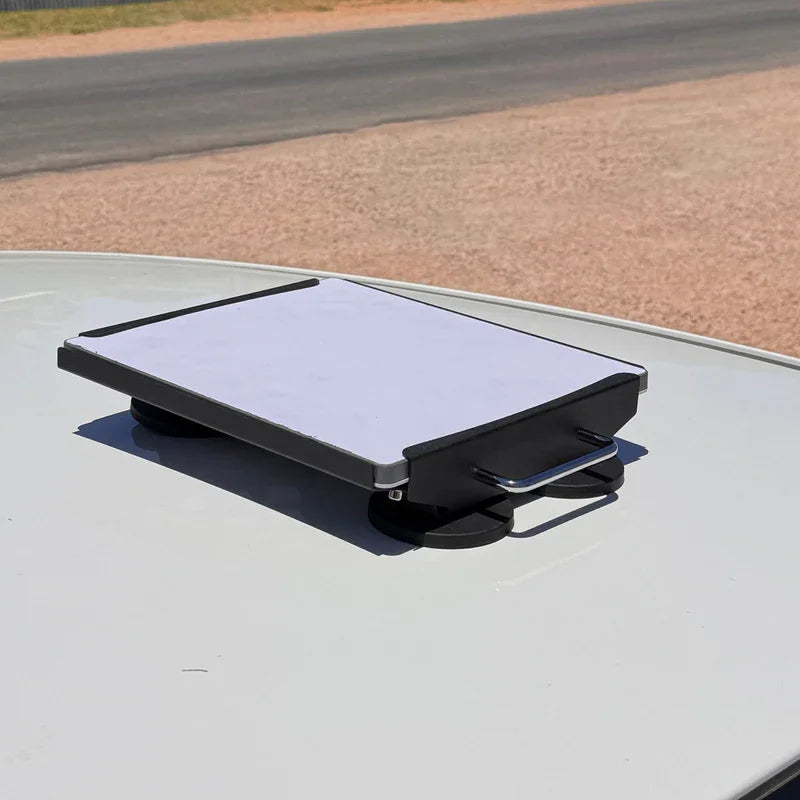
Australian installations can face intense heat, coastal weather, heavy rain, dust and constant vibration. Your power redundancy unit and Starlink mounts need to suit those conditions, with enough ventilation for power equipment and secure mounting for the dish.
For outdoor setups, keep unsealed power equipment inside a ventilated, weatherproof enclosure and protect cable entries from moisture. On corrugated roads or around heavy machinery, precision-machined aluminium or folded aluminium and reinforced composite mounting hardware provides a more dependable foundation than lightweight alternatives.
Frequently Asked Questions About Starlink Power Redundancy
Can I Run My Starlink Dish Directly from a Battery System?
Yes. With a compatible DC-to-DC power converter, a battery system can supply regulated power directly to the dish without relying on an AC inverter. This approach is more efficient, lowers battery draw and can support a custom network setup that bypasses the standard Starlink router.
Does Starlink Support Uninterrupted Failover During an Unexpected Grid Blackout?
With compatible dual-input or true UPS hardware, a Starlink setup can stay online through a blackout without forcing a terminal restart. The mains supply runs the system during normal operation, while the auxiliary battery is ready to take over when needed.
How Does Extreme Heat or Cold Affect Power Redundancy Systems?
Very hot or cold conditions can put extra strain on power equipment. In Australian summer heat, poorly ventilated power supplies can overheat and reduce performance. In colder conditions, higher dish demand can also place more load on the backup system, so it is worth choosing equipment that suits the expected environment.
How Can You Build a More Reliable Starlink Backup Power Setup?
A dependable Starlink connection in regional and remote Australia comes down to matching the power setup to the dish, battery system and environment. Whether you are setting up a cattle station, caravan or critical business connection, a dedicated direct DC-to-DC power supply and auxiliary battery can help keep your connection available when mains power fails.
SpaceTek Australia specialises in Starlink mounts and accessories designed for demanding Australian conditions. Its precision-machined or folded aluminium and reinforced composite mounting components are built for weather resistance, vibration and long-term durability. For help choosing the right mounting and power setup, visit SpaceTek’s Starlink mounting consultation page and speak with the team.

Leave a comment
This site is protected by hCaptcha and the hCaptcha Privacy Policy and Terms of Service apply.