
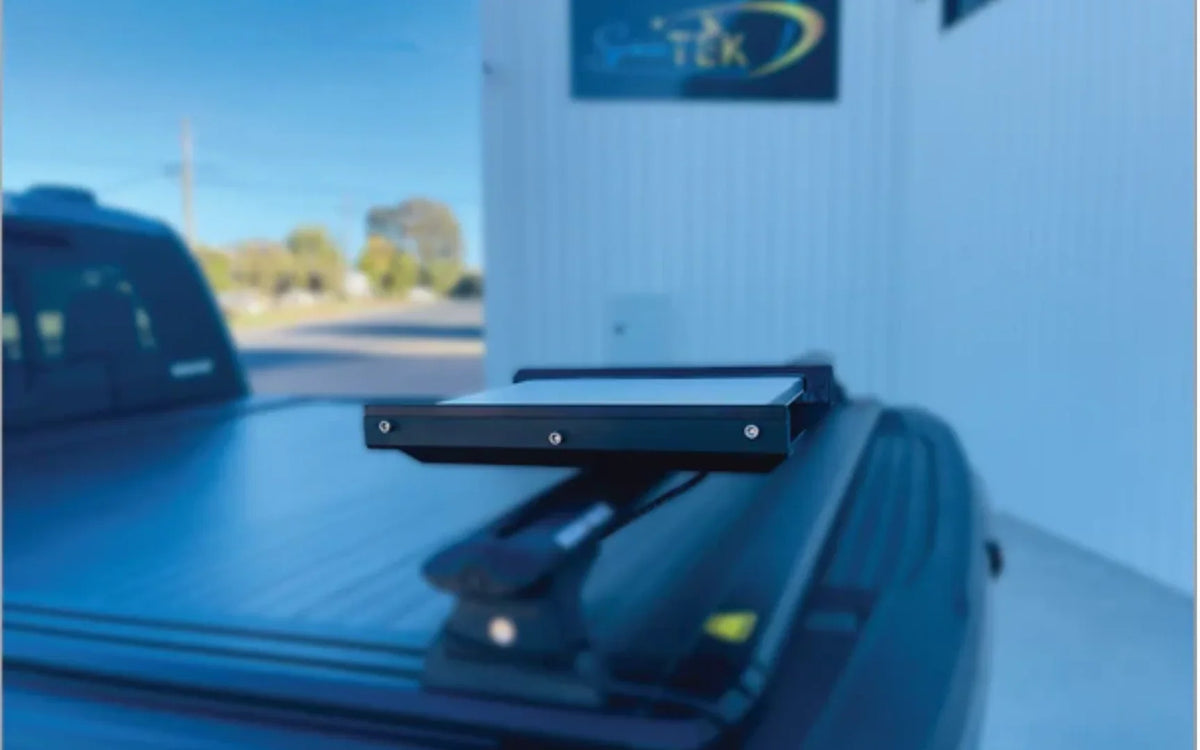
Starlink low power mode can help you stretch your battery capacity on longer off-grid trips by combining sleep schedules, sensible power control and an efficient DC setup. For Australian touring, the best approach depends on your dish, battery bank and how much overnight connectivity you actually need.
Key Takeaways
- Starlink low power mode usually means using a Sleep Schedule to reduce overnight power use on supported hardware.
- A direct DC-to-DC setup is generally more efficient than running the dish through an AC inverter, with lower draw and the option to bypass the Starlink router for a customised setup.
- Standby Mode and a hardware sleep schedule are different tools: one changes service access, while the other manages power use.
- If your dish does not support a sleep schedule, an appropriately rated DC switch or timer can help you manage overnight use.
- Before heading away, review these practical Starlink power cable tips for 2026 to help keep your setup tidy and reliable.
A Sleep Schedule is a hardware setting that lets supported dishes rest during chosen hours while the local Wi-Fi network remains available. Standby Mode is different: it changes your service access rather than reducing the draw from your battery bank, so it should not be treated as a substitute for managing power at the dish.
Keeping these functions separate makes planning simpler: use the app schedule or DC switching to manage energy, then use your account settings only when you need to change how the service is available.
How Does Starlink Power Use Differ Between Dish Types?
Power use varies between Starlink dish types. The compact Starlink Mini is built with mobility in mind and suits many camping and touring setups, while larger standard terminals can place more demand on an auxiliary battery system. Checking your own equipment and travel routine is more useful than relying on a one-size-fits-all setup.
If your terminal does not offer a sleep schedule, plan for manual or automated DC switching instead. That gives you a straightforward way to stop unnecessary overnight draw without repeatedly unplugging connectors.
How to Enable Starlink Low Power Mode via App Sleep Schedules
On supported dishes such as the Starlink Mini, a hardware schedule lets you reduce overnight activity without pulling cables. You can set it up in the mobile app:
- Connect your mobile device to your local Starlink Wi-Fi network.
- Open the Starlink app, then select Settings and Starlink.
- Choose Sleep Schedule and turn it on.
- Set the start and end times, allowing for the difference between your Australian time zone and UTC if the app displays the schedule that way.
- Save the schedule and check that the dish follows it at the selected time.
During the scheduled window, the dish reduces activity while your local network can remain available. It is a handy option when you want a more convenient overnight routine without leaving the dish fully active.
How Much Power Do Starlink Dishes Draw in Real-World Off-Grid Conditions?
Lab figures do not always match a real trip through the Australian bush. Clear skies and an open view of the sky make life easier, while weather, obstructions and your usage pattern can change how hard the system has to work.
When rain fade occurs or heavy tree cover creates physical obstructions, the dish automatically increases its transmit radio frequency output to maintain a stable link to the overhead satellites. These repeated signal retries cause the internal electronics to work harder, pushing power consumption toward the top of its operating range.
Cold alpine mornings can also increase demand if the dish uses its snow-melt function. If that feature is not needed, review your settings before leaving so your auxiliary battery is not doing more work than necessary. Our guide on how to fix Starlink power issues can help with common setup problems.
Sleep Schedule vs Complete Power Disconnect: Which Saves More Battery?
Choosing between a Sleep Schedule and a full power disconnect comes down to your overnight battery budget and what needs to stay connected.
- Wi-Fi availability: A Sleep Schedule can keep local Wi-Fi available for compatible devices, while a full disconnect turns off local wireless networking.
- Overnight energy draw: A Sleep Schedule reduces demand, while a complete power cut stops draw from the dish.
- Morning start time: A scheduled dish is ready sooner than one that has been fully powered down and restarted.
- Component care: Using the app or a dedicated switch avoids repeated unplugging of power connectors.
If your solar and lithium setup has plenty of headroom, a Sleep Schedule is an easy, low-fuss option. On an overcast week when every amp-hour matters, switching the circuit off completely is the more conservative choice.
How Can You Keep a Portable Setup Efficient?
For a portable setup, start with the simplest arrangement that suits your trip: a secure dish position, clear cable routing and an appropriately sized battery system. Avoid building your plans around unconfirmed future hardware features.
A direct DC setup, a realistic overnight routine and a clear view of the sky will usually do more for reliable off-grid use than chasing speculative upgrades.
How Can You Build an Efficient DC Power and Control Setup?

Running your satellite equipment through a traditional 240V AC inverter introduces avoidable energy losses because your battery bank's 12V DC power is stepped up to 240V AC, only for the dish power brick to convert it right back to DC.
SpaceTek Australia offers direct DC-to-DC conversion solutions, including StarPower V2 and StarPower V3 DC power supplies. Compared with an AC inverter, direct DC-to-DC power can provide higher efficiency, lower draw and the option to bypass the Starlink router for a customised vehicle setup:
- Supports efficient power delivery across your setup.
- Helps reduce unnecessary draw from auxiliary batteries.
- Can bypass the Starlink router for a customised, low-profile vehicle setup.
- Avoids keeping an inverter running solely for the internet connection.
For compatible wiring guidance and hardware, see our Starlink power adapter guide for 2026. Choose equipment that suits your specific dish and touring setup.
How to Automate Power Cycling on Dishes Without Standby
For terminals without built-in sleep timers, automating the DC circuit is a reliable way to prevent unnecessary battery drain.
- Install an inline heavy-duty 12V switch or a wireless relay module on the primary DC feed before the power supply.
- If using a programmable 12V timer relay, configure it to cut circuit power during your usual sleeping hours (for example, midnight to 6:00 AM).
- Ensure the switching hardware is rated for continuous inductive loads to prevent contact welding during dish startup surges.
- Mount manual control switches in an easily accessible spot inside your canopy or cabin to avoid pulling out DC barrel connectors every evening.
Dedicated switching helps protect DC ports from unnecessary mechanical wear while keeping the dish off when you do not need internet access.
How to Size Solar Panels and Lithium Batteries for Continuous Travel
For continuous off-grid use, consider your daily demand and allow enough solar and battery capacity for poor weather.
- Battery capacity: Choose storage that can support your internet connection alongside camping fridges, lighting and other essential loads.
- Solar panel sizing: Allow enough charging headroom to run the dish in daylight while replenishing the battery bank.
- Poor-weather buffer: Keep a sensible reserve for dust, high summer temperatures and overcast winter days.
For more guidance on pairing a Mini with an off-grid 12V camping system, read our Starlink Mini setup guide for 2026.
How Does Standby Mode Affect Your Starlink Service?
Managing your service settings is separate from managing your battery bank. Starlink's Standby Mode can change access to your main high-speed service while keeping the terminal connected to the network.
When you place a service on standby, your account remains active and the terminal can maintain a limited connection without requiring a full cancellation.
A few practical points to keep in mind:
- Timing: Service changes may not take effect at the exact moment you make them, so check the timing shown in your account before heading away.
- Reactivation: If you need full connectivity again, allow time for the service change to complete before you are relying on it remotely.
- Plan changes: Review the service options in the Starlink app before switching between plans.
- Time zones: Account changes can be processed around UTC, so make adjustments early when travelling across Australian time zones.
Before changing service settings, confirm the current details in the Starlink app so your travel plan and connectivity expectations stay aligned.
Frequently Asked Questions About Starlink Power Management
Can You Reactivate Starlink in Remote Areas Without Mobile Service?
If your service settings allow it, you may be able to manage your account through the local Starlink Wi-Fi connection without mobile reception. Check the Starlink app before leaving coverage so you know what access is available for your plan.
What If Your Starlink Dish Does Not Have a Sleep Schedule?
If your dish does not offer a native sleep schedule, it remains active whenever it has power. An appropriately rated 12V timer, inline switch or automated DC relay can help you manage overnight use.
How Long Does Starlink Take to Reconnect After Being Completely Powered Off?
After a complete power disconnect, allow time for the dish to start, locate satellites and reconnect. If startup is slower than expected, review the dish position, cable connections and available power before setting off.
Plan a Reliable Starlink Power Setup for Off-Grid Travel
A reliable off-grid Starlink setup starts with a realistic power routine. Whether you use a Sleep Schedule for easier mornings or switch the DC circuit off overnight, match the approach to your battery capacity, solar input and the way you travel.
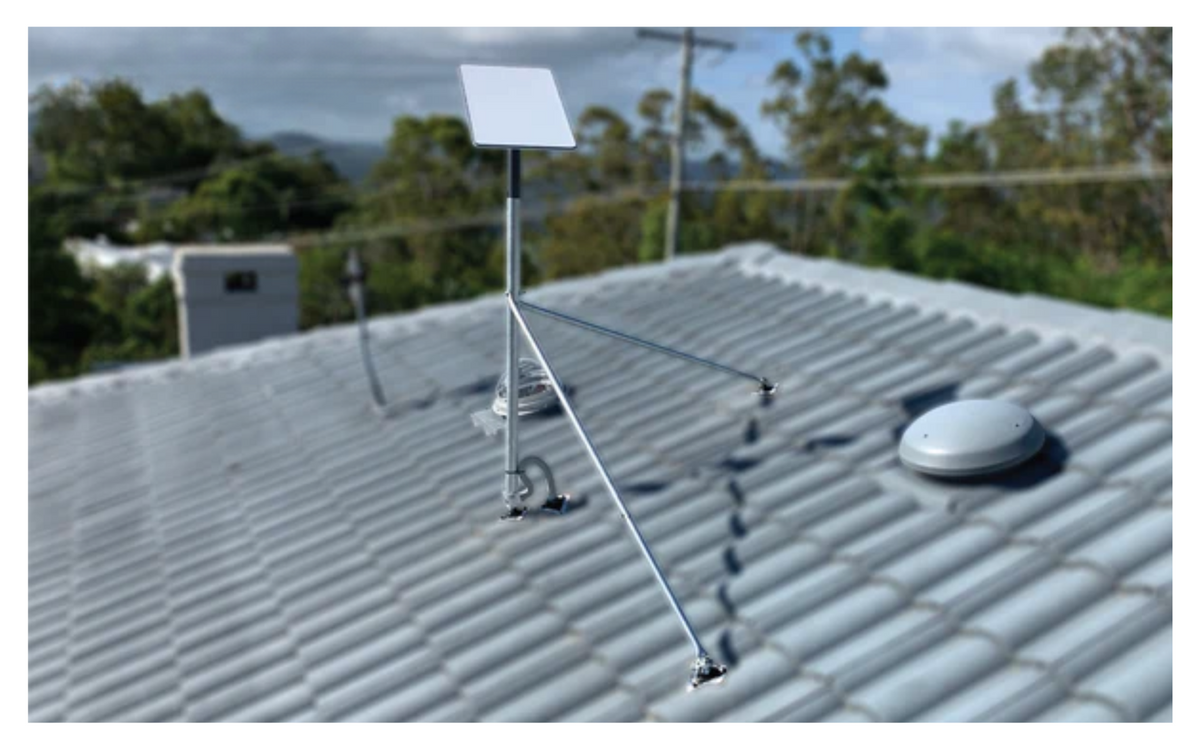
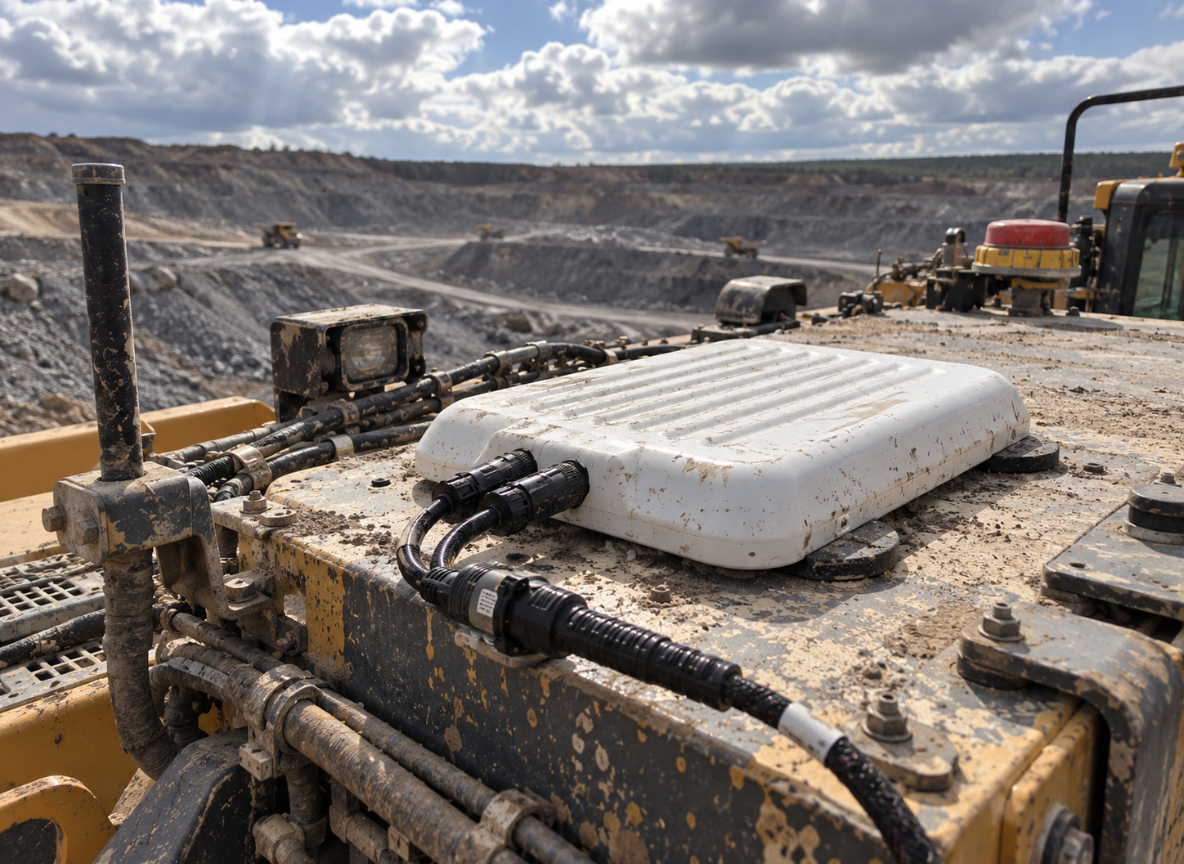
For a sturdy mobile installation, SpaceTek Australia offers precision-machined and folded aluminium or reinforced composite Starlink mounts designed for harsh outback tracks, strong sun and coastal conditions. The right dish mount helps keep your gear secure wherever the road takes you.
Explore our range of Australian-engineered Starlink Mini mounts and accessories when you are ready to refine your setup.

Leave a comment
This site is protected by hCaptcha and the hCaptcha Privacy Policy and Terms of Service apply.