

Why Starlink 12V Power Is the Smarter Choice for Off-Grid Australia

Starlink 12V power is the most efficient way to run your satellite internet in a vehicle, caravan, or remote off-grid setup without mains power, achieved by using a direct DC-to-DC step-up converter or a direct 12V cable to eliminate the energy waste of an AC inverter. By bypassing the double-conversion losses of traditional inverters, premium DC-to-DC power supplies like the SpaceTek StarPower V2 and V3 deliver stable, regulated power directly from your battery bank, ensuring your connection remains online while preserving precious battery capacity.
Here's a quick overview of your main options:
- Direct 12V cable connection — works when your battery maintains stable voltage under load; simplest approach
- DC-to-DC step-up converter — boosts 12V to a regulated output voltage, improving reliability and reducing the risk of boot failures
- Power-tool battery adapter — a portable, plug-and-play option suited to short-term or emergency use
Running Starlink directly from a 12V DC source rather than through a 240V inverter eliminates a significant layer of energy waste. Every time you convert DC to AC and back to DC again, you lose power in the process. For anyone relying on solar panels, a vehicle alternator, or a lithium battery bank, that waste adds up fast.
This matters especially in regional and remote Australia, where mains power simply isn't available and every amp-hour counts. Whether you're a grey nomad heading into the outback, a tradie working from a remote site, or someone who just wants reliable internet away from the grid, understanding your 12V Starlink options is the first step toward a setup that actually works.
This guide walks you through every approach from simple plug-in cables to purpose-built DC power supplies so you can choose what's right for your rig, your battery system, and your budget.
Why Convert to Starlink 12V Power?
When we venture deep into the Australian bush, power management becomes a game of survival for our auxiliary batteries. Running a standard Starlink setup off-grid typically requires an AC inverter to generate 240V power, which the standard Starlink power brick then converts right back down to DC. This double-conversion process is highly inefficient.
By converting to a native Starlink 12V power system using dedicated DC-to-DC solutions like the SpaceTek StarPower V2 and V3, we eliminate these inverter losses entirely. Traditional inverters draw a baseline idle current just by being switched on, which slowly drains your battery bank even when you aren't actively browsing. A direct DC-to-DC setup ensures that every single milliamp drawn from your battery bank goes directly toward keeping you connected to the satellite constellation. For a detailed breakdown of these efficiency gains, you can read more about the Starlink 12V Conversion | Powering Your Starlink Setup Efficiently .
Furthermore, customising your 12V setup allows you to clean up your wiring, integrate physical switches, and build a highly compact, robust system that easily fits into a 4WD canopy, caravan cupboard, or portable power box.
Overcoming Voltage Drop in Starlink 12V Power Systems
One of the most common hurdles we face with low-voltage DC setups is voltage drop. Because 12V systems operate at a relatively low electrical pressure, any resistance in the circuit can cause the voltage to drop significantly by the time it reaches the dish.
This resistance is caused by three main factors:
- Wire Gauge: Thinner wires offer more resistance to electrical current.
- Cable Length: The further the electricity has to travel, the more voltage is lost along the way.
- Connection Resistance: Loose terminals, corroded cigarette sockets, and poor joins add massive resistance.
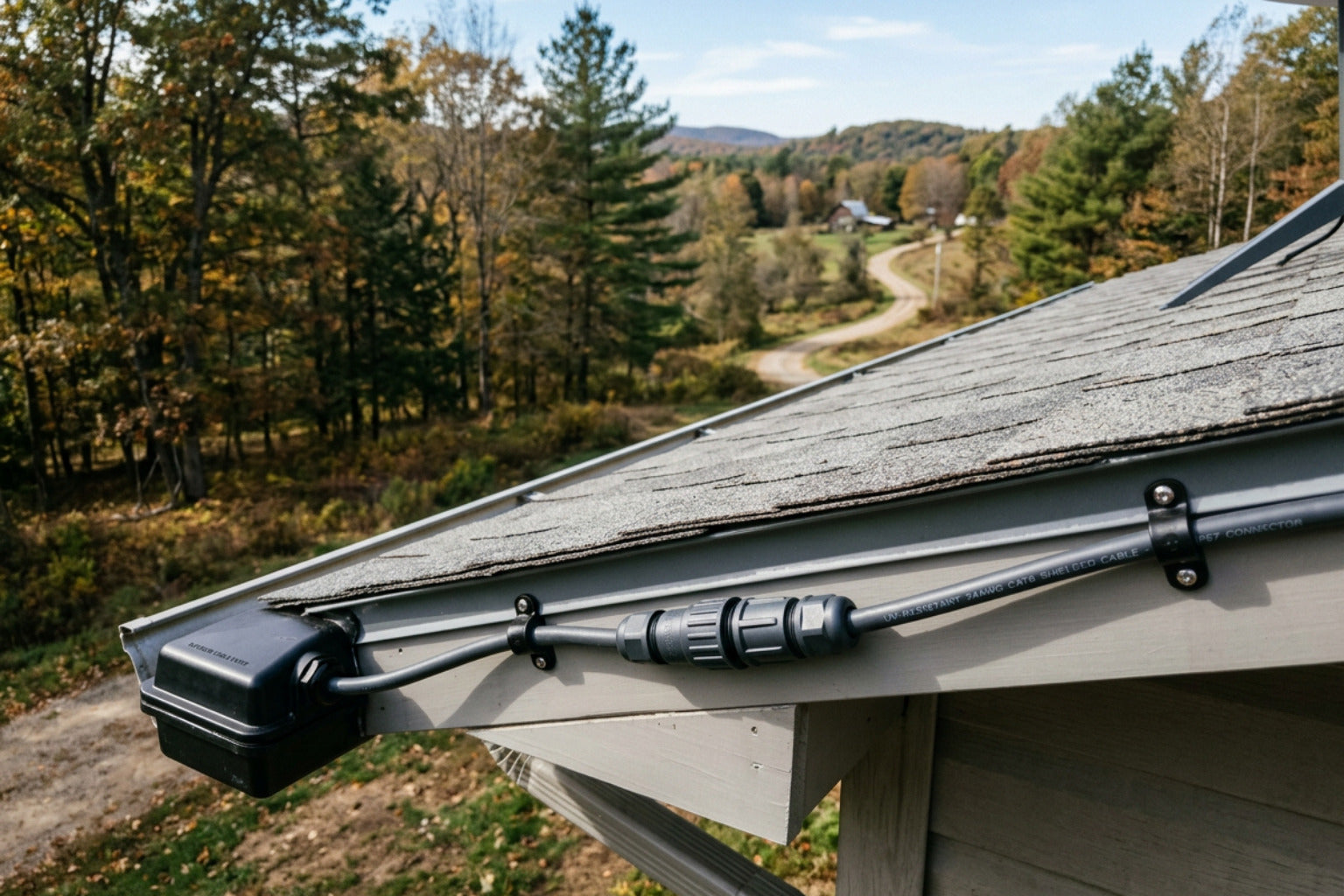
If your dish experiences severe voltage drop, it may fail to boot entirely, reboot constantly when attempting to align, or drop connection under heavy data loads. To minimise this, we always recommend using thick, high-quality marine-grade copper wiring and keeping your cable runs as short as practical.
For portable setups, choosing the right accessories is key; you can explore our premium Starlink Mini Collection to find heavy-duty, outdoor-ready solutions.
How Step-Up Converters Improve Reliability
A step-up (or boost) converter is an electronic device that takes a fluctuating input voltage from a dual-battery system and raises it to a stable, regulated higher voltage.
Using a dedicated, regulated DC-to-DC converter is vastly superior to relying on raw battery power for several reasons:
- Voltage Regulation: Batteries drop in voltage as they discharge. A step-up converter guarantees the dish receives a constant, rock-solid voltage regardless of the battery's state of charge.
- Transient Response: When the dish suddenly demands more power—such as during startup or when transmitting large bursts of data—a quality converter handles these spikes without allowing the voltage to sag.
- Safety: Most reputable converters feature built-in protection against overcurrent, overvoltage, and reverse polarity, acting as a safeguard for your expensive satellite hardware.
For a deeper dive into how these systems function, refer to the Guide to 12V-to-30V DC-DC Converters for Starlink Power Systems .
How to Power Starlink Mini and Standard Dishes on 12V DC
Powering your Starlink terminal directly from DC power depends on which dish generation you own. The Starlink Mini is highly versatile, accepting a wide range of DC inputs, which makes it incredibly popular for rapid deployments.
Meanwhile, the Standard Gen 2 and Gen 3 dishes require more structured DC-to-DC conversions to supply their specific voltage needs.
There are three primary physical methods to run Starlink on 12V:
- Direct 12V Cable: Best for the Starlink Mini when connected to a highly stable, high-output lithium battery bank via a short cable run.
- Step-Up Converter: The gold standard for all models. It steps up your vehicle's 12V or 24V supply to the precise regulated voltage required by the dish.
- Power-Tool Battery Adapter: A fantastic option for ultimate portability, allowing you to run your Starlink Mini off standard power-tool batteries when working away from your vehicle.
If you are planning a comprehensive caravan or 4WD build, checking out our RV Caravan Collection is an excellent way to source rugged, Australian-designed Starlink mounts and accessories that keep your dish safe on corrugated outback roads.
Choosing the Right Starlink 12V Power Setup for Your Vehicle
Every off-grid setup is unique, and the right option for you depends heavily on your travel style and battery chemistry:
- Driving vs. Stationary: If you primarily use Starlink while on the move, your vehicle's alternator will keep system voltage high. However, once parked, your battery voltage will naturally rest lower, making a step-up converter highly recommended to prevent boot failures.
- Lithium (LiFePO4) vs. Lead-Acid/AGM: Lithium batteries maintain a very flat discharge curve for most of their cycle, which is excellent for DC systems. Lead-acid and AGM batteries sag significantly under load, meaning they almost always require a step-up converter to run Starlink reliably.
- Short vs. Long Cable Runs: If your power source is right next to the dish, a direct cable can work. If you need to run a long cable to place your dish in the sun while your vehicle is parked in the shade, you must use a step-up converter to combat the inevitable voltage drop.
Troubleshooting Common Starlink 12V Power Issues

If your 12V Starlink setup isn't performing perfectly, look out for these common issues:
- Failure to Boot: If the dish lights up but refuses to connect, or constantly cycles on and off, this is classic voltage sag. Check your connections, shorten your cables, or install a quality step-up converter.
- Intermittent Connection Drops: Often caused by high current draw spikes when the dish is searching for satellites. Ensure your power source can supply sufficient continuous current.
- Alternator vs. Battery Discrepancy: If your system works perfectly while the engine is running but drops out as soon as you turn the key off, your auxiliary battery is dropping below the minimum voltage threshold required to sustain the startup draw.
SpaceTek StarPower: Premium DC Power Supplies

To take the guesswork out of DIY wiring and fragile adapters, we developed the SpaceTek StarPower range. These are premium, heavy-duty DC-to-DC power supplies specifically engineered to handle the harsh Australian climate and the demanding power profiles of Starlink terminals.
By utilising direct DC-to-DC power, you bypass the massive inefficiencies of AC inverters and enjoy a clean, reliable, and integrated internet setup.
StarPower V2 for Gen 1, 2, and 3 Standard Terminals
The StarPower V2 by SpaceTek is a robust, fanless DC power supply designed to power Gen 1, 2, or 3 Standard Starlink terminals directly from any dependable DC power source.
By eliminating the need for the stock Starlink router, you can run your own highly efficient, custom BYO router (such as a compact 12V travel router) and connect it directly to the WAN input.
Key Features of the StarPower V2:
- Broad Input Range: Compatible with both 12V and 24V vehicle electrical systems.
- Regulated DC Output: Delivers stable power to keep your dish online through heavy data transmissions.
- Bypass the Starlink Router: Designed to connect directly to the WAN input of your own BYO router, allowing for custom networking, guest networks, and lower overall power consumption.
- Multiple Connection Options: Choose from an Anderson Plug, a DC jack, or a DC jack with an AC power pack to suit your specific installation.
- Unregulated DC Pass-Through: Features a connector to power your secondary router directly from the same unit, simplifying your canopy wiring.
- PoE LED Indicator: Built-in visual diagnostics to monitor the output fuse status at a glance.
- Rugged, Compact Design: Features passive, fanless cooling and full protection against overvoltage, overcurrent, thermal overload, and reverse polarity.
Note for Gen 2 Users: To use your original Gen 2 SPX cable with the StarPower V2, you will need a Starlink SPX to RJ45 adapter. Alternatively, you can modify the SPX cable yourself by cutting it to length and terminating it with a shielded Cat6 plug using the T-568B standard, though the plug-and-play adapter is our highly recommended option.
StarPower V3 for Gen 3 Standard 4/4x Terminals
For those running the latest Gen 3 (Standard 4/4x) hardware, we engineered the StarPower V3. This unit is specifically designed to deliver a stable, regulated output, powering your terminal directly through the high-performance Starlink router included in your standard kit.
To ensure your system runs smoothly under heavy loads, we recommend the following installation steps:
- Mount the Unit Correctly: Install the StarPower V3 indoors or inside a fully weatherproof enclosure (such as a sealed canopy control box), as the housing is designed for heat dissipation but is not moisture-resistant.
- Wire Directly to the Battery: Use high-quality, heavy-gauge cabling from your battery source to eliminate voltage drop.
- Connect to the Starlink Router: Plug the regulated output directly into your Gen 3 Starlink router.
- Power Up and Align: Switch on your DC source. The StarPower V3 will handle the high current demands of startup and satellite acquisition seamlessly, keeping your connection rock-solid.
You can order your own StarPower V3 DC Power Supply directly from our store to upgrade your Gen 3 setup today.
Frequently Asked Questions
- What is the best 12V option for a caravan? A dedicated step-up converter like the StarPower V2 or V3 is ideal, as it handles the long cable runs and voltage fluctuations common in caravans.
- Can I keep my Starlink app features on 12V? Yes! Because the modem and firmware live inside the dish itself, you retain full app control, satellite alignment tools, and speed tests even when using custom DC power supplies and BYO routers.
- How much power does a 12V conversion save? By eliminating the double-conversion losses of an inverter, a direct DC setup can significantly reduce your total daily amp-hour consumption, allowing you to stay off-grid for much longer.
Can I run Starlink Mini directly from a 12V battery?
Yes, the Starlink Mini is designed with a highly versatile DC input range, meaning it can technically accept a direct 12V feed. However, doing so successfully requires a very high-quality battery system.
During initial startup and satellite acquisition, the Mini demands a brief but significant surge of current. If your battery is slightly discharged, or if your cable run is too long or too thin, the voltage will sag. When the voltage drops too low under this startup load, the Mini will fail to boot or will constantly reboot. For this reason, we always recommend using a regulated step-up converter to ensure a stable, reliable power supply.
Why does my Starlink Mini work while driving but fail when parked?
This is a classic symptom of voltage sag related to your vehicle’s charging state:
- While Driving: Your vehicle’s alternator is actively spinning, pushing the system voltage up. This extra electrical pressure easily overcomes any minor resistance or voltage drop in your cabling, allowing the dish to boot successfully.
- When Parked: The engine is off, and your battery drops back down to its resting voltage. Under the heavy current draw of the Starlink startup sequence, this resting voltage sags even further. If it drops below the dish's minimum operating threshold at the end of your cable run, the system will fail to boot.
Will converting my Starlink to 12V power void the warranty?
Using quality, commercially engineered DC power supplies—like our SpaceTek StarPower range—does not void your warranty. The Starlink Mini is natively designed to accept DC power, and our Gen 3 systems are designed to integrate seamlessly without modifying the dish itself.
However, performing unguided DIY modifications, cutting proprietary cables without proper tools, or using cheap, unregulated converters that send incorrect voltages to your dish can easily damage your equipment and void your support terms. If you want to ensure your setup is safe, reliable, and neat, please Contact Us for expert advice on your specific vehicle layout.
Conclusion
Converting your satellite internet to run on Starlink 12V power is one of the best upgrades you can make for off-grid travel in Australia. It preserves your precious battery capacity, eliminates the need to run noisy or inefficient inverters 24/7, and allows you to build a clean, professional, and integrated communication setup.
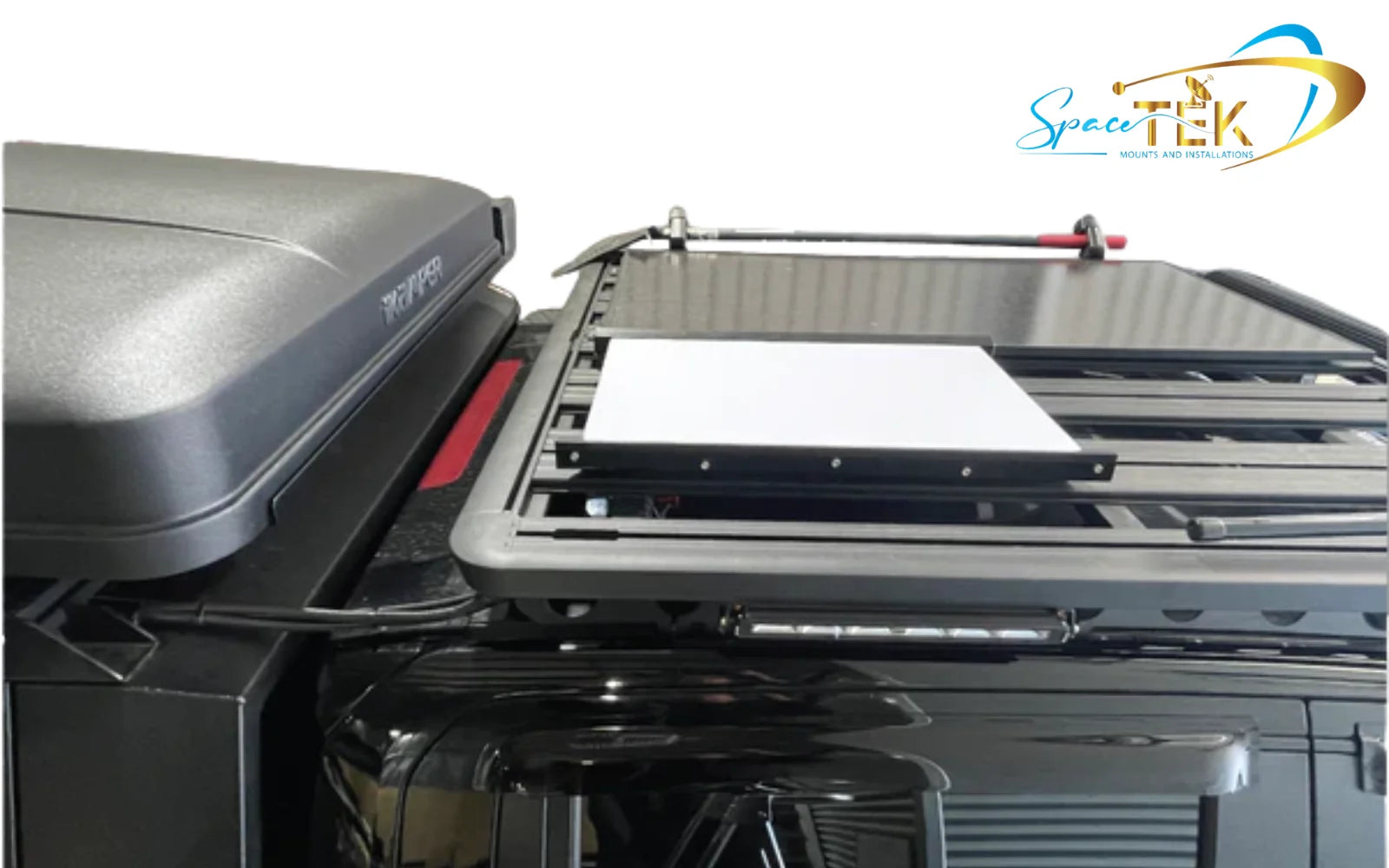
At SpaceTek, we are proud to design and manufacture heavy-duty, rust-resistant Starlink mounts and premium DC power solutions built specifically to withstand the harsh vibrations, dust, and heat of the Australian outback. Whether you are mounting your dish permanently to a 4WD roof rack or setting up a portable base camp, choosing precision-machined, rugged equipment ensures you stay connected wherever your adventures take you.

Leave a comment
This site is protected by hCaptcha and the hCaptcha Privacy Policy and Terms of Service apply.