
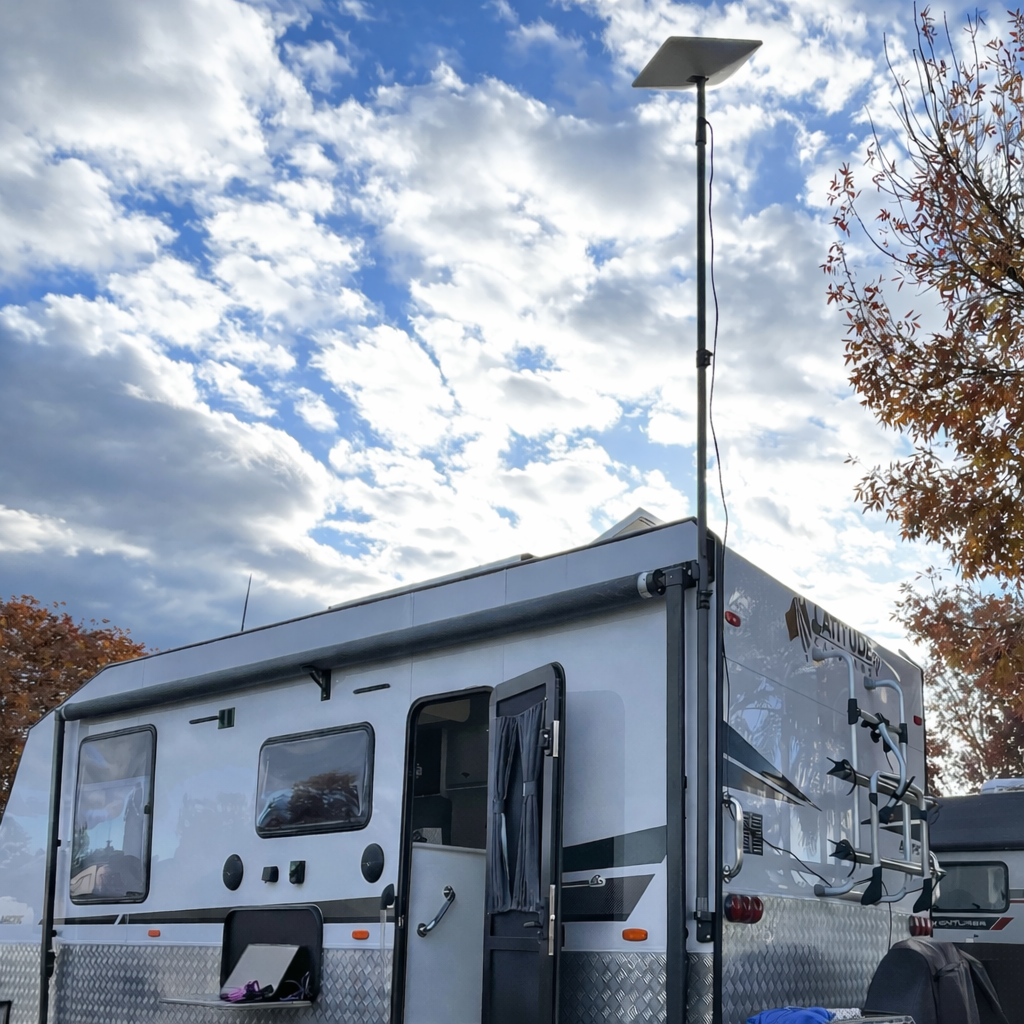
Choosing a waterproof bulkhead RJ45 socket for your caravan
A bulkhead socket provides a fixed connection point through a panel, so you can plan the cable entry separately from the rest of your Starlink setup. Before choosing one, check the actual connector, the space behind the panel and the cable you intend to use. A matching plug shape alone is not enough to confirm that the whole installation is suitable.
SpaceTek's angled RJ45 bulkhead socket and coupler has an angled rear connection for shallow spaces and is listed with an IP68 rating. The product notes make clear that weather sealing depends on panel preparation, gasket seating and cable fitment.
This guide, reviewed in October 2026, focuses on choosing and planning the pass-through. Use the current product instructions for the installation details rather than treating a general article as a drilling or wiring template.
Start with the cable and the available space
Before ordering, make a short checklist:
- Identify your Starlink equipment and the exact cable connection you want to pass through the panel.
- Check that the cable, plug and protective fittings are suitable for the selected socket.
- Allow space on both sides of the panel, including room to connect and disconnect the cable.
- Check the manufacturer's panel and mounting requirements before making a hole.
- Decide how the cable will be supported so its weight or movement does not pull on the connection.
The angled rear connection may be useful where a straight connection would leave an awkward cable route. That does not remove the need to measure the space. If dimensions or fitment details are missing from the listing, ask for them before buying.
What the weather rating does—and does not—tell you
Use the rating and installation conditions for the specific product. Do not assume that every RJ45 coupler, cable boot or improvised enclosure creates the same sealed connection.
The socket's rating is not a blanket guarantee that your completed caravan installation is waterproof. The panel entry and the cable connection both need attention, and an exposed or poorly fitted connection should not be treated as protected simply because the socket itself carries an IP rating.
Keep the product instructions with the installation record. If you are unsure how the panel should be prepared or sealed, have the vehicle or installation specialist confirm the method before work begins.
Keep the connector choice separate from power and networking
An RJ45 pass-through does not by itself establish which power supply, router or Starlink model your complete system supports. Confirm those requirements with the relevant equipment suppliers.
Avoid choosing a connector based on unlisted material, shielding or electrical claims. If your setup depends on a particular cable category or power capability, request written specifications for the exact parts you will use. Do not assume that a generic coupler is interchangeable with a model-specific accessory.
You do not need to redesign the power system simply to plan a cable entry. Treat any separate power conversion or router change as its own compatibility check.
Plan the panel entry before installation
Choose an accessible location where the connection can be inspected and disconnected when needed. Check what is behind the proposed opening before any cutting or drilling; use an appropriate installer if that cannot be established confidently.
Discuss the following with the installer:
- The socket's required opening and the panel's suitability.
- Clearance for the rear connector and cable route.
- The correct gasket, sealing and fastening method for that product and panel.
- How exposed connections will be protected when in use and when disconnected.
- How the finished cable route will be supported and checked.
There is no universal drill size, tightening torque or sealant recommendation in this guide. Those details belong to the selected hardware and installation surface.
Questions to settle before buying
Does this work with every Starlink system?
Confirm your equipment and cable with the supplier. The product is marketed for Starlink and generic RJ45 pass-throughs, but that should not be read as approval of every possible combination of dish, cable, power supply and router.
Are the cable and other equipment included?
The current listing includes one angled bulkhead socket and coupler. It excludes the cable, router, Starlink terminal and mounting panel. Check the listing again when ordering in case the package changes.
Will a pass-through improve internet speed?
Choose it to solve a cable-entry or layout need. This guide makes no speed or coverage promise. Investigate signal, service and network issues separately instead of assuming a new socket will resolve them.
Choose the part against your installation—not just its name
A useful purchase decision starts with the cable connection, available clearance and documented installation requirements. Record those details first, then compare them with the current SpaceTek product specification.
If any essential fitment or compatibility detail remains unclear, confirm it before installation. That is more useful than relying on a general claim that one connector can make an entire off-grid setup waterproof or improve its performance.

Leave a comment
This site is protected by hCaptcha and the hCaptcha Privacy Policy and Terms of Service apply.