
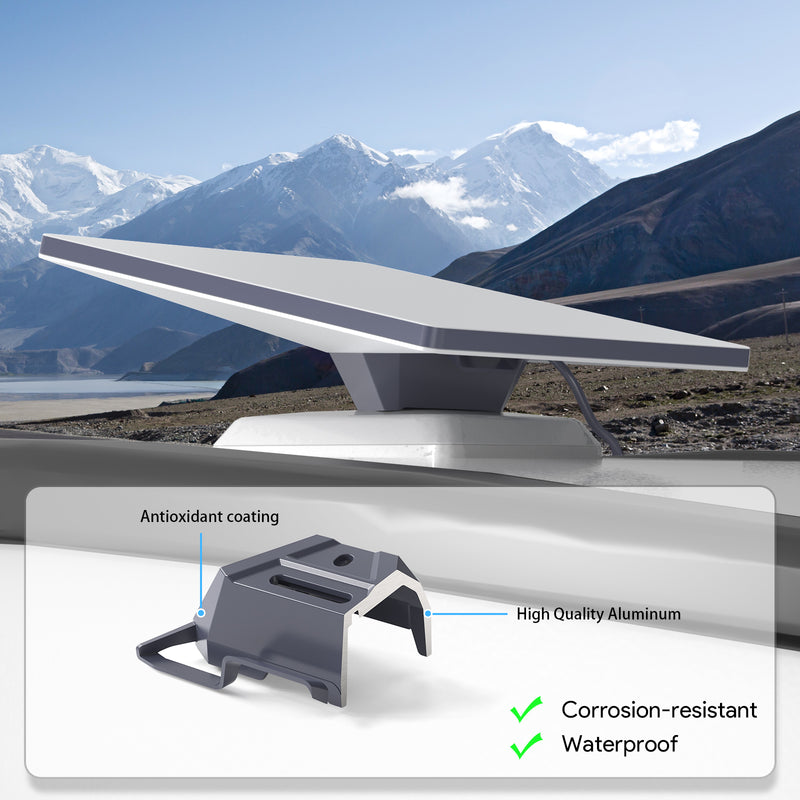
Which Starlink Mini mount should you choose?
Choose a Starlink Mini mount around three decisions: where the terminal will sit, whether it will stay there, and whether you want service while moving. A pole installation at a cabin, a temporary setup at camp and a vehicle roof rack need different checks.
Start by confirming that the accessory is made for the Mini. Then check the supporting surface and the manufacturer's installation requirements. A product described as portable or mobile is not automatically suitable for driving with it attached.
This October 2026 guide compares the main options and the questions to resolve before buying. It does not replace the instructions for your exact mount or an assessment of the structure supporting it.
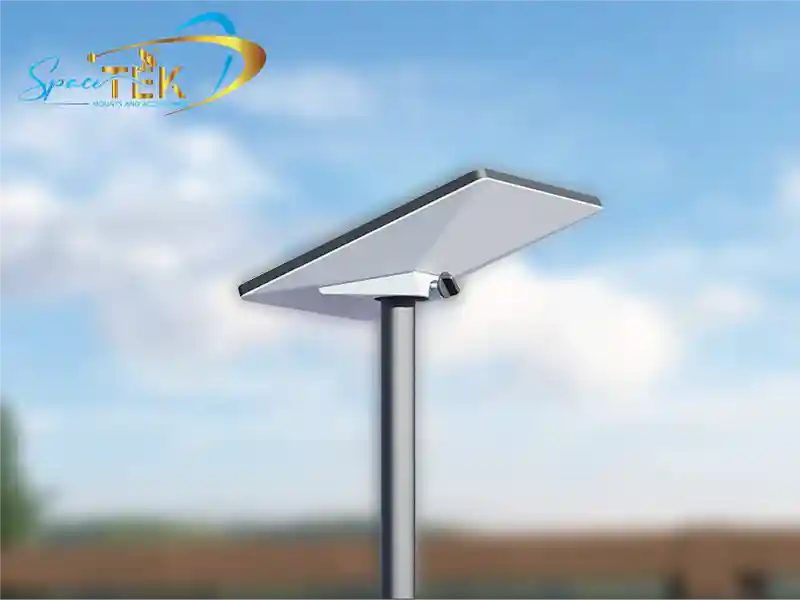
Compare fixed, temporary and vehicle mounting options
| Your intended use | Option to investigate | Main check before buying |
|---|---|---|
| A fixed position at a cabin or property | Mini-compatible pole or flat-surface mount | Exact pipe fit or suitable structural fixing surface |
| A parked vehicle or short stop | A stationary glass mount or portable setup | Surface suitability, sky view and safe removal before travel |
| A vehicle used while moving | A dedicated in-motion mount | Rack attachment, installation instructions and an eligible service plan |
| Moving between several locations | A removable mount | How the terminal is released, stored and secured each time |
A permanent mount can reduce repeated setup, but it also commits you to a location. A removable setup gives you more opportunities to move away from trees and other obstructions. Neither approach guarantees uninterrupted service or prevents theft.
Before ordering, write down your Mini model, the rack or pole details, and how you intend to use it. Include the pole's measured outside diameter rather than assuming that any product called a pole adapter will fit. For a flat surface, establish what lies beneath the panel and which attachment method is allowed by its manufacturer.
Plan the cable route at the same time. Check access to the connections and whether doors, moving parts or storage arrangements could damage the cable. Leave drilling, roof access and uncertain structural fixings to an appropriate installer.
Vehicle mounts and temporary glass mounts serve different purposes
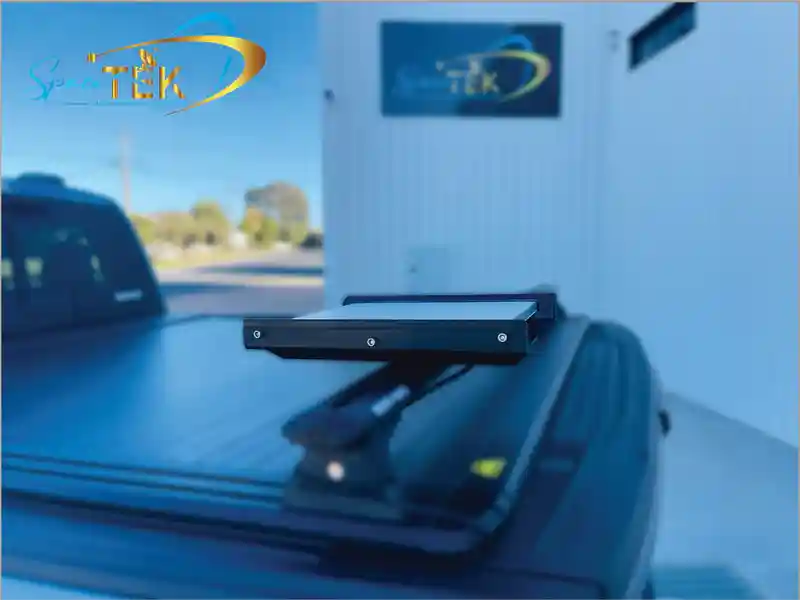
A dedicated in-motion mount
SpaceTek's Mini in-motion vehicle mount uses a powder-coated aluminium base and machined nylon side rails. Its listing distinguishes the supplied mount assembly from the hardware needed to attach it to a vehicle or rack: that attachment hardware is not included.
Confirm compatibility with the actual rack before ordering fasteners. The product instructions require a structurally suitable surface and consideration of speed, wind and vibration. They warn against attachment to thin, flexible or non-structural panels. A low-profile mount still adds height, so measure the finished installation before relying on a carpark or garage clearance.
A stationary suction mount
The Mini suction cup windscreen mount is explicitly for stationary use. The current version has four suction cups and holds the terminal without relying on its kickstand.
SpaceTek specifies a smooth, clean, non-porous surface, periodic suction checks and a warning that high cabin temperatures can reduce adhesion. These conditions matter even when a mount initially feels secure. Do not treat it as a substitute for an in-motion installation, and remove and stow the setup before driving.
When does a universal Mini mount make sense?

The Mini universal mount combines pipe, flat-surface and mobility mounting functions. The current listing specifies ASA/ABS construction, cable routing through the adapter and a removable terminal connection.
It is listed for the Mini only, not the larger Starlink generations. The stated pipe limit is 41.9 mm outside diameter; compare that with your actual pipe and confirm the fit before buying. Flat-mount fasteners are supplied separately to suit the surface.
The word universal refers to its mounting functions, not permission to attach it to any structure or use it at any speed. If you intend to leave it on a moving vehicle, confirm the entire installation and operating conditions with the supplier. A product's compatibility with the Mini does not establish that your roof, rack or pole is suitable.
For a removable setup, also consider where the terminal will go when packed away and whether the cable can be disconnected and stored as instructed. Removal may help you avoid leaving equipment unattended, but no mount should be described as theft-proof.
Questions to answer before installation
Can I use the Mini while driving?
Starlink lists the Mini among supported in-motion hardware, but you also need an eligible service plan, an authorized location and a suitable installation. Check the current in-motion guidance for your circumstances. Residential plans do not permit in-motion use. Buying a vehicle mount does not change your subscription's permissions.
How do I check the view of the sky?
Use the obstruction and alignment guidance in the Starlink app. Assess the proposed position safely, taking account of trees, buildings and equipment around it. Do not climb onto a roof merely to hold a phone at the installation point; arrange an installer assessment where access is unsafe. Recheck a temporary location when moving camp rather than assuming that the previous setup applies.
Does a new mount require a different power system?
Treat mounting and power compatibility as separate decisions. Follow the Mini kit's power instructions and check any proposed accessory against the exact model. A mount purchase alone is not a reason to replace power equipment or change router settings. Avoid choosing a supply just because it is advertised for another Starlink generation.
What should I ask the supplier?
Provide the Mini model, proposed surface, rack or pipe dimensions, stationary or moving use, and whether you need regular removal. Ask what is included, what additional attachment hardware is required and which installation guide applies.
Choose for the actual installation
The useful distinction is between a mount that fits the Mini and a complete installation that suits your location. Check both before purchasing, and use current product instructions for the details.
Browse SpaceTek's Starlink Mini mobility mounts to compare available options. If the rack, surface or intended use is uncertain, contact SpaceTek with those details before ordering. Resolve fit and installation questions first rather than relying on general promises about weather resistance or connectivity.
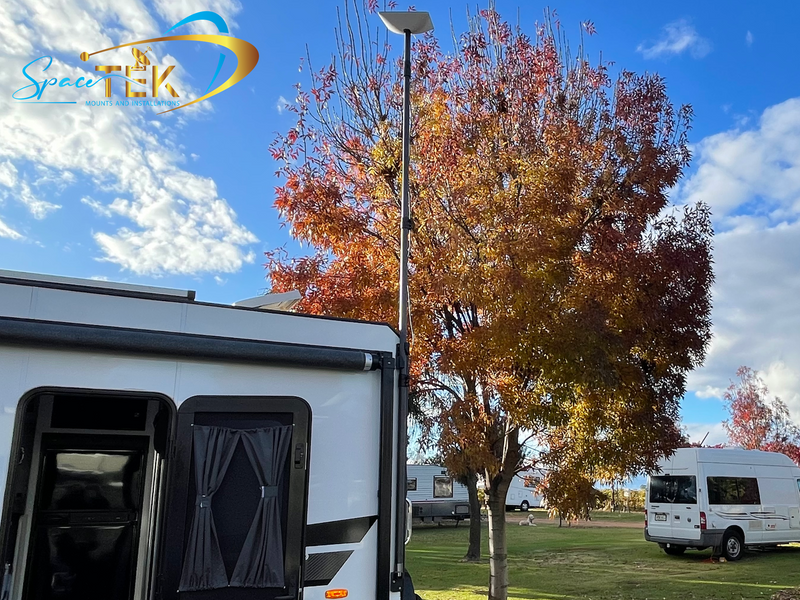

Leave a comment
This site is protected by hCaptcha and the hCaptcha Privacy Policy and Terms of Service apply.